How to create a new mural in Mural
Here is how to create a new mural in mural
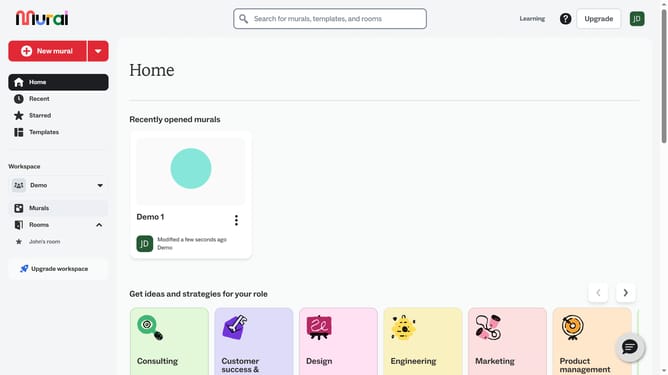
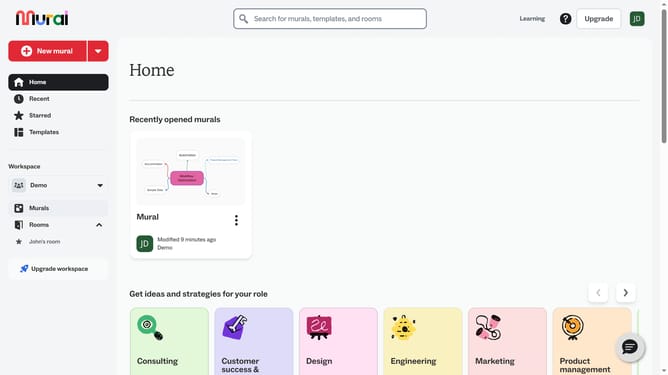
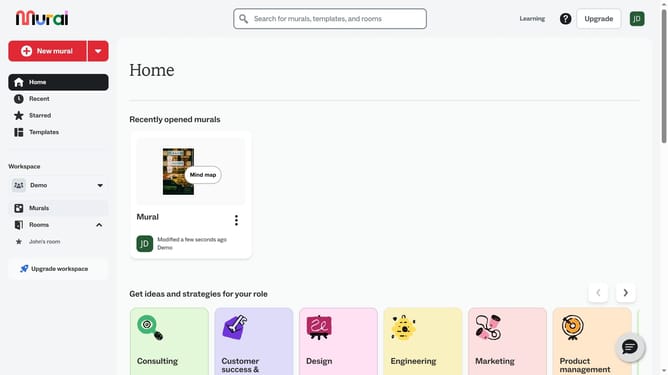
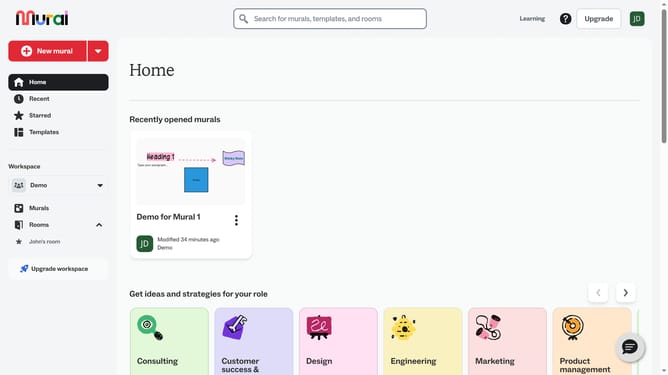
- First click on the "New mural" button in the sidebar to initiate creating a new mural
- Then click on the "Create open mural" button in the dialog box to proceed with creating an open mural visible to all workspace members
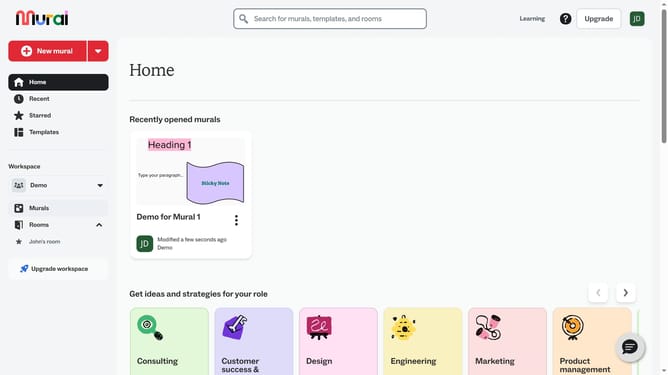
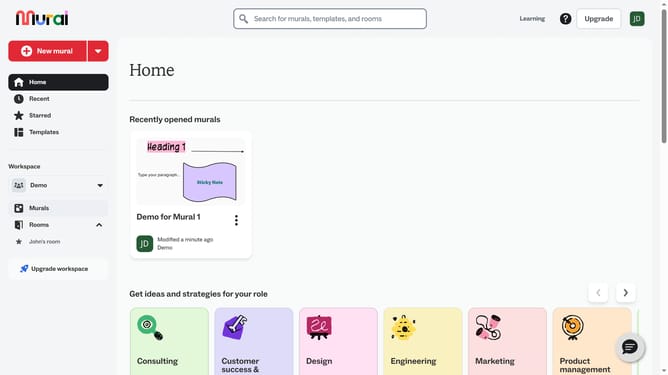
- Next click on the "Mural name" text input field and enter the desired name for your mural
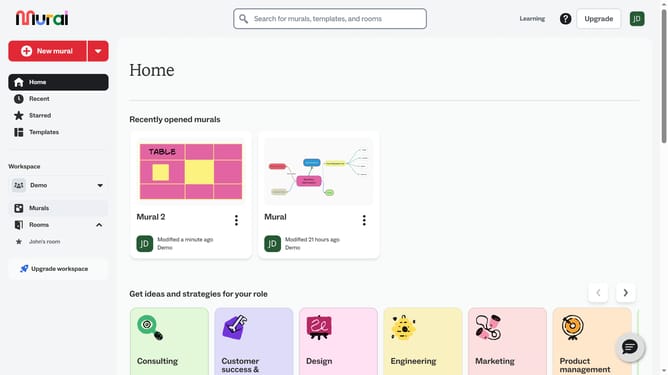
- Then click on the "Create mural" button to finalize the creation of the new mural
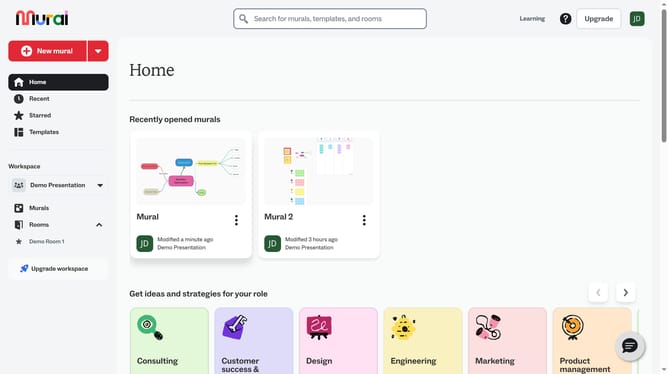
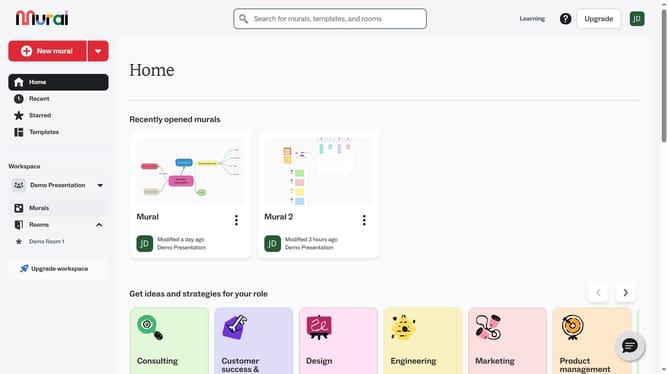
- Finally click on the close button in the top-right corner of the Templates panel to close the templates dialog
Why should you create a new mural in Mural
Mural is a digital workspace designed to foster visual collaboration and idea sharing.
Creating a new mural in Mural allows teams to map out thoughts in an interactive canvas, enhancing creativity and organization.
By setting up a new mural, teams can visualize concepts, streamline workflows, and improve decision-making processes.
Engaging with these visual tools promotes clarity and cohesion, leading to more productive collaborations.
Last update