How to switch shape type in Mural
Here is how to switch shape type in mural
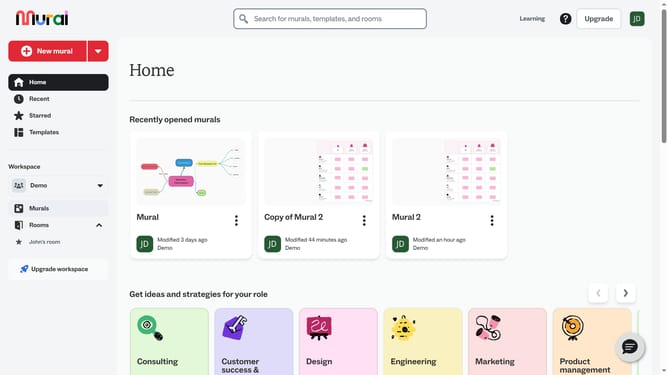
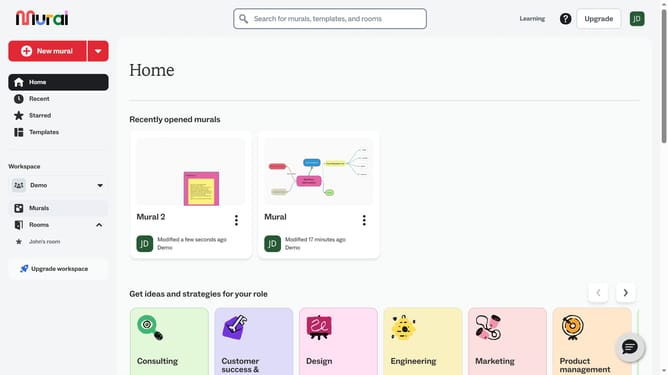
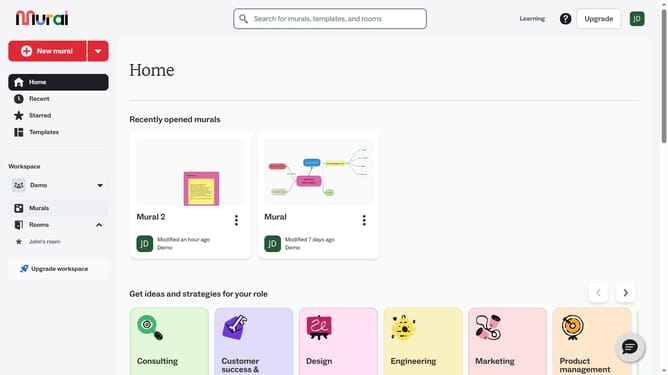
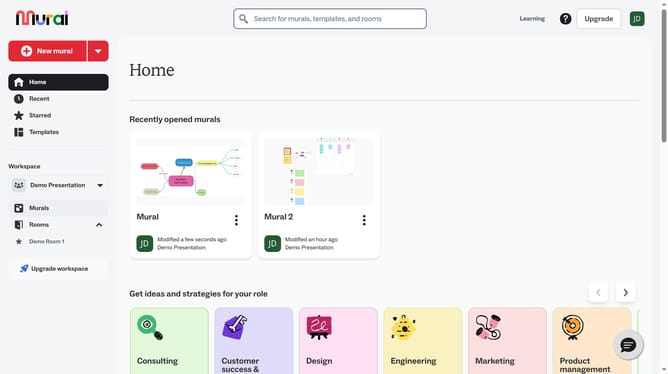
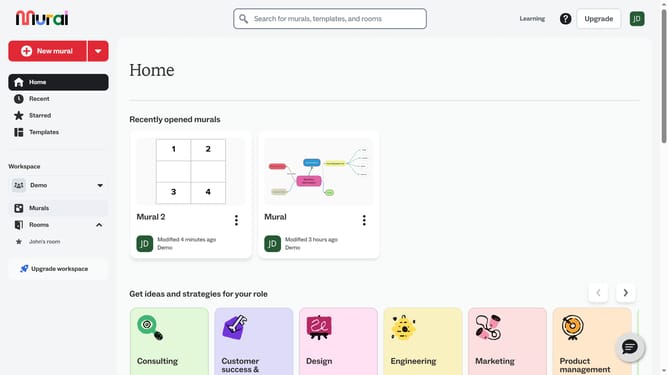
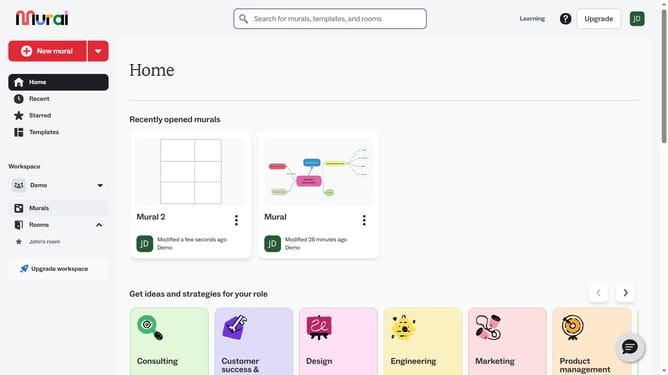
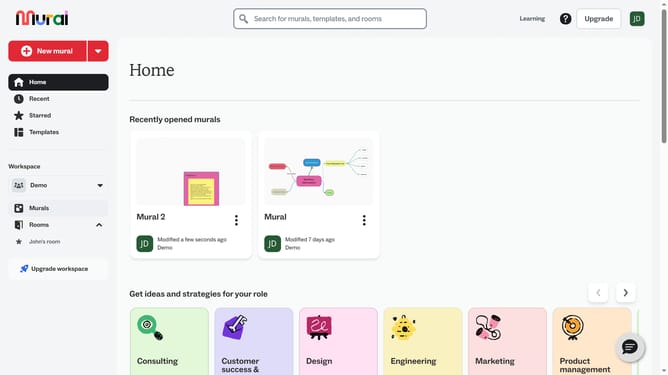
- First click on the "Murals" item in the left sidebar under the Workspace section
- Open the mural where the shape is located
- Next click on the shape on the canvas to select it
- Then click on the "Switch type" button in the floating toolbar above the selected shape
- Finally click from the shape option in the shape type dropdown menu
Why should you switch shape type in Mural
Mural is an innovative digital workspace aimed at enhancing team collaboration and creativity.
Switching shape types in Mural allows users to easily customize their visual elements, making the workspace more dynamic and effective. This feature ensures that your ideas can be represented in the most suitable form, whether you need circles for highlighting connections or squares for organizing data.
By providing the flexibility to change shape types, Mural enhances visual communication and helps streamline the creative process. It empowers teams to present their concepts clearly, leading to a more productive brainstorming session.
Thus, utilizing this feature facilitates a more organized and visually appealing workspace that can adapt to various brainstorming needs and project objectives.