How to add heading text boxes in Mural
Here is how to add heading text boxes in mural
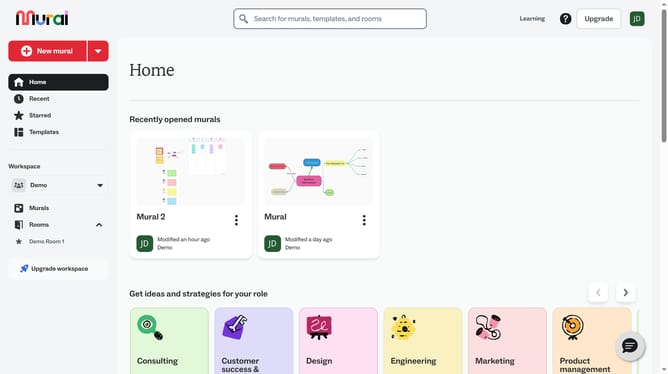
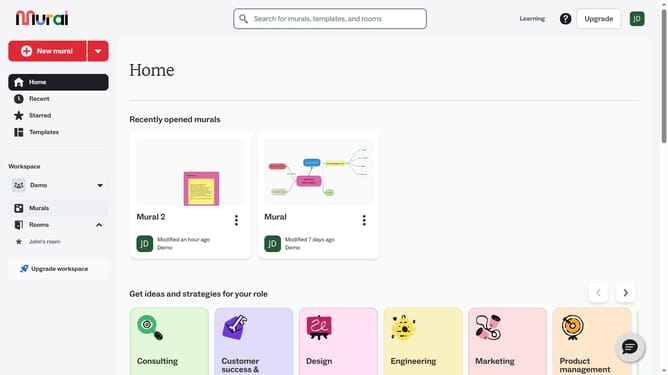
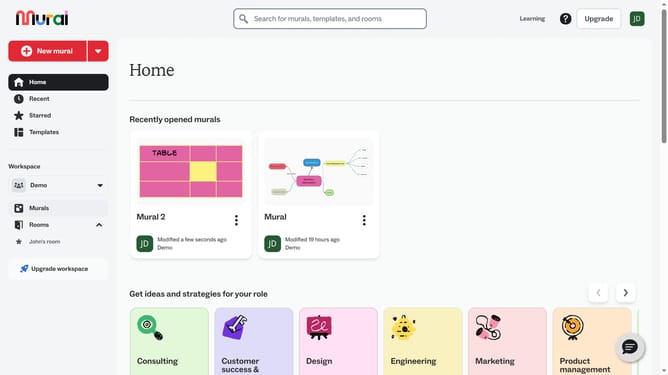
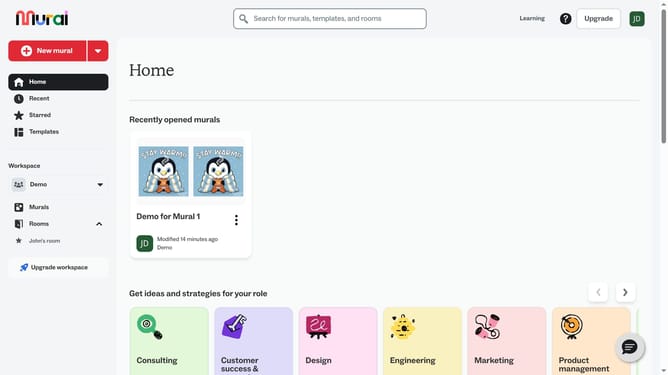
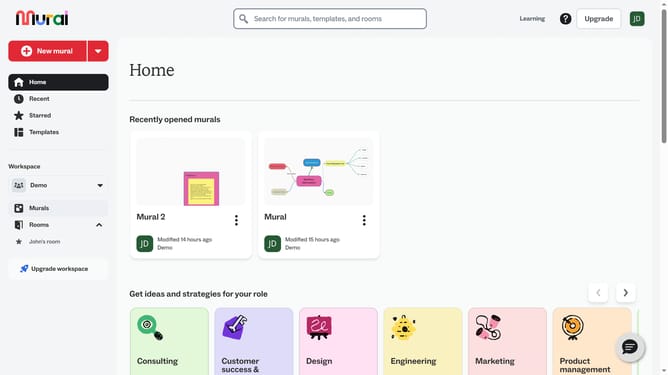
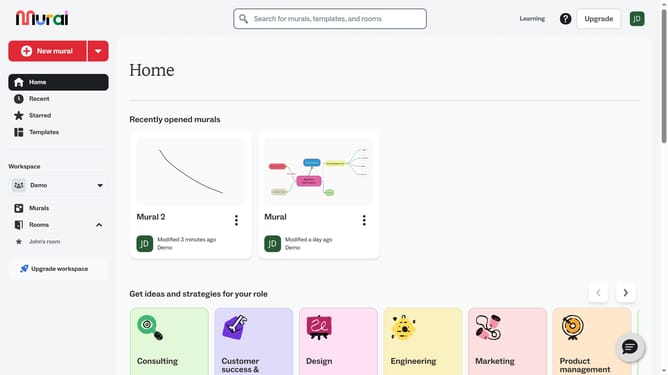
- First click on the "Murals" item in the left sidebar under the Workspace section
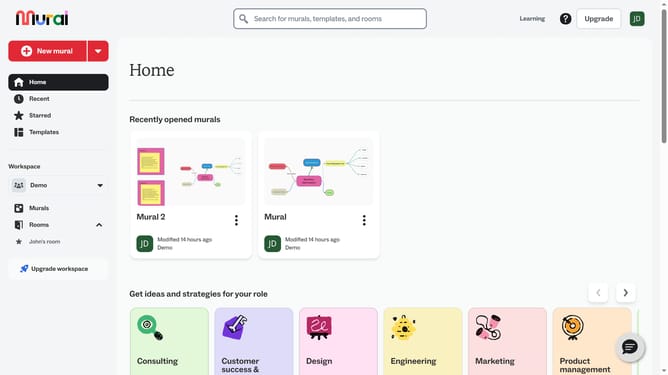
- Select and open the mural where you want to add text
- Next click on the "Text" tool button in the left toolbar to access text options
- Finally click on the "Heading" option in the Text panel to select the heading text type
Why should you add heading text boxes in Mural
Mural is a digital workspace designed to amplify visual collaboration and creativity.
Adding heading text boxes in Mural enhances the way you structure and communicate ideas within your mural projects.
This feature allows users to create clear, bold headings that organize thoughts and guide discussions, making complex projects more digestible and simplifying collaboration.
By using heading text boxes, teams can quickly identify key points and maintain focus, fostering a more productive and efficient workflow.
Last update