How to add sticky note to table cells in Mural
Here is how to add sticky note to table cells in mural
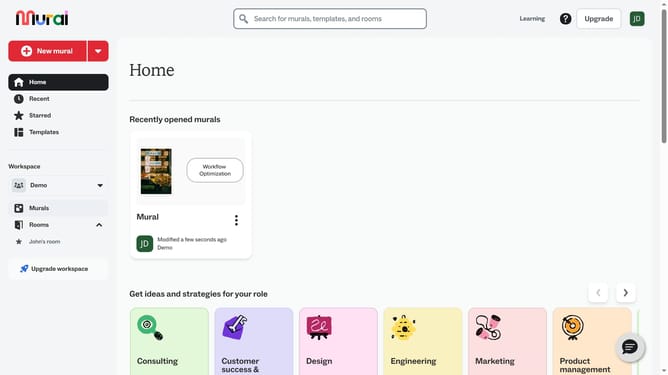
- First click on the "Murals" item in the left sidebar navigation menu
- Then click on the mural that you want to manage to open it
- Click on the table element in the canvas to select it
- Click on the specific cell to reveal the editing toolbar at the top
- Then right-click on a table cell to open the context menu
- Finally click on the "Sticky note" option in the context menu to add a sticky note to the table cell
Why should you add sticky note to table cells in Mural
Mural is an innovative online platform designed to enhance collaborative teamwork through visually engaging diagrams and boards.
One of its standout features is the ability to add sticky notes to table cells, seamlessly integrating ideas and feedback within structured data.
This capability allows users to annotate directly on tables, facilitating better organization and visualization of information.
Using sticky notes in tables enhances clarity and understanding, providing a dynamic way to capture and share insights during collaborative sessions.
Last update