How to use the eraser in Mural
Here is how to use the eraser in mural
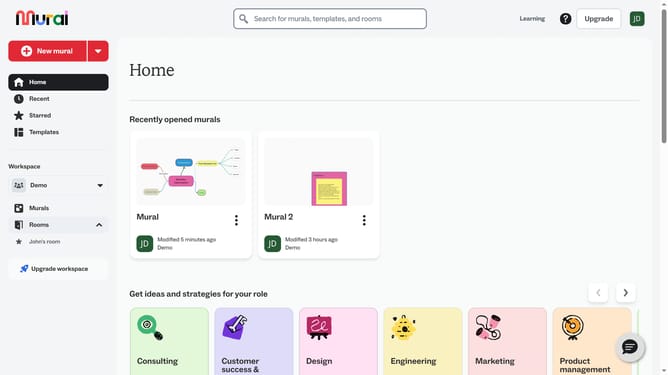
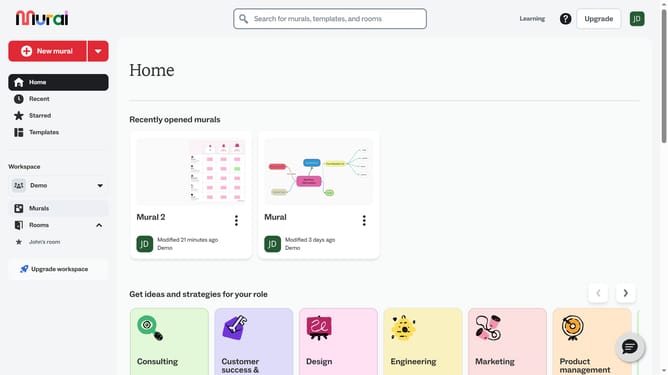
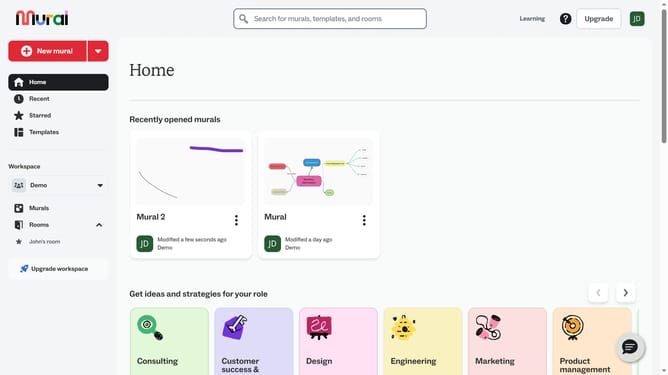
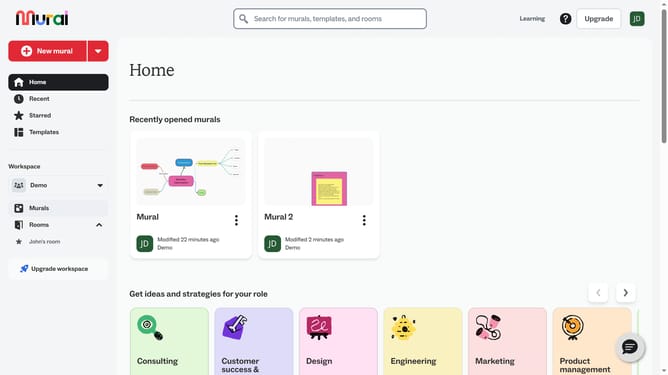
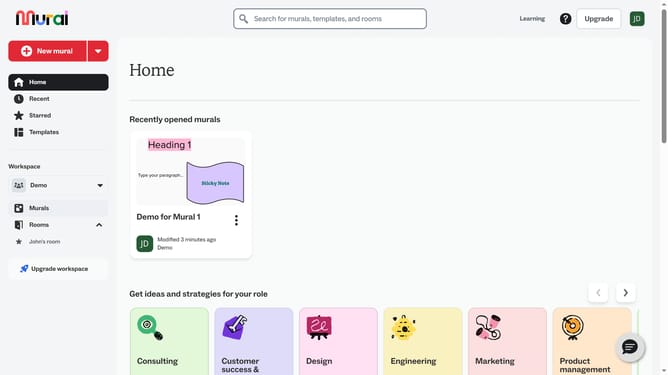
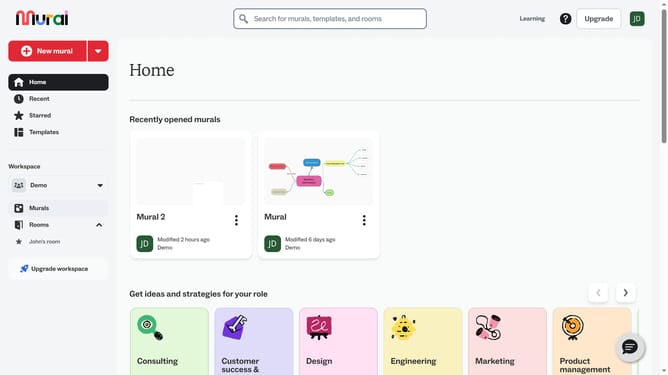
- First click on the "Murals" item in the left sidebar
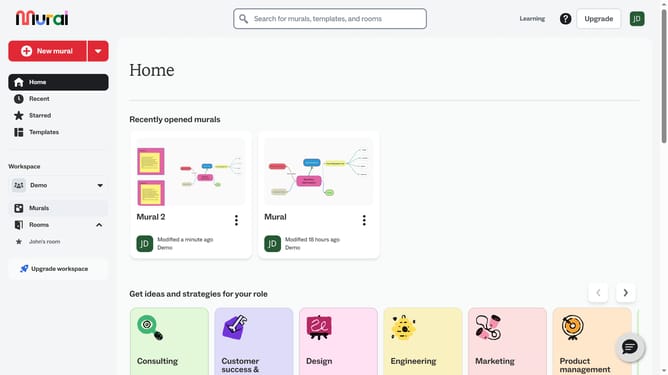
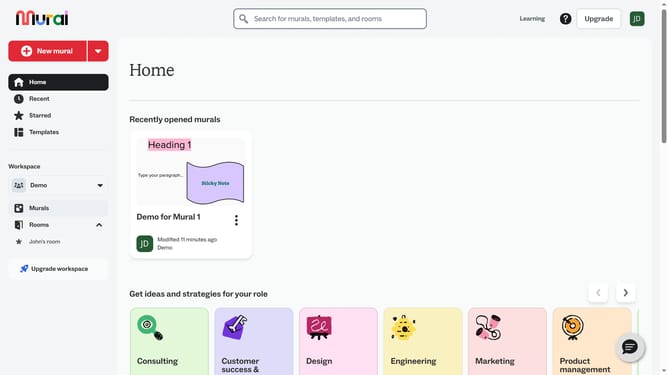
- Then click on the name of the mural that you want to open from the murals section
- Next click on the "Draw" tool button in the left toolbar
- Then click and drag on the canvas to draw freehand
- Then click on the "Eraser" tool button in the drawing toolbar
- Then click and drag over the freehand drawings or lines you want to remove and release the mouse button to erase
- Finally click on the "Done drawing" button to exit drawing mode
Why should you use the eraser in Mural
Mural is a dynamic digital workspace designed to foster visual collaboration.
The eraser feature in Mural allows users to seamlessly refine their ideas by removing any unwanted elements from their digital canvas.
Using this feature not only helps maintain the clarity and focus of your workspace but also encourages creative freedom by helping you swiftly edit and iterate on ideas.
By clearing away clutter, the eraser tool ensures your brainstorming sessions stay productive and visually organized.
Last update