Mural
Mural is a visual collaboration platform for brainstorming, planning, and running remote workshops on a shared canvas.
Website
Industry
Design
Share this article:

How to add description into a workspace in Mural

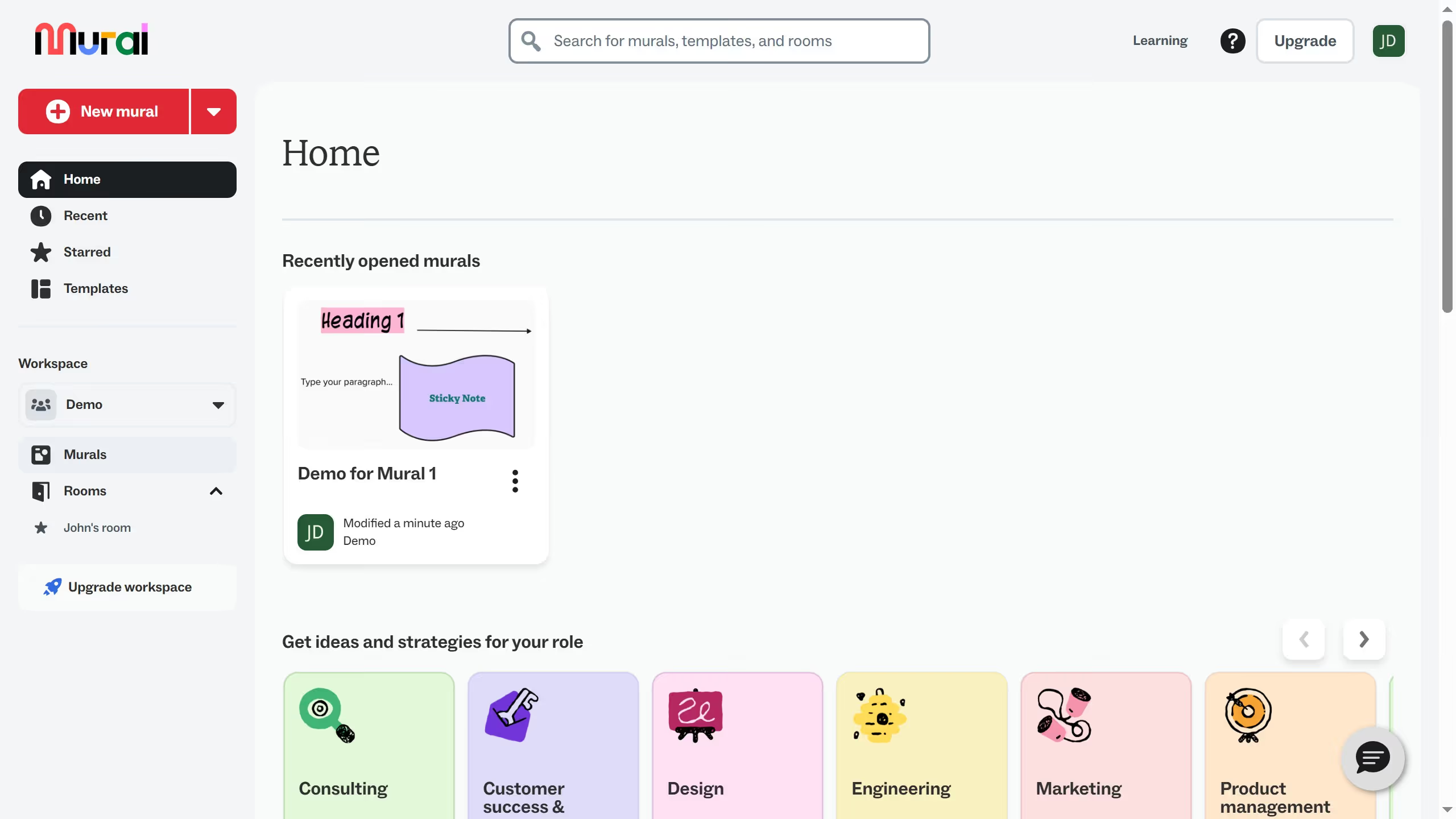
Here is how to add description into a workspace in mural

  1. First click on "Demo Presentation" workspace dropdown in the sidebar
  2. Then click on "Manage Demo Presentation" option from the dropdown menu
  3. Next click in the "Description" text field in the workspace settings form
  4. Then scroll down the workspace settings page to view additional options
  5. Finally click on "Save Changes" button at the bottom of the page

Create your own interactive guide with Guideflow

Why should you add description into a workspace in Mural

Mural is an intuitive digital workspace that empowers teams to think and collaborate visually.

Adding a description to your workspace in Mural fosters clarity and purpose, transforming mundane setups into dynamic canvases of information.

This feature helps team members quickly grasp the essence of each project, ensuring alignment and focus from the outset.

By embedding context, every participant can dive into collaborations with shared understanding, nurturing creativity and efficiency.

Last update
March 16, 2026
Cursor MariaA cursor points to a button labeled "James."

Create your first demo in less than 30 seconds.