Mural
Mural is a visual collaboration platform for brainstorming, planning, and running remote workshops on a shared canvas.
Website
Industry
Design
Share this article:

How to edit your template content with an infinite canvas in Mural

Here is how to edit your template content with an infinite canvas in mural

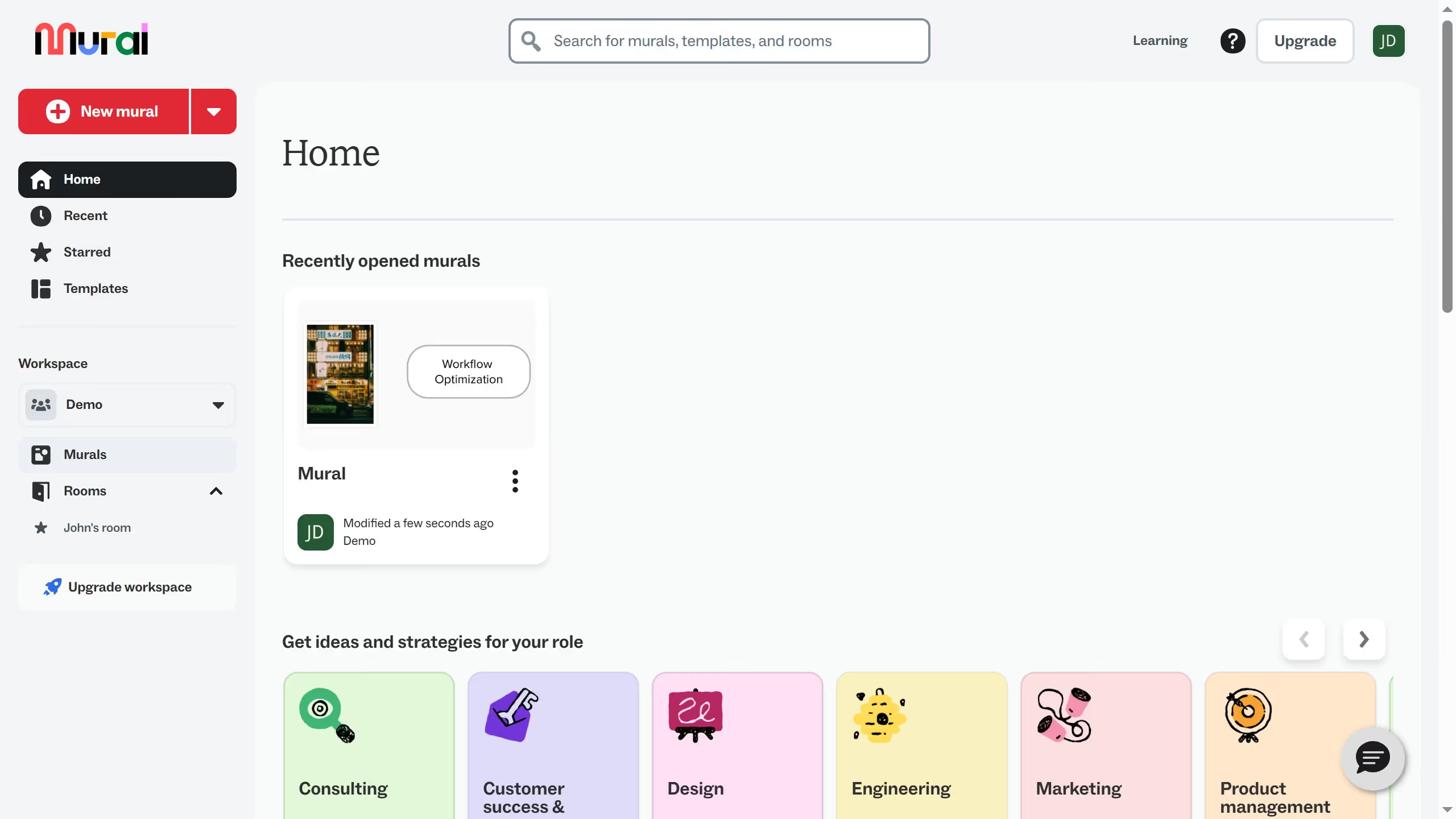
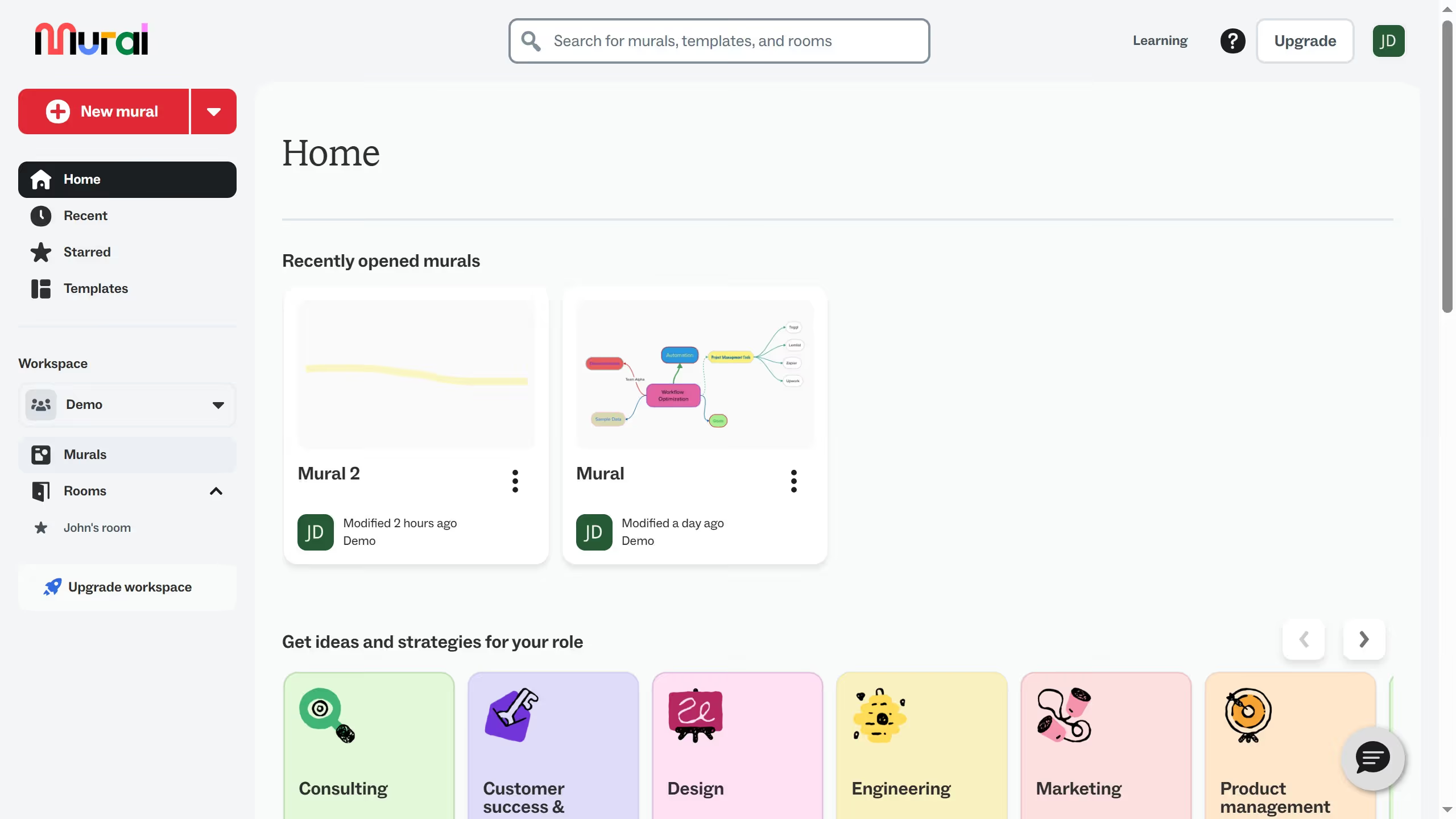
  1. First click on the "Templates" item in the sidebar to navigate to the templates section
  2. Next click on the three-dot menu button on the template card to open the context menu
  3. Click on "Edit template content" option from the dropdown menu to open the template editor
  4. Finally start editing your template

Create your own interactive guide with Guideflow

Why should you edit your template content with an infinite canvas in Mural

Mural is a dynamic online collaboration tool that transforms how teams work together visually.

Using the infinite canvas feature in Mural, you can easily edit your template content, allowing for seamless expansion of ideas and collaboration. This feature liberates your creativity by providing an unrestricted space to capture every thought and connection as they unfold.

With this boundless workspace, tapping into group synergy becomes effortless, fostering innovative solutions and team alignment. Enjoy an adaptable and intuitive experience, enhancing productivity and encouraging thoughtful discourse.

Last update
March 13, 2026
Cursor MariaA cursor points to a button labeled "James."

Create your first demo in less than 30 seconds.