Here is how to lock all objects in mural
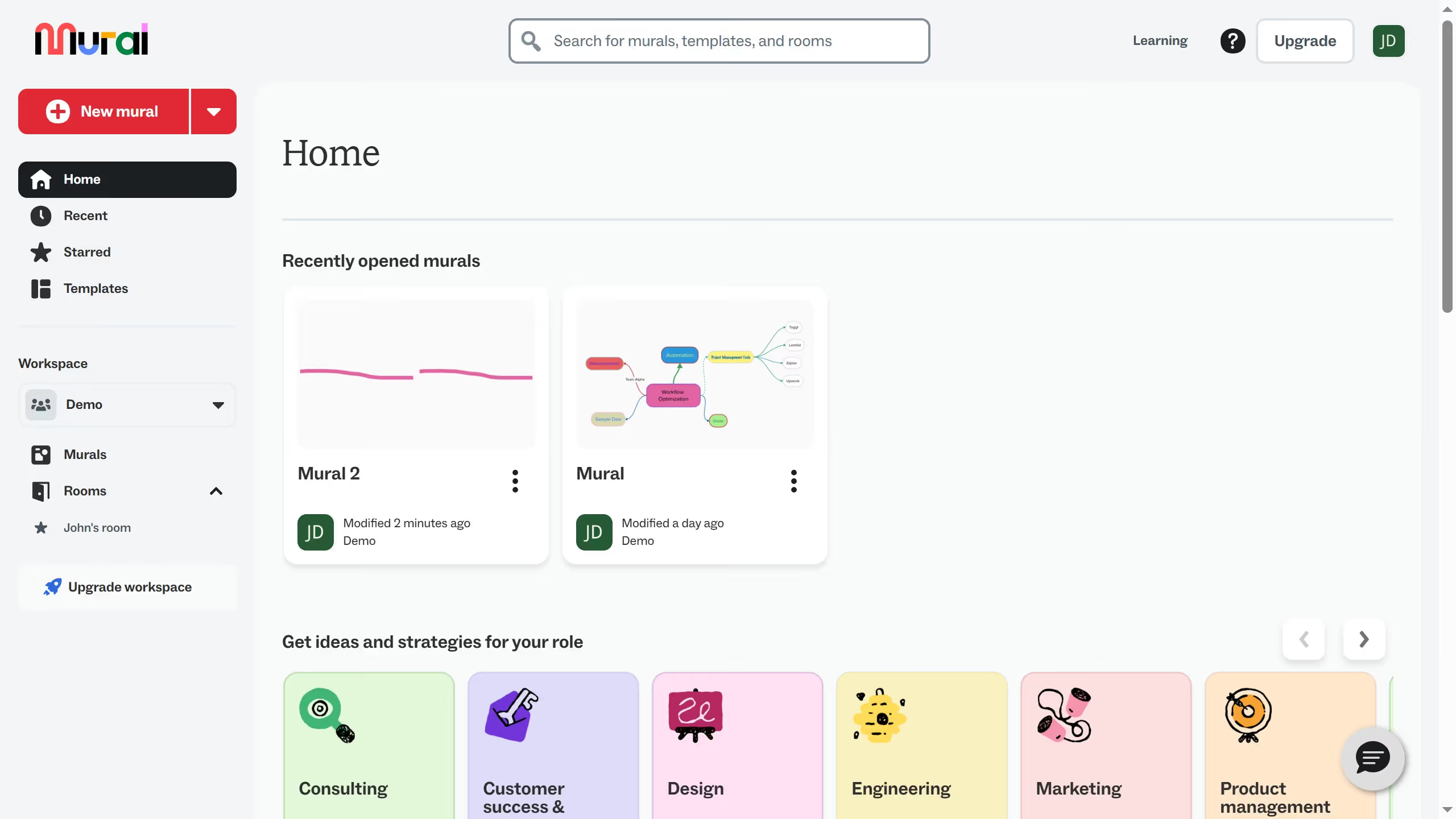
- First click on "Murals" in the sidebar to navigate to the murals section
- Then click on the mural filename that you want to manage to open it
- Next click on "Actions" button in the top toolbar to open the actions menu
- Finally click on "Lock all objects" option in the actions menu