Mural
Mural is a visual collaboration platform for brainstorming, planning, and running remote workshops on a shared canvas.
Website
Industry
Design
Share this article:

How to rename a workspace in Mural

Here is how to rename a workspace in mural

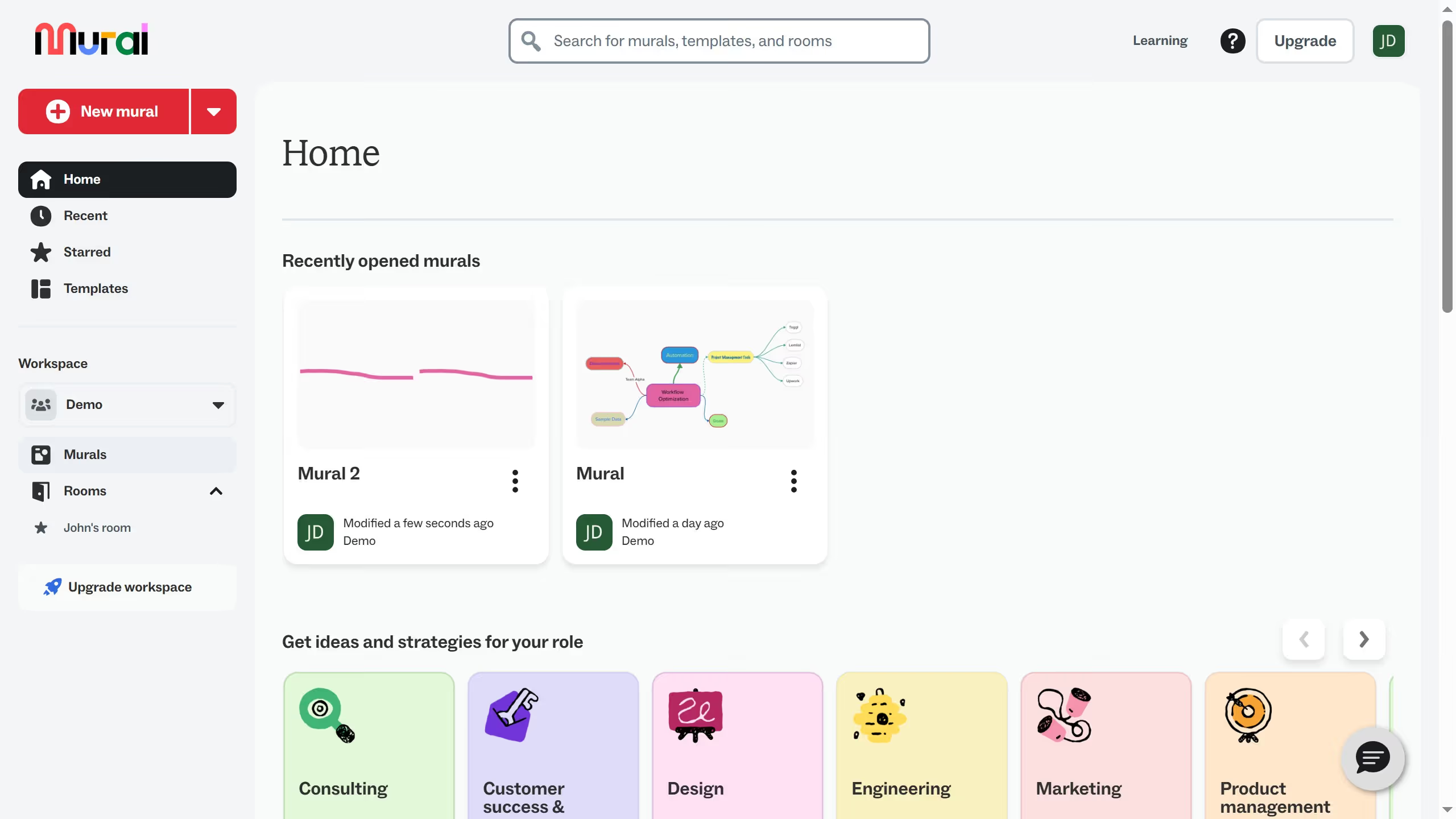
  1. First click on workspace dropdown in the left sidebar
  2. Then click on "Manage Demo" option from the workspace menu
  3. Next click on the "Workspace Name" input field and update the name
  4. Then scroll down the page to view additional workspace settings
  5. Finally click on the "Save Changes" button to save the workspace modifications

Create your own interactive guide with Guideflow

Why should you rename a workspace in Mural

Mural is a digital collaboration tool designed to foster creativity and streamline team communication.

Renaming a workspace in Mural is a powerful feature that brings clarity and organization to your projects.

By updating workspace names to reflect their current purpose or project stage, teams can easily access relevant information and minimize confusion.

This simple action enhances efficiency, ensuring all team members are aligned and working within the correct context, which ultimately boosts productivity and enhances project flow.

Last update
March 16, 2026
Cursor MariaA cursor points to a button labeled "James."

Create your first demo in less than 30 seconds.