How to insert row below in table in Mural
Here is how to insert row below in table in mural
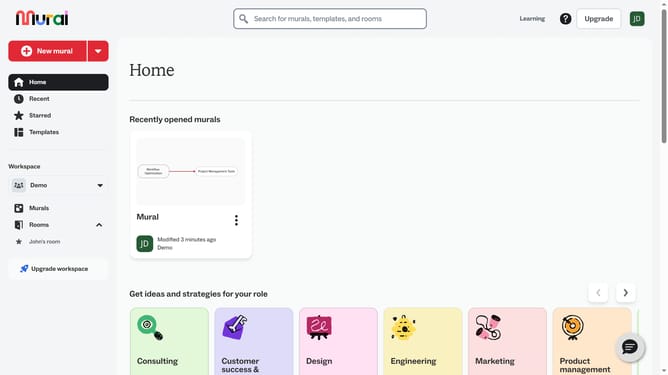
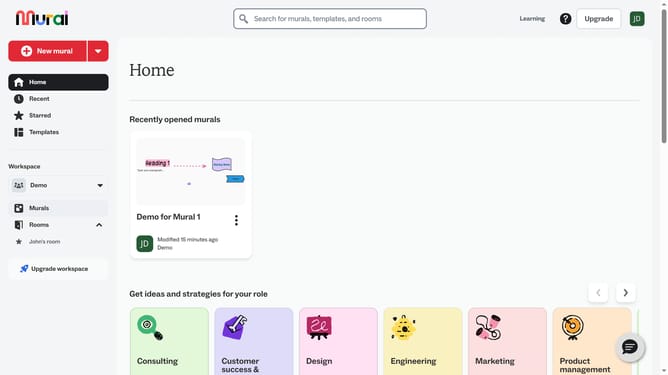
- First click on the "Murals" item in the left sidebar navigation menu
- Then click on the mural that you want to manage to open it
- Next click on the cell on the table grid to select it
- Then right-click on the selected cell to open the context menu
- Finally click on the "Insert row below" option in the context menu
Why should you insert row below in table in Mural
Mural is an innovative digital workspace designed to enhance collaboration and creativity within teams.
The feature of inserting a row below in a table within Mural is integral for dynamic and fluid teamwork. It allows users to easily expand their tables as ideas grow and evolve, accommodating and organizing additional information seamlessly.
This feature promotes flexibility in brainstorming sessions and project management by enabling quick adjustments to data structures, ensuring that no detail is left out as discussions progress.
In essence, it optimizes the flow of information, improving clarity and efficiency during collaborative processes.
Last update