Mural
Mural is a visual collaboration platform for brainstorming, planning, and running remote workshops on a shared canvas.
Website
Industry
Design
Share this article:

How to navigate using mini map in Mural

Here is how to navigate using mini map in mural

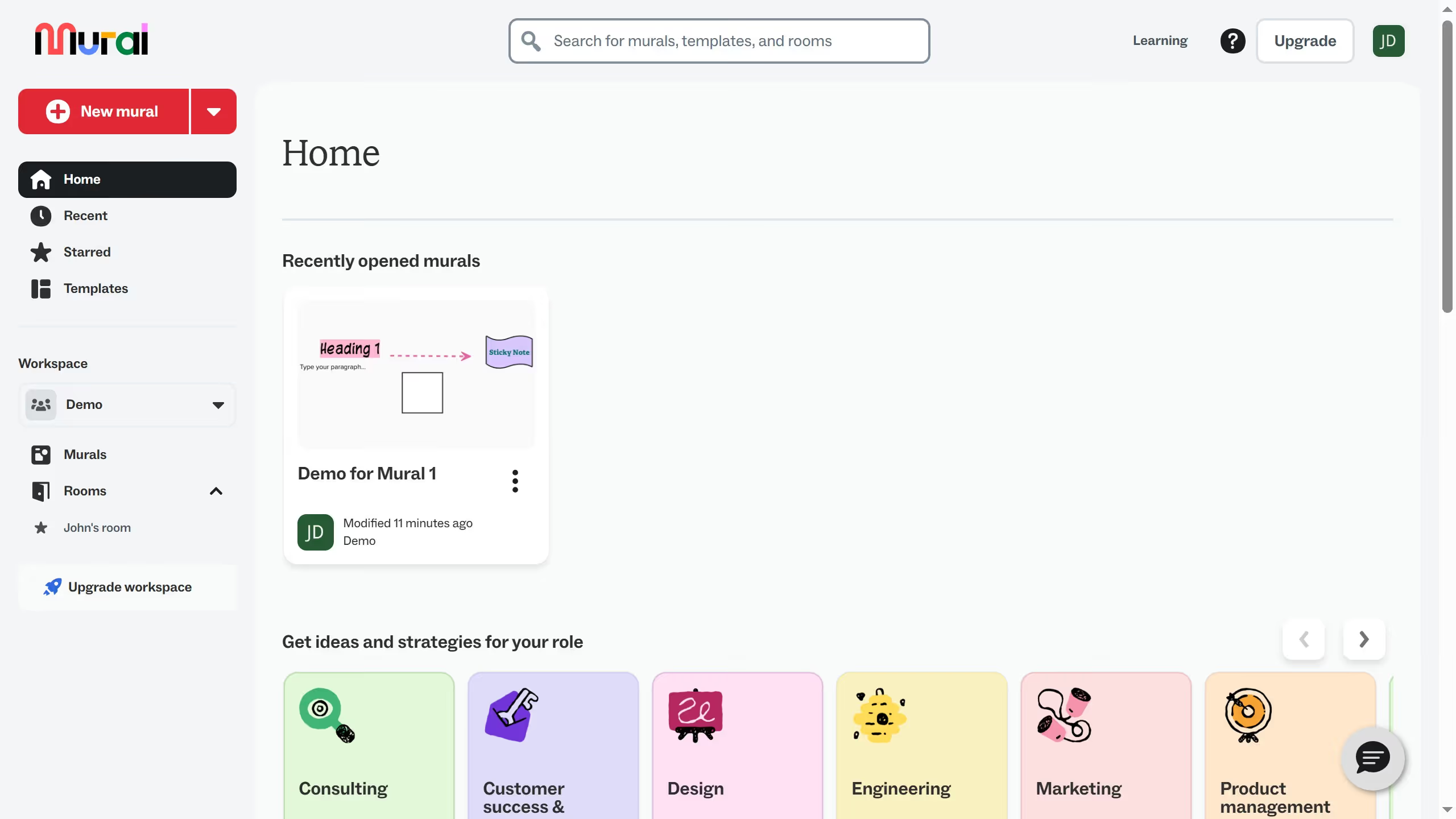
  1. First click on "Murals" item in the left sidebar under the Workspace section
  2. Then click on the mural that you want to manage to open it
  3. Then locate the Mini map in the corner of the canvas
  4. Finally click and drag the highlighted area inside the mini map and release the mouse to move to the selected area on the canvas

Create your own interactive guide with Guideflow

Why should you navigate using mini map in Mural

Mural is a digital collaboration platform designed to empower teams to think and work visually together.

The mini map in Mural is an efficient tool that enhances your navigation experience by providing an overview of the entire workspace. This convenient feature allows you to swiftly locate and zoom into specific areas on your canvas.

Using the mini map boosts productivity by minimizing scrolling time and improving focus, ensuring you never lose track of important content amidst sprawling ideas.

Last update
March 13, 2026
Cursor MariaA cursor points to a button labeled "James."

Create your first demo in less than 30 seconds.