How to change mind map text color in Mural
Here is how to change mind map text color in mural
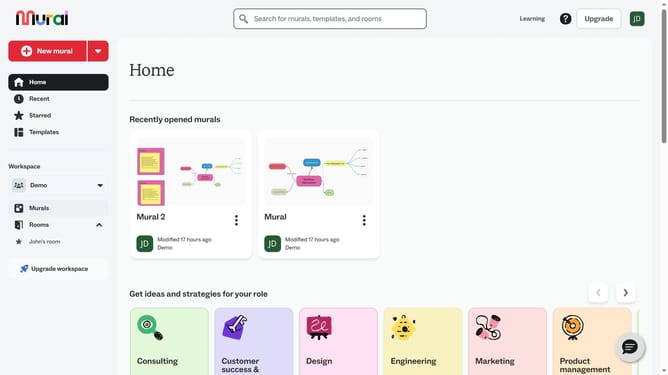
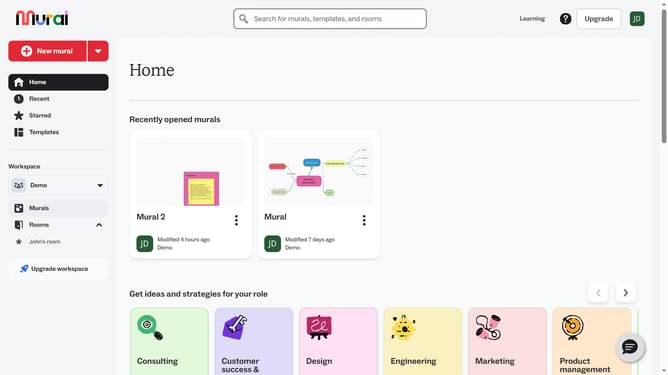
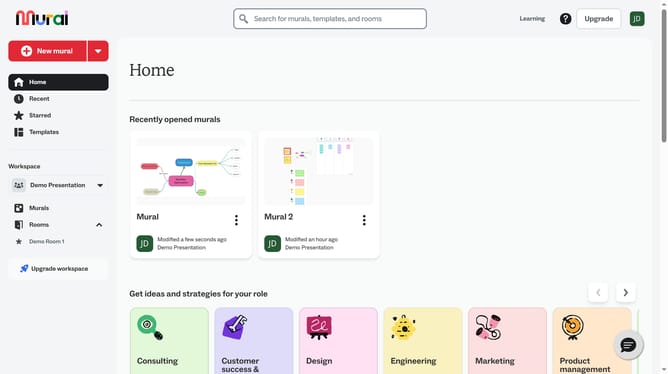
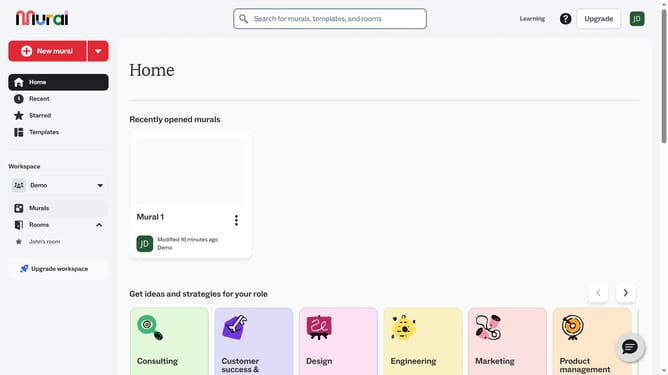
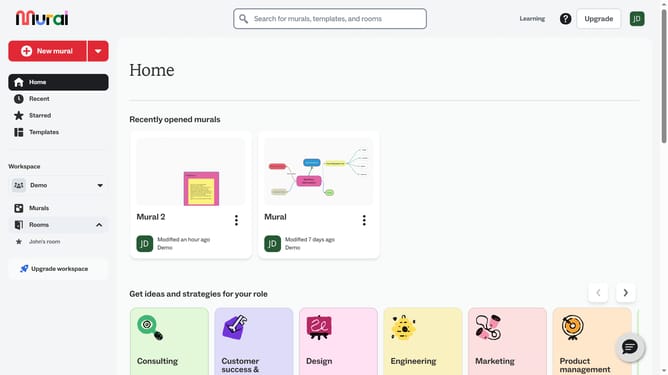
- First click on the "Murals" item in the left sidebar under the Workspace section
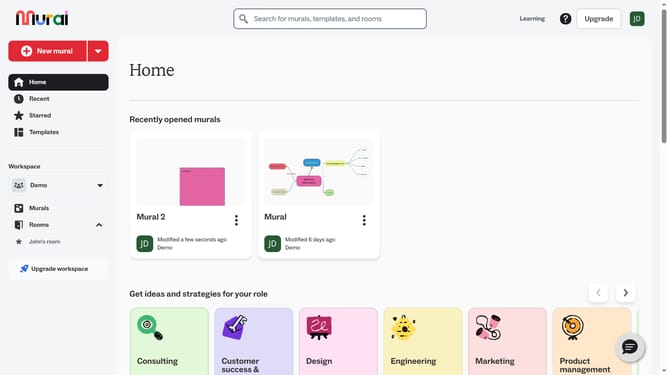
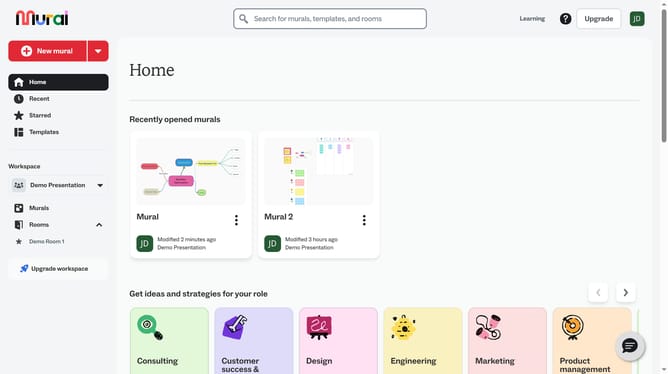
- Then click on the "Mural" card in the murals section to open it
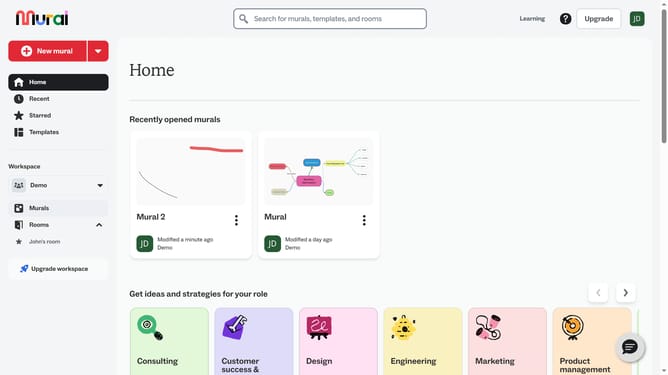
- Next click on the text box in the canvas to select it
- Then click on the "Text color" button in the formatting toolbar at the top
- Finally select a color from the color picker palette
Why should you change mind map text color in Mural
Mural is a dynamic online platform designed to facilitate collaboration through visual thinking and innovative brainstorming.
One notable feature is the ability to change mind map text color, which enhances organization and visual appeal. This feature allows you to highlight critical points, making information easier to digest and prioritize.
By customizing text colors, you not only improve readability but also inject creativity into your workflow, helping teams remain engaged and focused. The vibrant visuals foster clarity and better communication, crucial for any collaborative effort.
Last update