Mural
Mural is a visual collaboration platform for brainstorming, planning, and running remote workshops on a shared canvas.
Website
Industry
Design
Share this article:

How to celebrate while presenting in Mural

Here is how to celebrate while presenting in mural

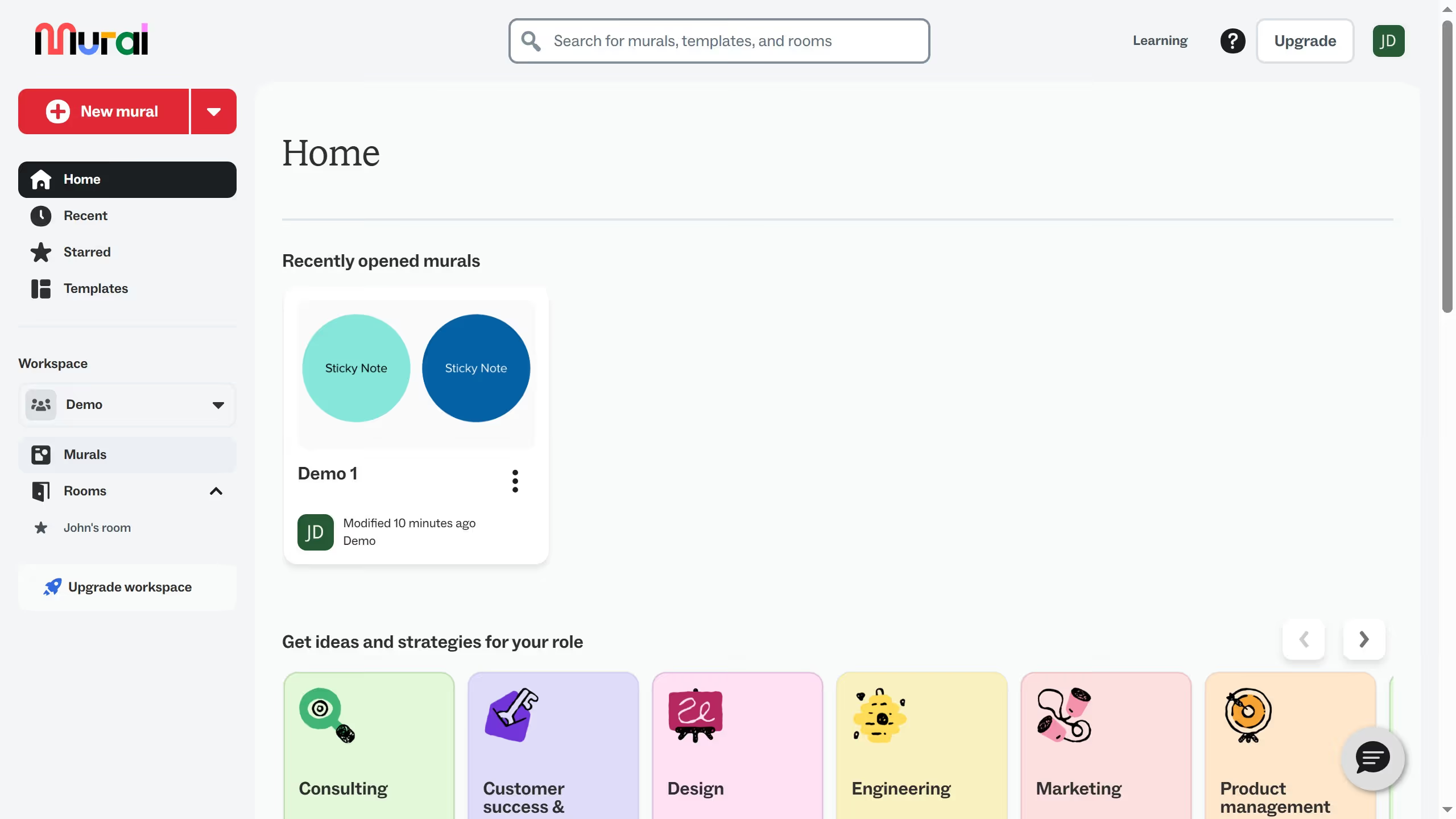
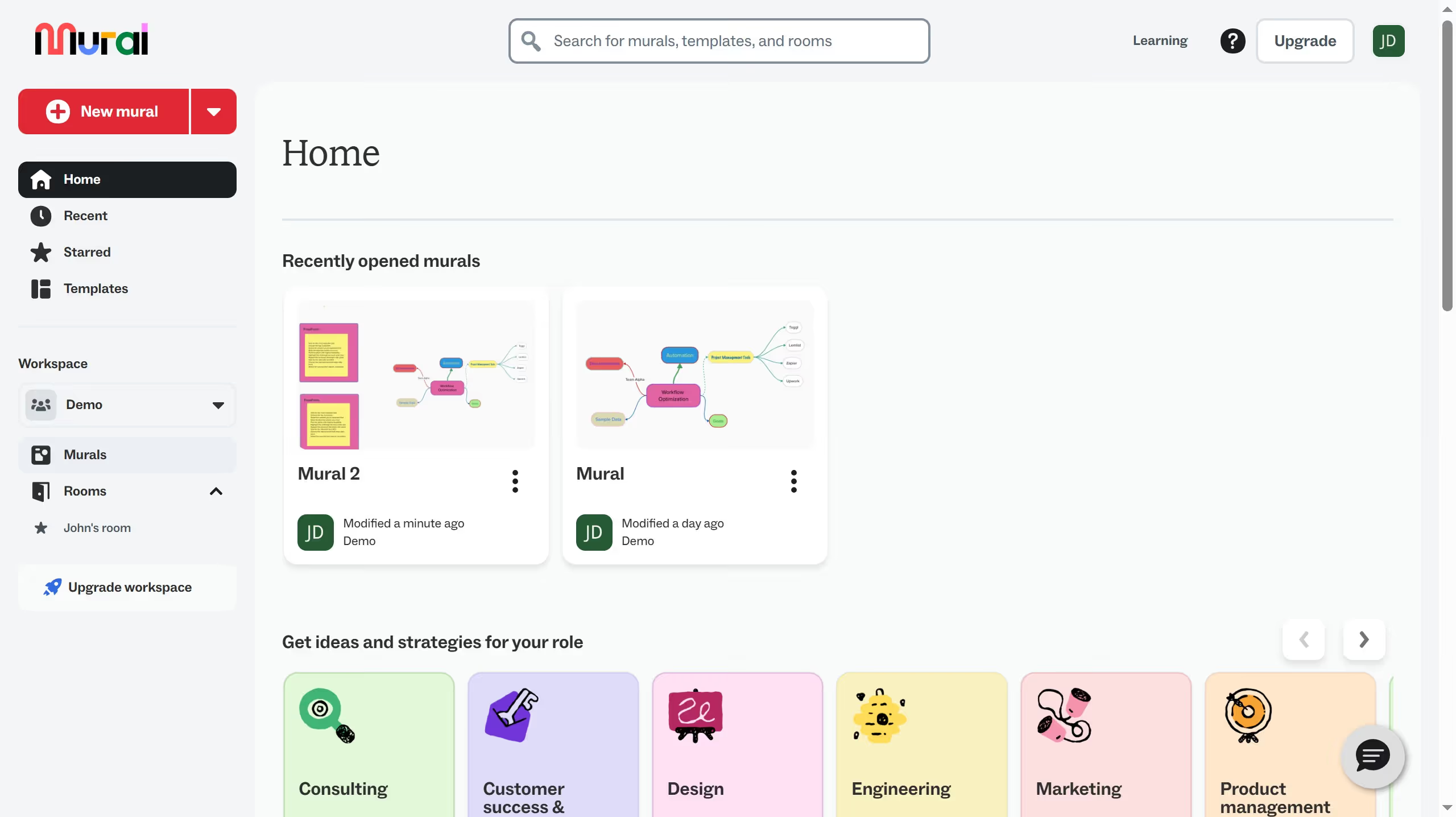
  1. First click on "Murals" in the left sidebar to navigate to the murals section
  2. Then click on the mural that you want to manage to open it
  3. Next click on the "Presentation outline" icon in the top toolbar to access presentation options
  4. Then click on the "Presentation outline" option in the right panel to configure the presentation
  5. Finally click on the "Celebrate" button in the bottom toolbar to trigger celebration effects

Create your own interactive guide with Guideflow

Why should you celebrate while presenting in Mural

Mural is a digital workspace designed to enhance collaboration and creativity among teams.

One of its delightful features is the ability to celebrate while presenting. This feature enhances engagement during presentations by adding a touch of fun and excitement.

Celebrations in Mural help foster a positive atmosphere, encouraging participation and energizing the team. It’s an uplifting way to acknowledge achievements and motivate everyone involved.

By integrating these moments of celebration, you can boost morale and make collaborative sessions more enjoyable and productive.

Last update
March 13, 2026
Cursor MariaA cursor points to a button labeled "James."

Create your first demo in less than 30 seconds.