How to delete emojis in Mural
Here is how to delete emojis in mural
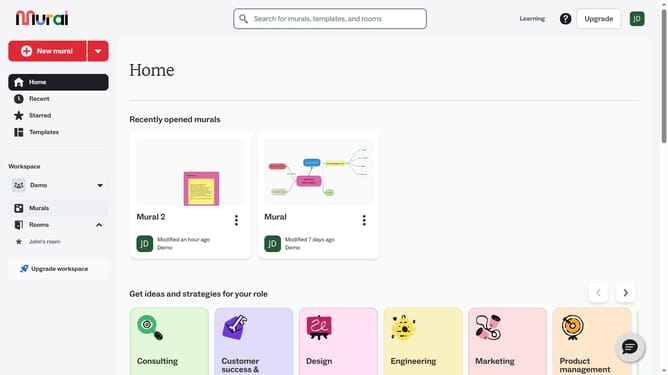
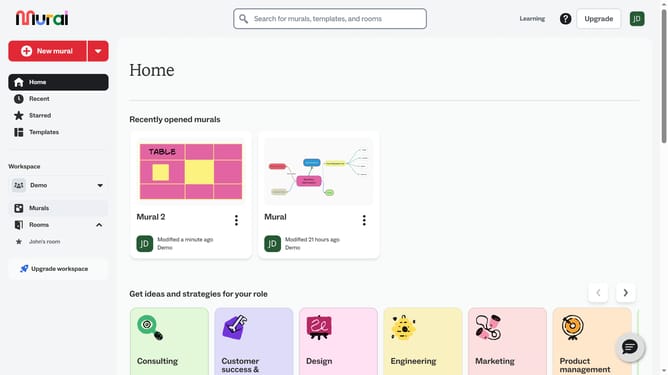
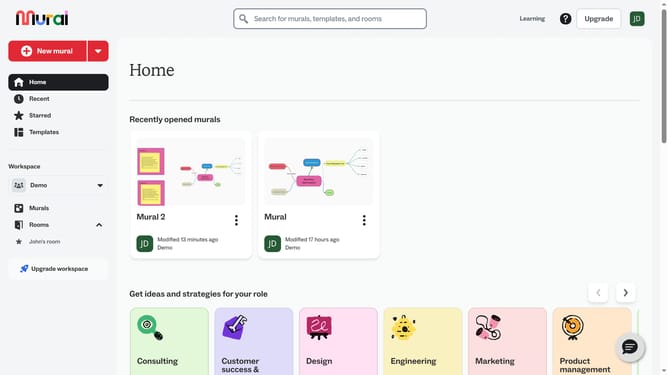
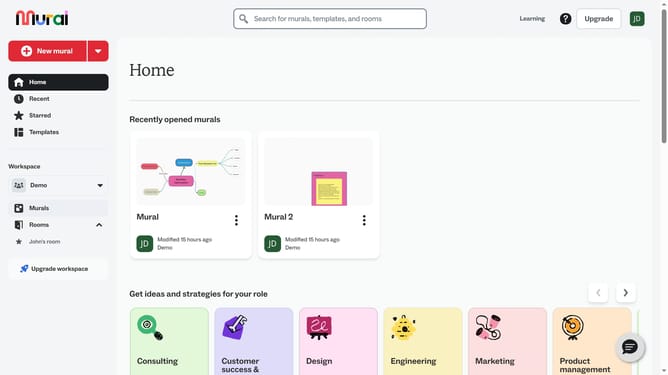
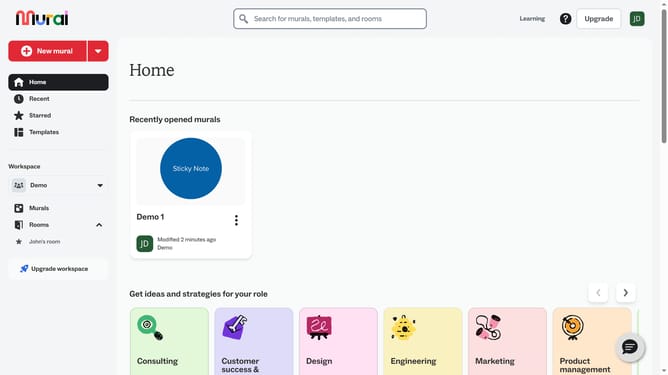
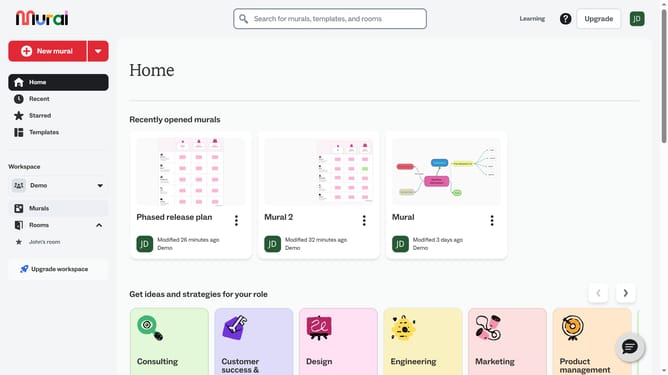
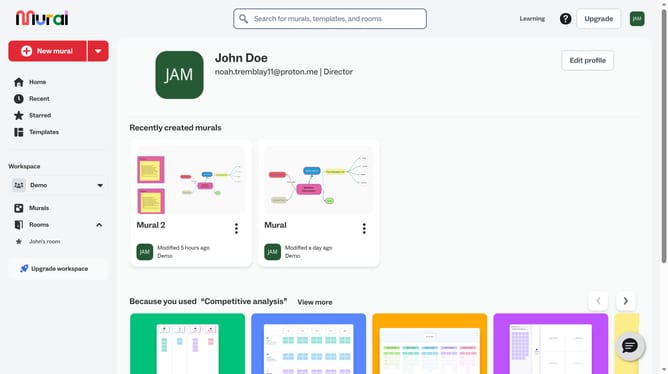
- First click on the "Murals" item in the left sidebar navigation menu
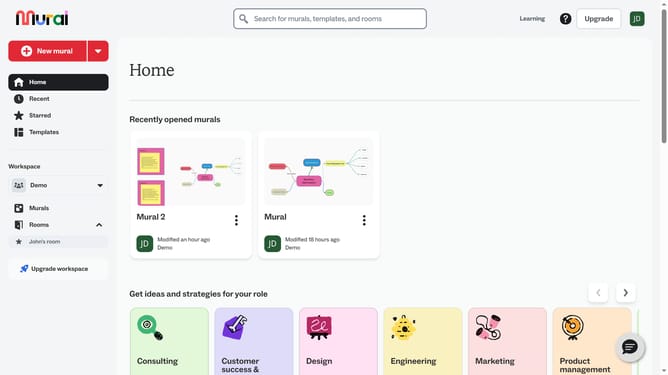
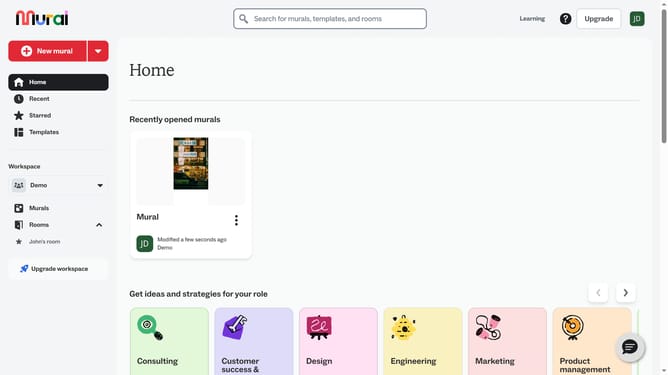
- Then click on the Mural name to open it
- Next click on the emoji element in the center of the canvas
- Then right-click on the selected emoji to open the context menu
- Finally click on the "Delete" option at the bottom of the context menu
Why should you delete emojis in Mural
Mural is a dynamic visual collaboration tool designed to unlock creative ideas and streamline team workflows.
In the vibrant canvas of Mural, deleting emojis can refine your workspace, ensuring clarity in communication. This feature is particularly useful for maintaining a tidy and organized board as your team collaborates on important projects.
By removing redundant or excessive emojis, you enhance focus on key ideas. This not only fosters an efficient environment but also supports streamlined visual storytelling.
Ultimately, this feature helps maintain a professional atmosphere, allowing crucial concepts to take center stage.
Last update