How to draw freehand in Mural
Here is how to draw freehand in mural
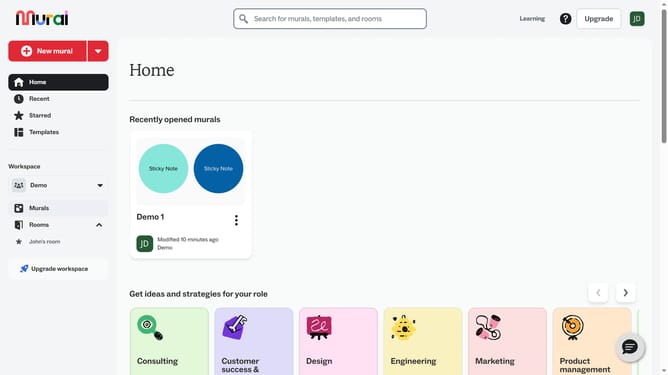
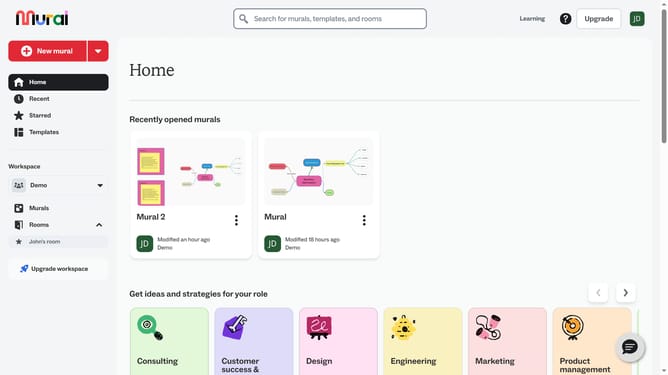
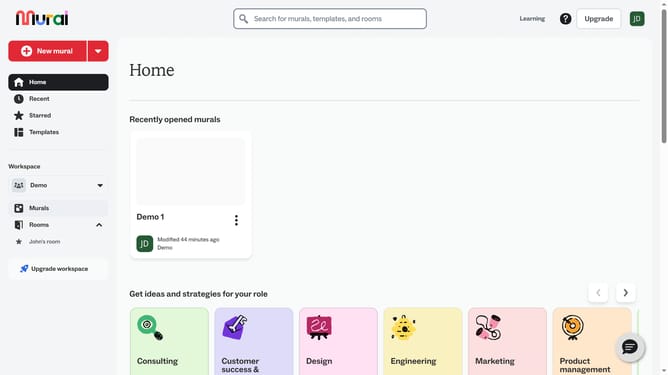
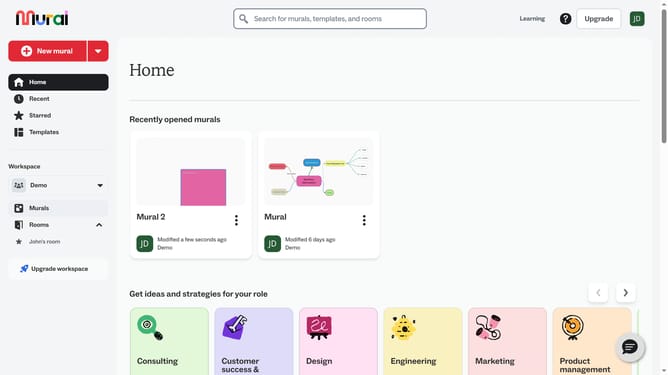
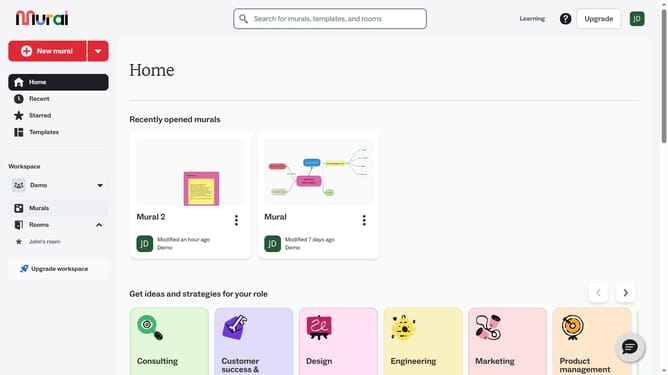
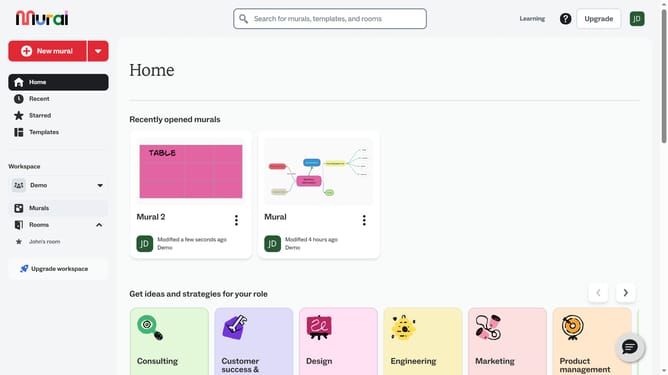
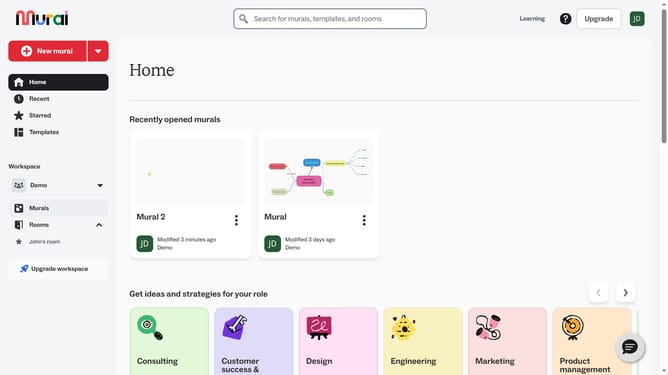
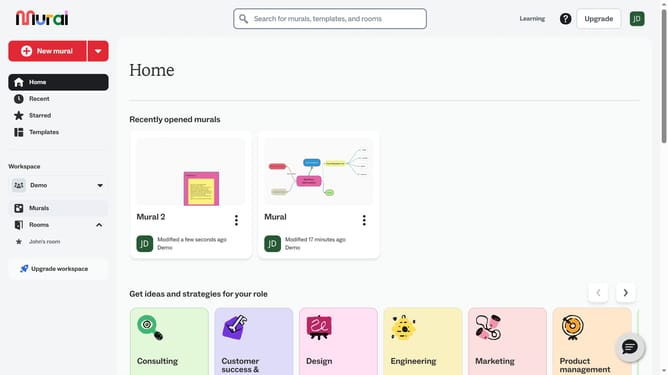
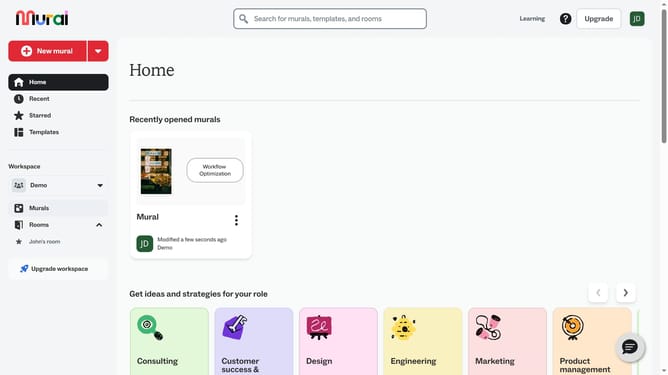
- First click on the "Murals" item in the left sidebar navigation menu
- Then click on the mural that you want to manage to open it
- Next click on the "Draw" tool button in the left toolbar to activate the drawing mode and drag on the canvas to draw freehand and release the mouse to finish drawing
- Finally click on the "Done drawing" button in the top toolbar to exit the drawing mode
Why should you draw freehand in Mural
Mural is an intuitive digital workspace designed to enhance collaboration and creativity across teams.
Drawing freehand in Mural unlocks a new level of expressiveness that allows users to capture ideas quickly and authentically.
This feature supports brainstorming sessions where visual spontaneity is key, adding a personal touch to diagrams, planning sketches, and concept illustrations.
Its ease of use encourages users to express ideas seamlessly, fostering innovation and clearer communication.
Last update