Mural
Mural is a visual collaboration platform for brainstorming, planning, and running remote workshops on a shared canvas.
Website
Industry
Design
Share this article:

How to remove reactions in an infinite canvas in Mural

Here is how to remove reactions in an infinite canvas in mural

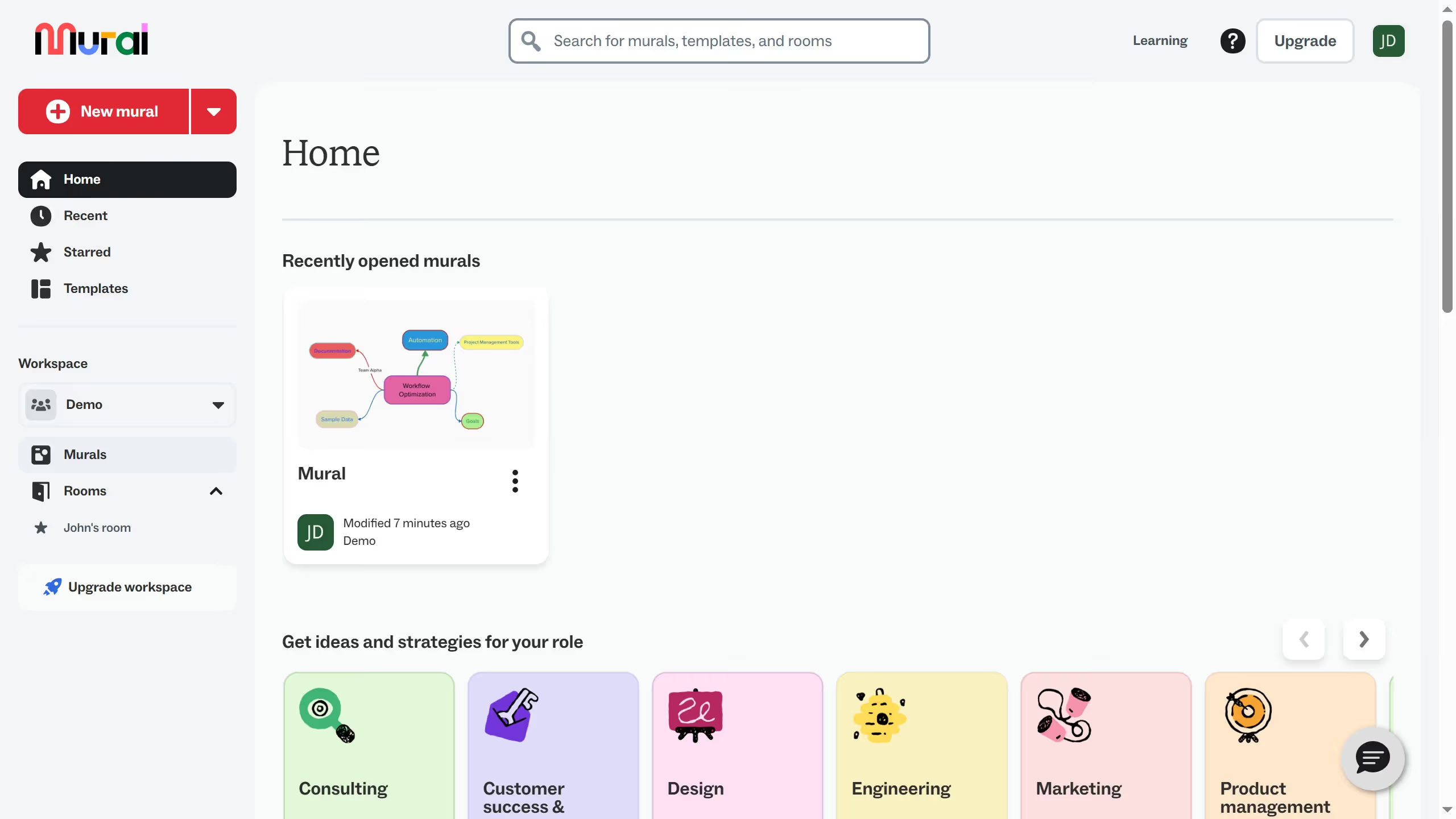
  1. First click on the "Murals" item in the left sidebar navigation
  2. Then click on the mural filename that you want to manage to open it
  3. Next click on you profile button in the top toolbar
  4. Finally click on the "Disable reaction" option in the facilitation menu

Create your own interactive guide with Guideflow

Why should you remove reactions in an infinite canvas in Mural

Mural is a versatile platform designed to foster seamless collaboration in digital workspaces.

On Mural’s infinite canvas, team members can interact and visualize ideas through dynamic features, including reactions.

Removing reactions when necessary keeps the focus on the essential elements, ensuring clarity and efficiency.

This capability is invaluable for refining presentations, facilitating smoother discussions, and maintaining a cleaner visual environment where ideas can thrive.

Last update
March 13, 2026
Cursor MariaA cursor points to a button labeled "James."

Create your first demo in less than 30 seconds.