How to add hyperlink in Mural
Here is how to add hyperlink in mural
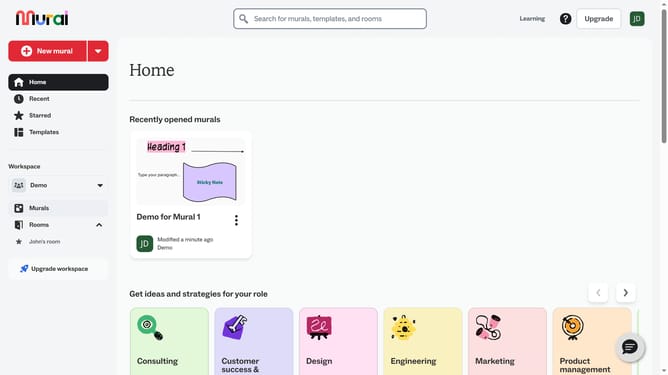
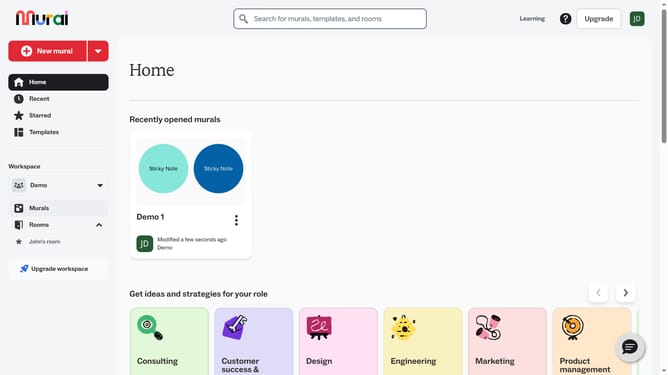
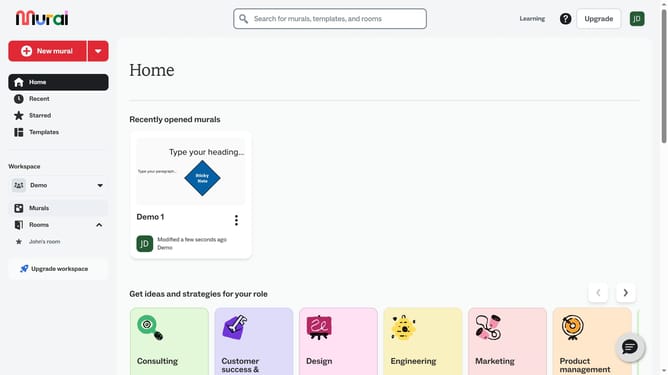
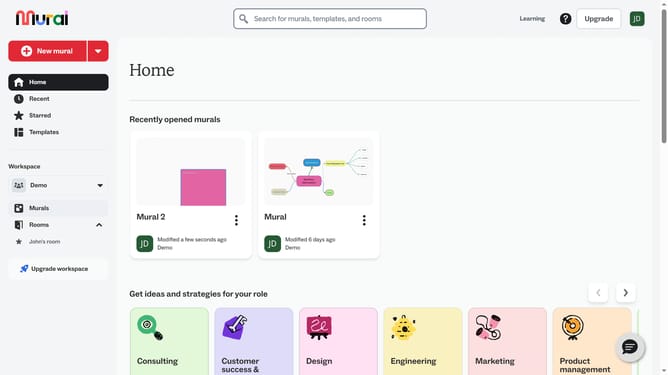
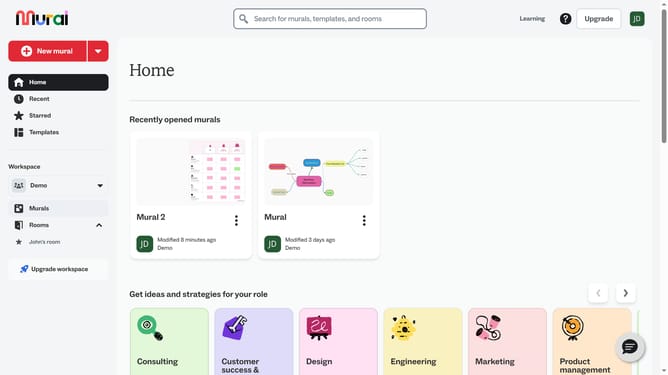
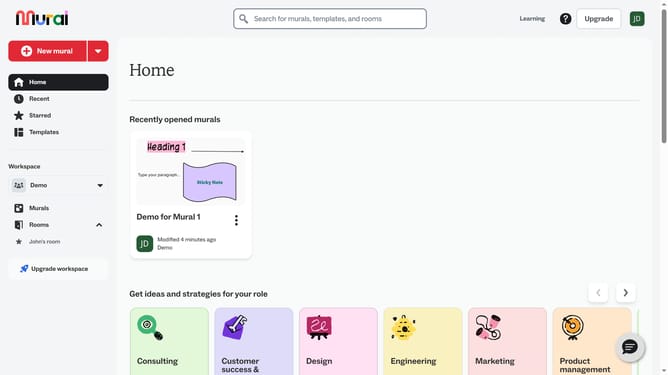
- First click on the "Murals" item in the left sidebar to view all murals in the workspace
- Then click on the file name to open the mural
- Click on the element in the center of the canvas to select it
- Click on the "Create link" button in the formatting toolbar that appears above the selected shape
- Click in the "Text" field of the link dialog and enter the display text
- Click in the "Link" field of the link dialog your URL
- Finally click on the "Apply" button to create the hyperlink on the sticky note shape
Why should you add hyperlink in Mural
Mural is an innovative digital workspace designed to enhance collaborative brainstorming and idea-sharing among teams.
Adding hyperlinks in Mural is a feature that significantly enhances the depth and interactivity of your presentations and projects. By incorporating hyperlinks, users can easily direct team members to additional resources, such as documents, websites, or other boards, creating seamless continuity and enhancing the overall workflow.
This feature not only fosters a more informed collaboration process but also helps in organizing information efficiently, ensuring that vital resources are just a click away for every team member.
Last update