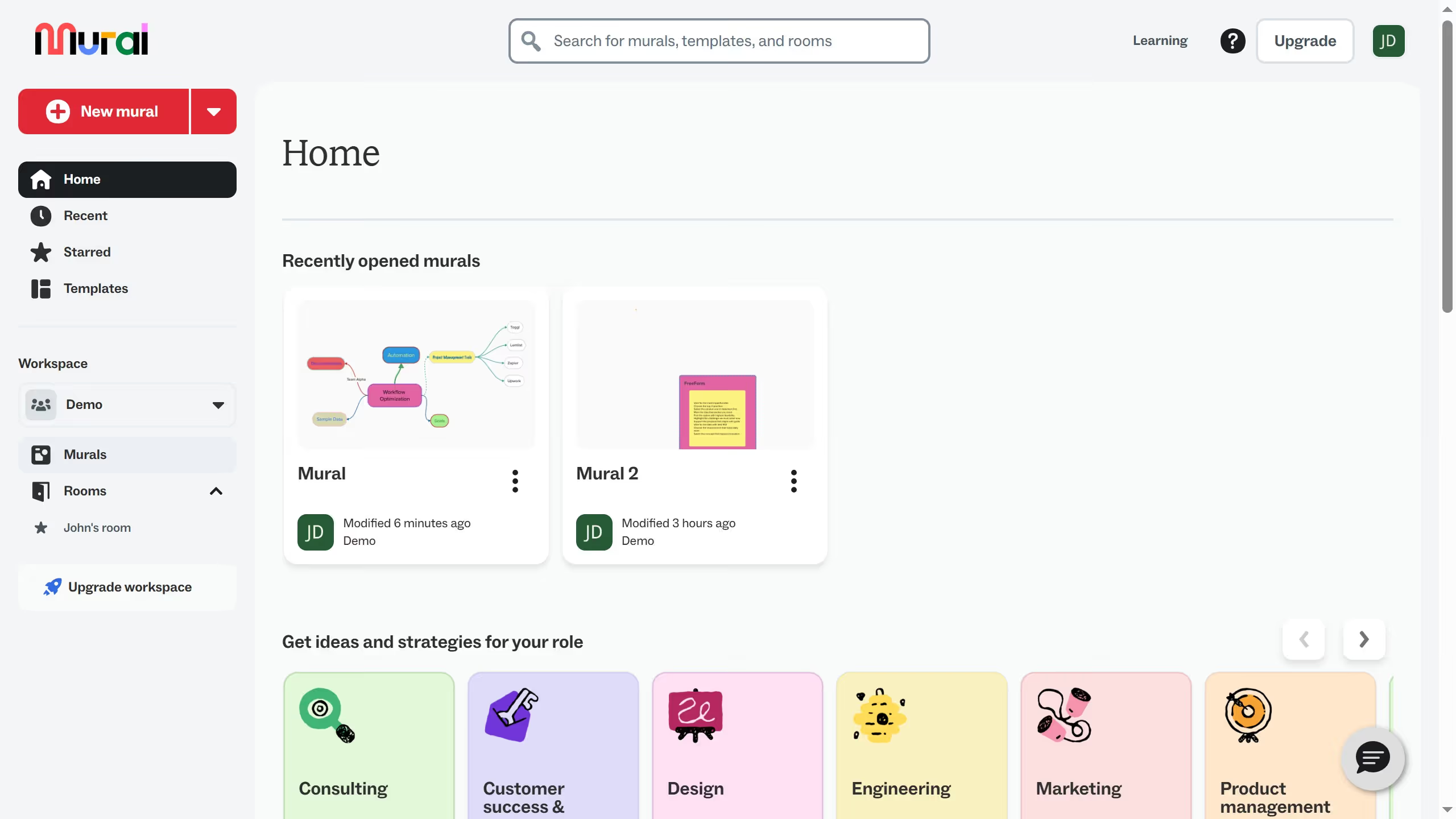
Mural
Mural is a visual collaboration platform for brainstorming, planning, and running remote workshops on a shared canvas.
Website
Industry
Design
Share this article:

How to remove star on templates in Mural

Here is how to remove star on templates in mural

  1. First click on "Murals" item in the left sidebar
  2. Then click on the mural that you want to manage to open it
  3. Next click on the templates icon in the left toolbar
  4. Then click on "Starred" filter in the templates sidebar
  5. Then click on "Preview" button on the template card
  6. Finally click on "Remove from Starred" button

Create your own interactive guide with Guideflow

Why should you remove star on templates in Mural

Mural is a dynamic visual collaboration platform designed to enhance brainstorming and creativity within teams.

Removing a star from templates in Mural is a simple feature that streamlines your workspace by decluttering your dashboard from templates that are no longer a priority.

This feature helps you stay organized, allowing you to focus on the most relevant resources and improve your productivity.

Overall, managing starred templates efficiently ensures a seamless and personalized user experience in Mural.

Last update
March 13, 2026
Cursor MariaA cursor points to a button labeled "James."

Create your first demo in less than 30 seconds.