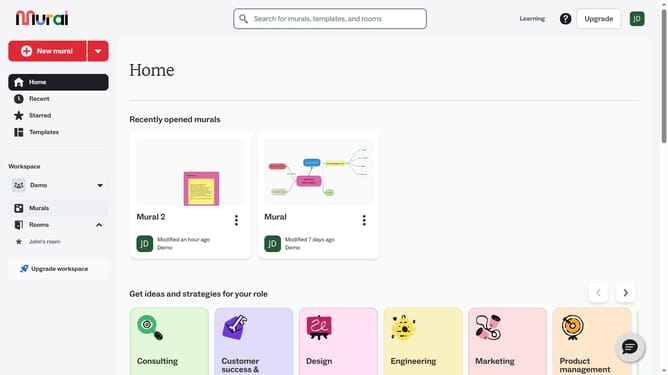
How to add sticky notes in Mural
Here is how to add sticky notes in mural
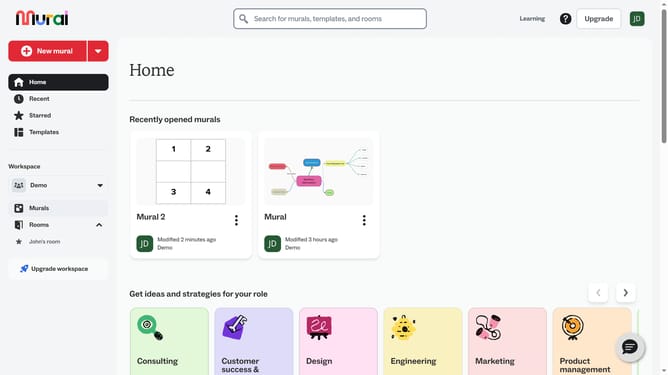
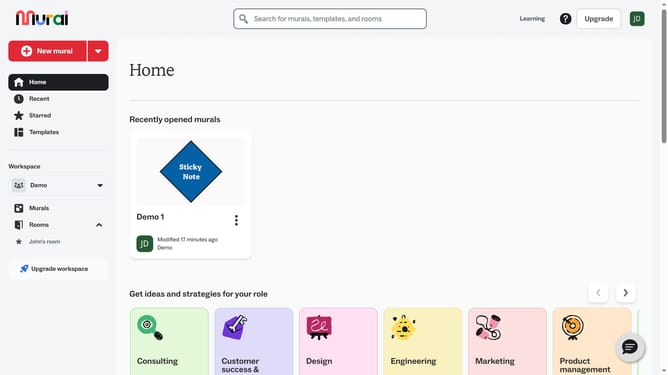
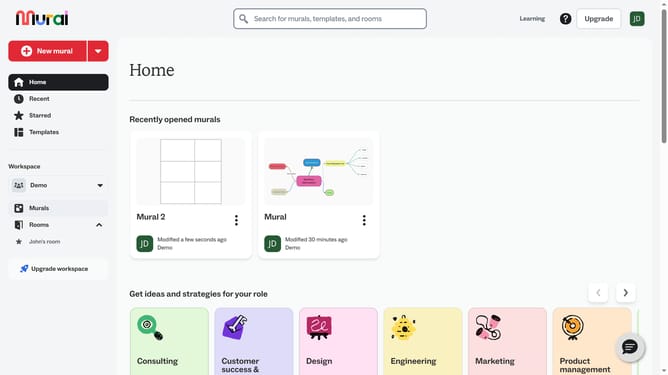
- First click on the "Murals" item in the left sidebar under the Workspace section
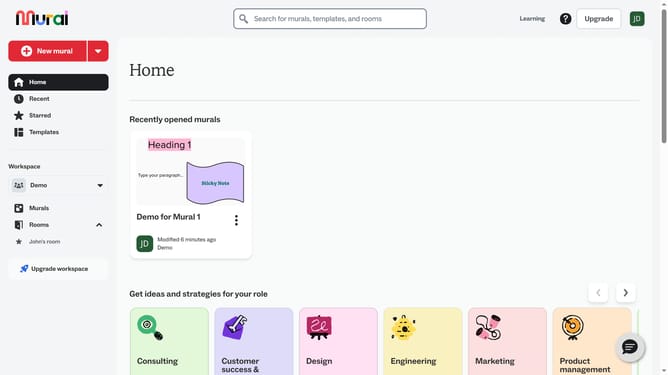
- Then click on the "Demo 1" mural card in the Recently opened murals section
- Next click on the "Sticky notes" tool icon in the left toolbar
- Then click on a shape option in the Sticky notes panel
- Finally select the color for the sticky note
Why should you add sticky notes in Mural
Mural is a dynamic digital workspace optimized for visual collaboration and creative brainstorming.
The addition of sticky notes in Mural helps capture ideas promptly and organizes thoughts efficiently. These virtual notes mirror the tactile spontaneity of physical sticky notes, fostering an intuitive and hands-on approach.
Utilizing sticky notes can significantly enhance team communication by allowing members to contribute ideas swiftly, creating a comprehensive picture of the task at hand.
Overall, the sticky notes feature transforms abstract concepts into tangible insights, supporting creative thinking and collaborative solutions.
Last update