How to adjust text font inside the sticky notes in Mural
Here is how to adjust text font inside the sticky notes in mural
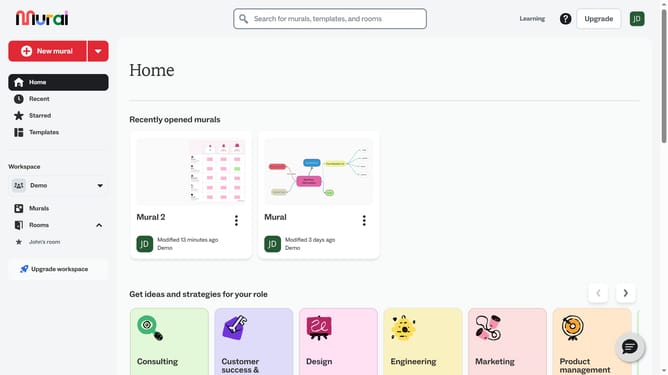
- First click on the "Murals" item in the left sidebar
- Select and open the mural where you want to modify text
- Then click on the text box on the canvas
- Then click on the "Text format" button in the top toolbar
- Then click on the font dropdown menu showing the different font style option
- Finally select a font option from the dropdown menu
Why should you adjust text font inside the sticky notes in Mural
Mural is a dynamic digital workspace designed to enhance visual collaboration and team brainstorming.
One standout feature of Mural is the ability to adjust text font inside sticky notes, allowing users to customize their notes for clarity and emphasis. This flexibility is crucial for ensuring that important information stands out and is easily readable during collaborative sessions, thus enhancing team communication and focus.
By tailoring the font style and size to match your team’s preferences, you can create more impactful presentations and streamline idea-sharing, fostering a more productive and engaging environment.
Last update