Mural
Mural is a visual collaboration platform for brainstorming, planning, and running remote workshops on a shared canvas.
Website
Industry
Design
Share this article:

How to increase timer time in Mural

Here is how to increase timer time in mural

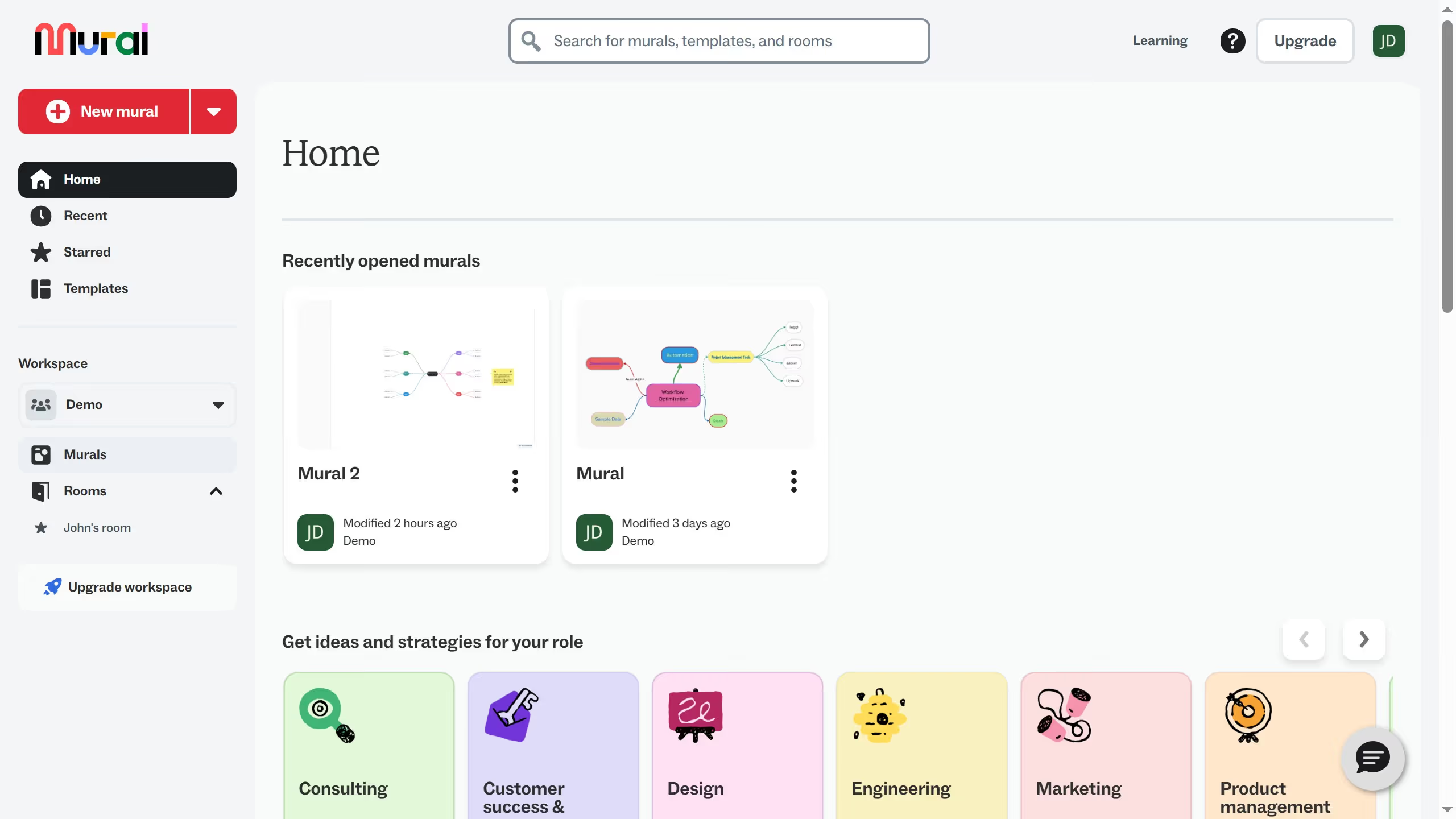
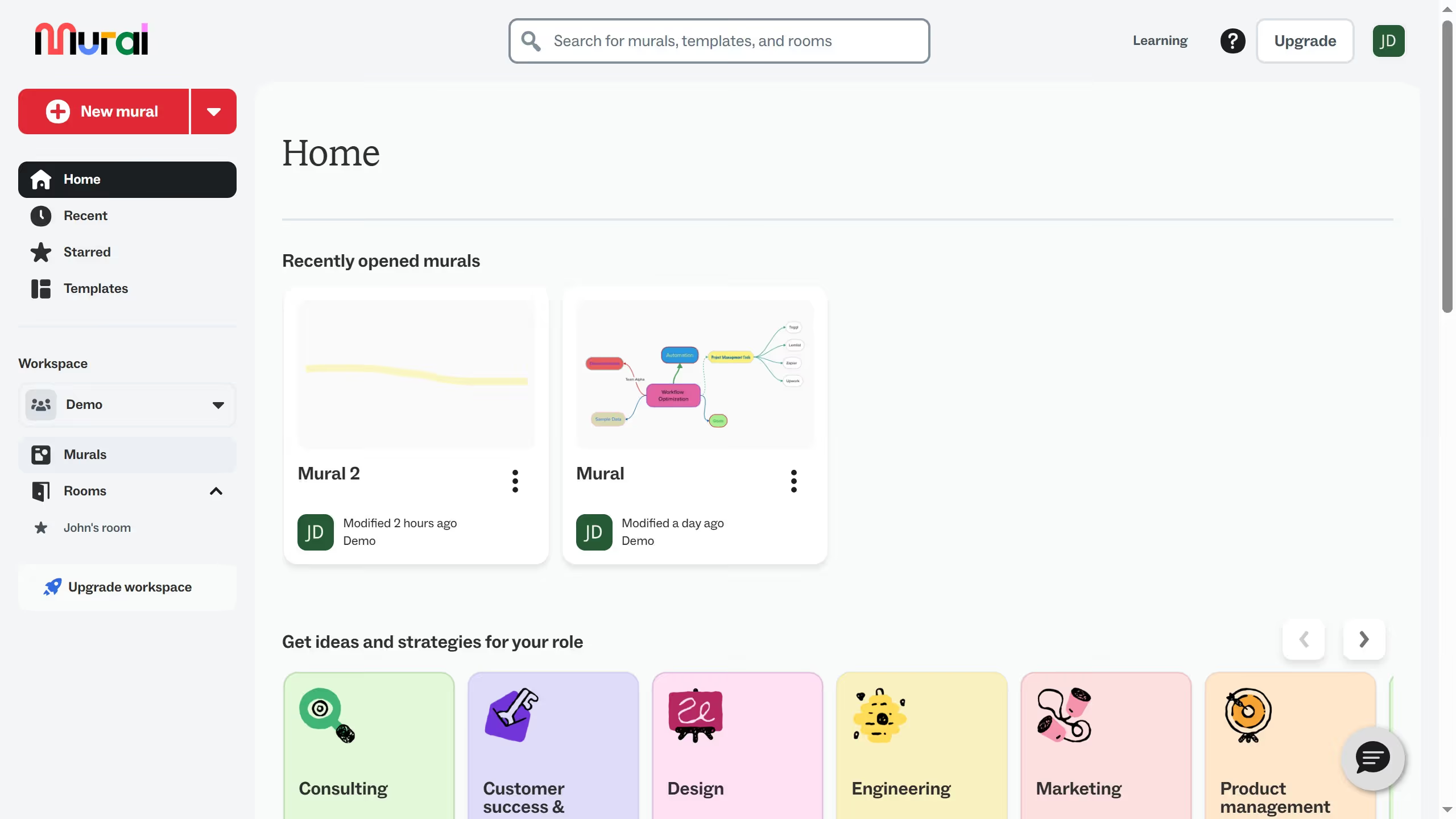
  1. First click on "Murals" in the sidebar navigation
  2. Then click on the mural that you want to manage to open it
  3. Next click on the timer display in the top toolbar
  4. Finally click on the "Increment time" or "+" button in the timer settings panel to add time

Create your own interactive guide with Guideflow

Why should you increase timer time in Mural

Mural is a versatile digital workspace designed to enhance collaboration and creativity for remote teams.

Increasing the timer time in Mural allows teams to tailor their workflow to specific needs and ensures that every task gets the attention it deserves.

By adjusting the timer, users can set realistic deadlines, accommodate detailed discussions, and foster a more focused environment, ultimately boosting productivity.

This flexibility enables teams to maintain uninterrupted creative flow and maintain momentum during collaborative sessions.

Last update
March 13, 2026
Cursor MariaA cursor points to a button labeled "James."

Create your first demo in less than 30 seconds.