How to change branch colors in a mind map in Mural
Here is how to change branch colors in a mind map in mural
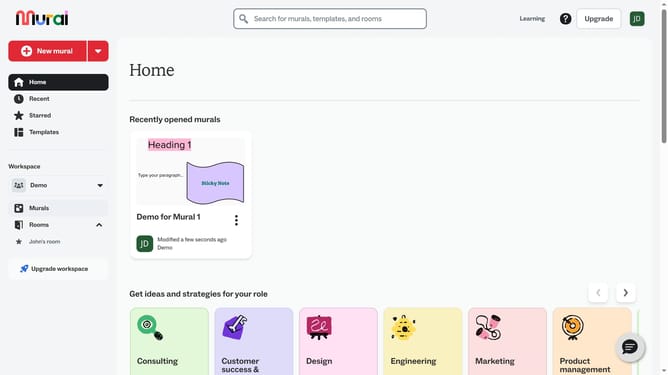
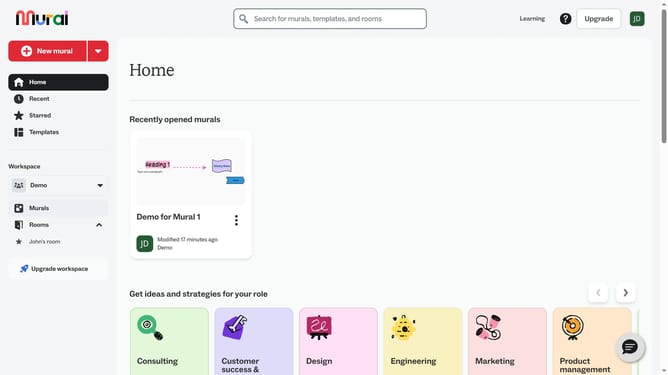
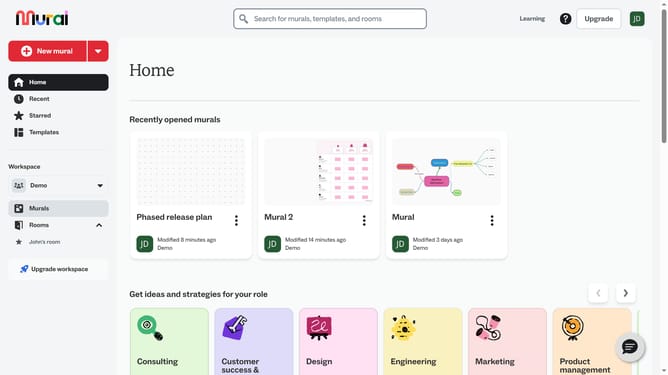
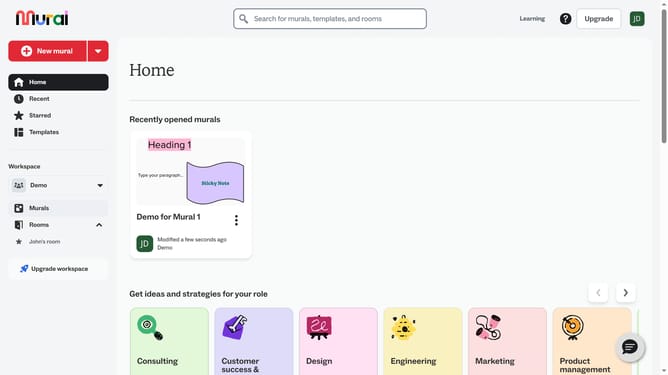
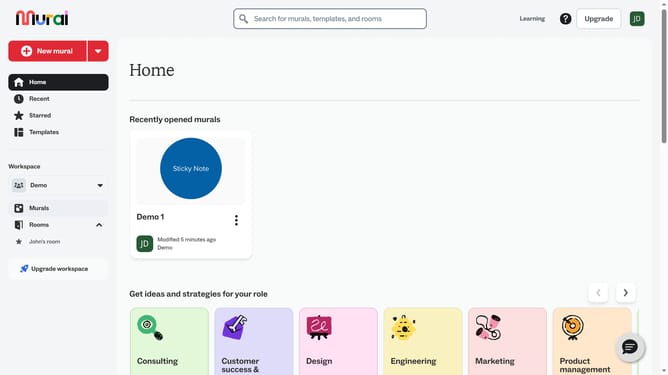
- First click on the "Murals" item in the left sidebar under the Workspace section
- Then click on the Mural card in the murals section to open it
- Next click on the branch you want to change
- Click the “Color” option in the top toolbar
- Finally choose a color from the color palette
Why should you change branch colors in a mind map in Mural
Mural is an intuitive online tool designed to enhance team collaboration and creativity through visual thinking.
Changing branch colors in a mind map within Mural is a feature that allows for customization of your visual brainstorming sessions.
This feature is beneficial for organizing ideas and streamlining communication among team members. Using different colors can help differentiate between categories, prioritize tasks, and convey information more effectively.
Overall, color coding branches improves clarity and aids in better retention and understanding of complex ideas.
Last update