How to add GIFs in Mural
Here is how to add gifs in mural
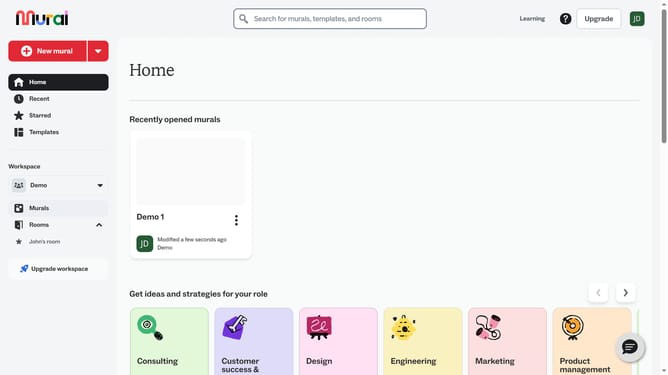
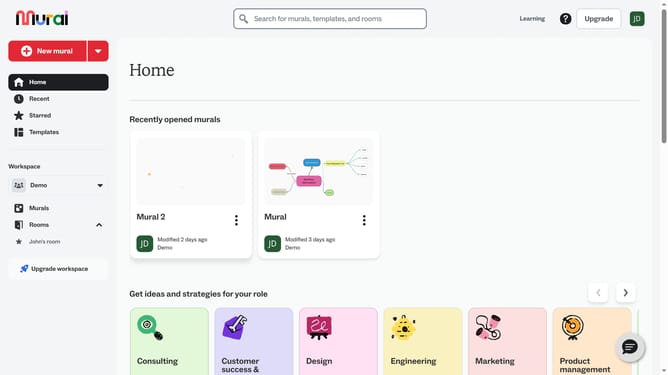
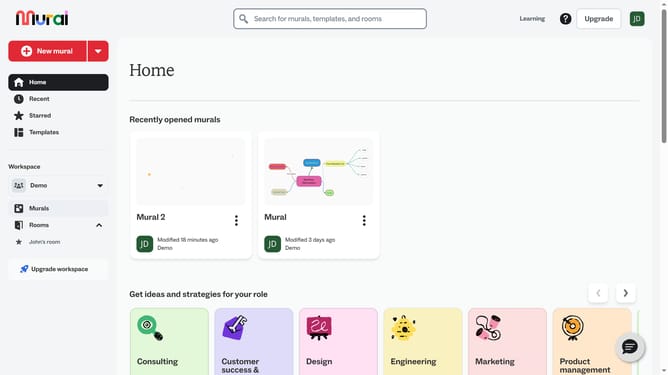
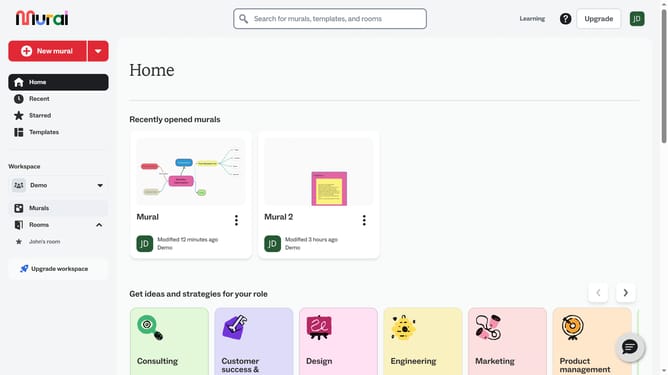
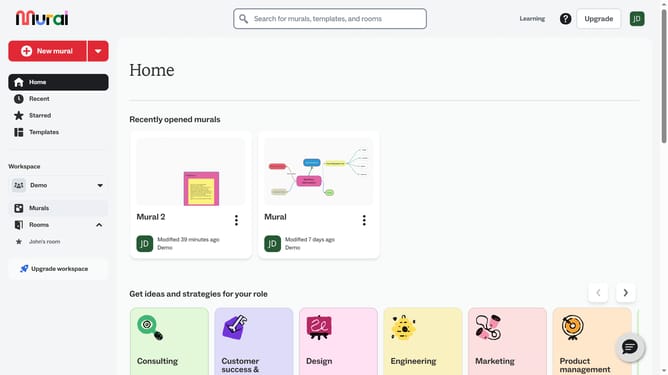
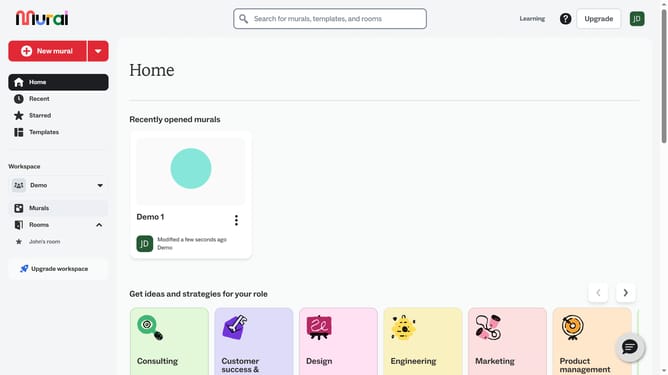
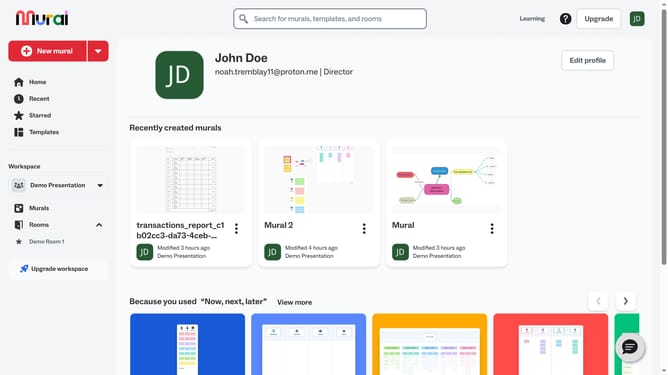
- First click on the "Murals" item in the left sidebar under the Workspace section
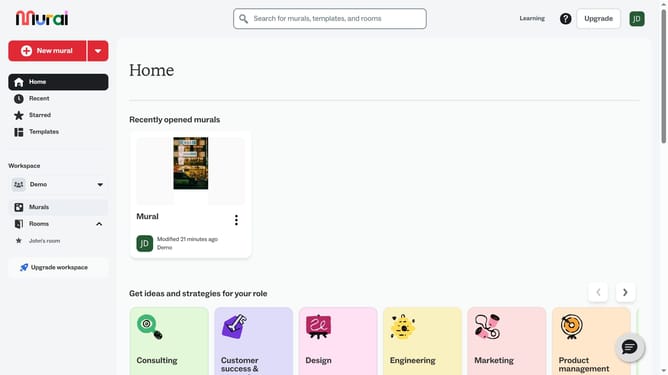
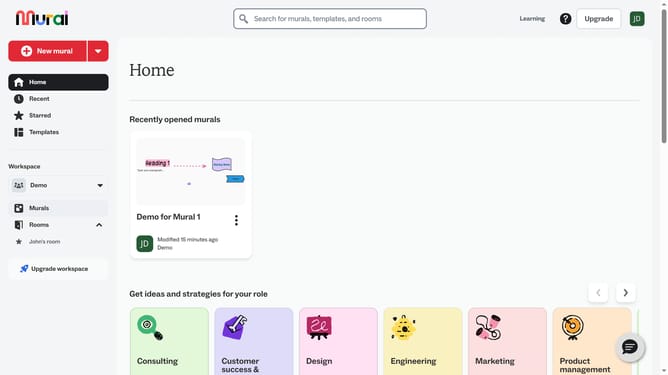
- Then click on the mural card to open it
- Next click on the "Images" tool button in the left toolbar
- Finally select a GIF image from the GIFs section in the Images panel and wait for it to load into the canvas
Why should you add GIFs in Mural
Mural is a dynamic digital workspace designed to foster creativity and collaboration among teams.
Adding GIFs to Mural is an engaging feature that enhances the visual appeal and interactivity of your workspace. GIFs bring life to ideas, making presentations and brainstorming sessions more vibrant and memorable.
Utilizing GIFs can break the monotony, maintain focus, and inspire creativity, all while ensuring team interactions are fun and lively. Leveraging this feature in Mural helps convey emotions and reactions effectively, bolstering team connectivity and understanding.
Last update