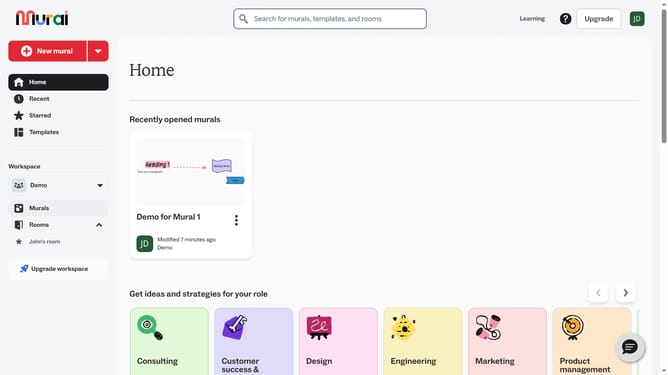
How to add text in sticky notes in Mural
Here is how to add text in sticky notes in mural
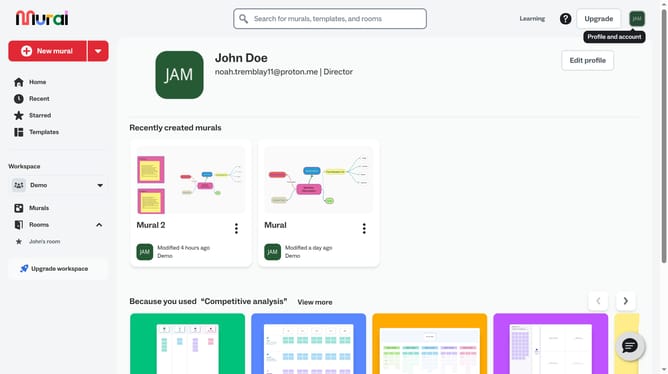
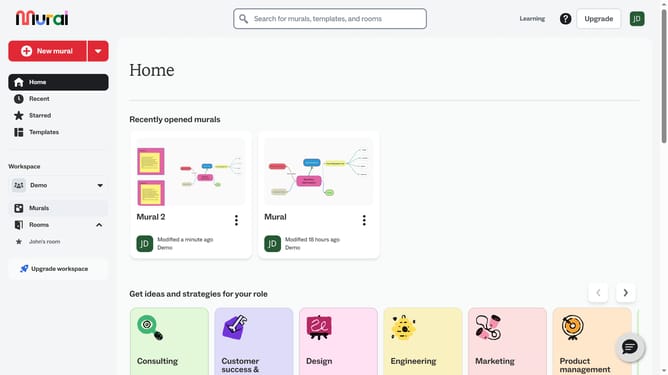
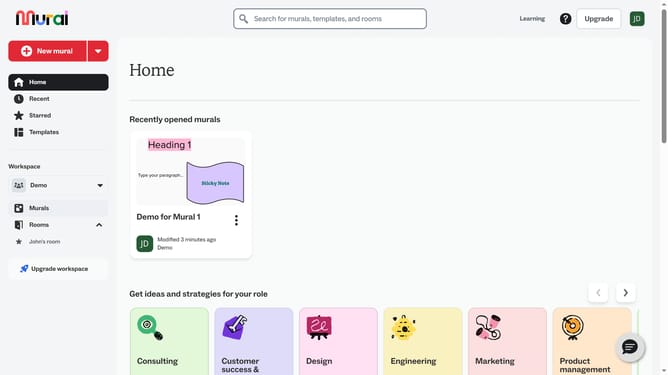
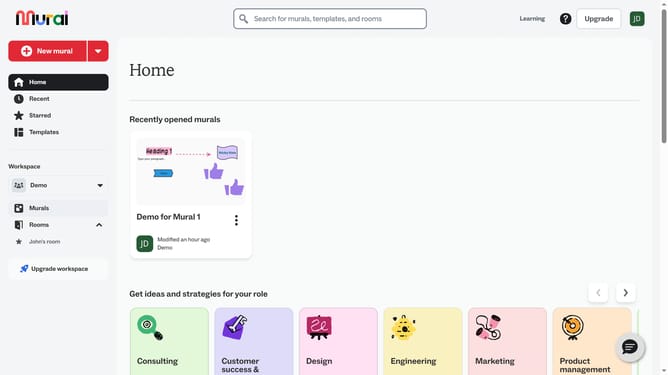
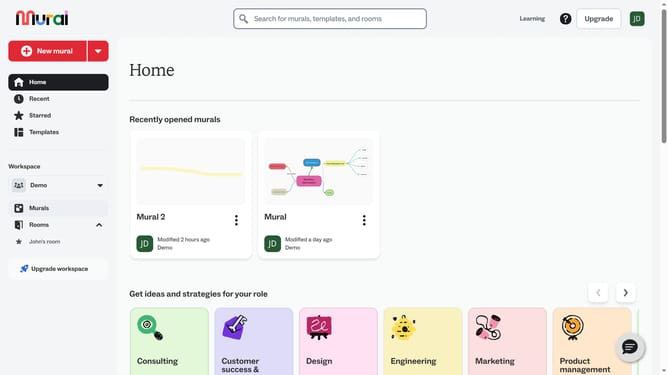
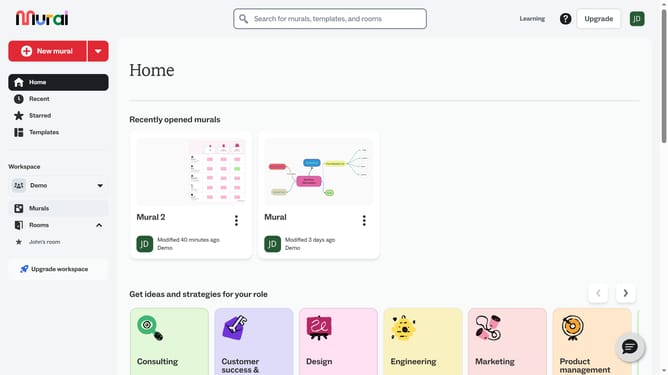
- First click on the "Murals" item in the left sidebar under the Workspace section
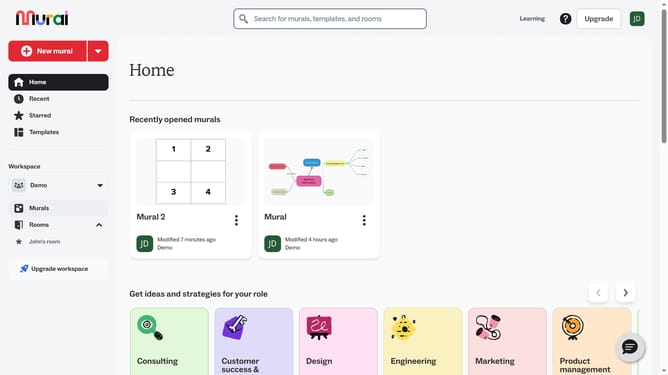
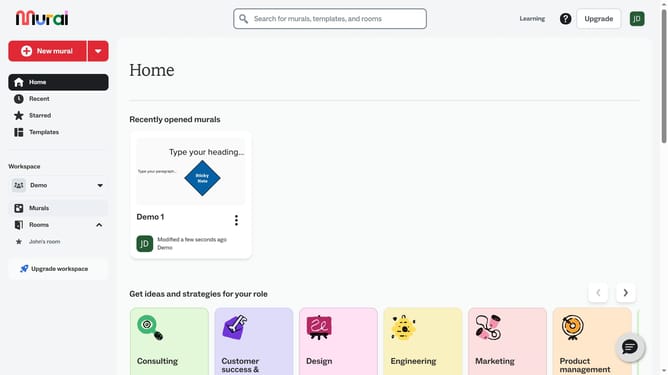
- Then click the mural that contains the sticky note
- Finally click inside the note and add your text
Why should you add text in sticky notes in Mural
Mural is a dynamic digital workspace that enhances team collaboration and creativity.
Adding text to sticky notes in Mural empowers users to capture and organize ideas effortlessly, fostering clarity and collective brainstorming.
This feature streamlines communication by allowing concise note-taking directly in virtual collaboration sessions, enabling seamless exchange and alignment of ideas.
Ultimately, this enhances productivity by structuring thoughts prominently, making team interactions more effective and enjoyable.
Last update