How to delete a drawing in Mural
Here is how to delete a drawing in mural
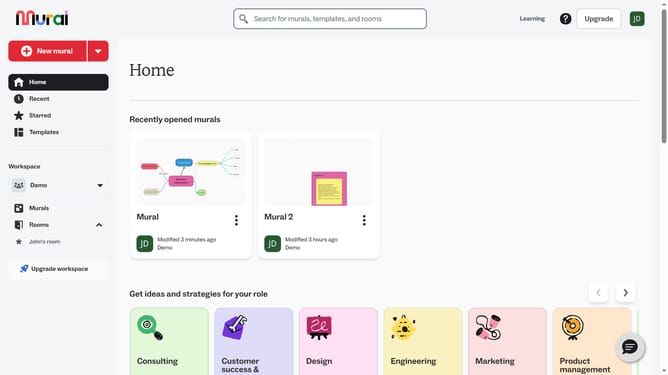
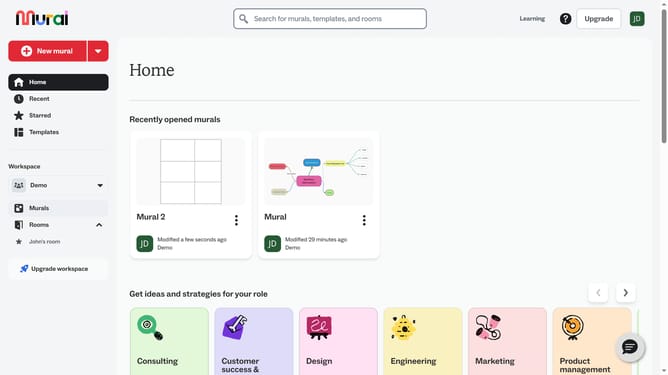
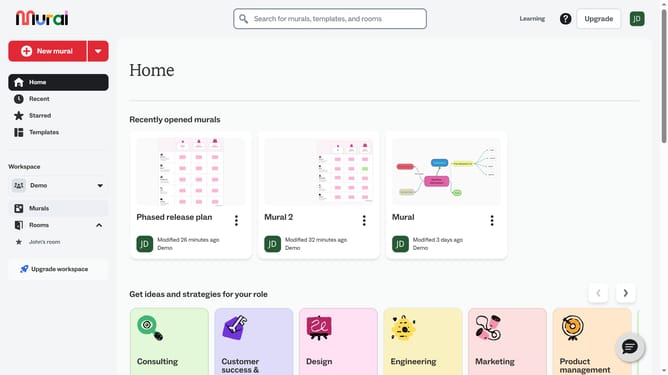
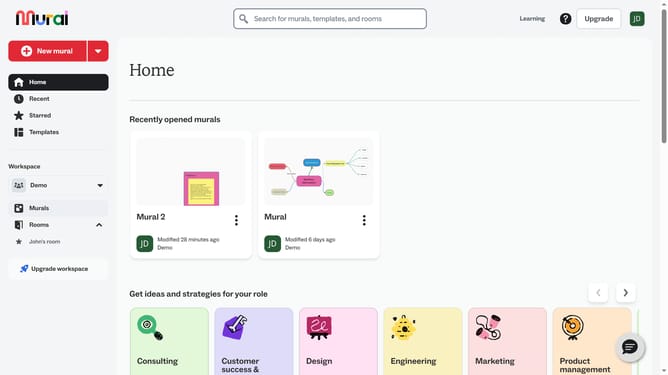
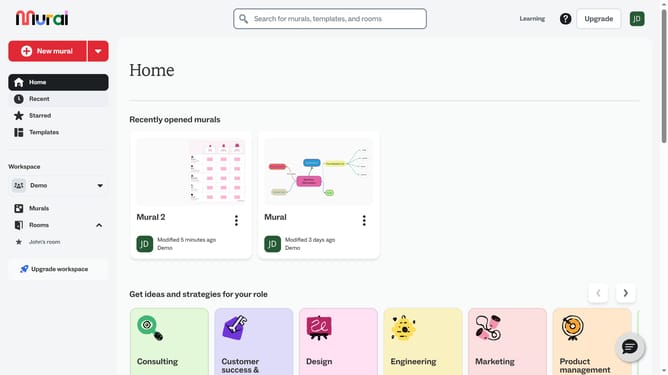
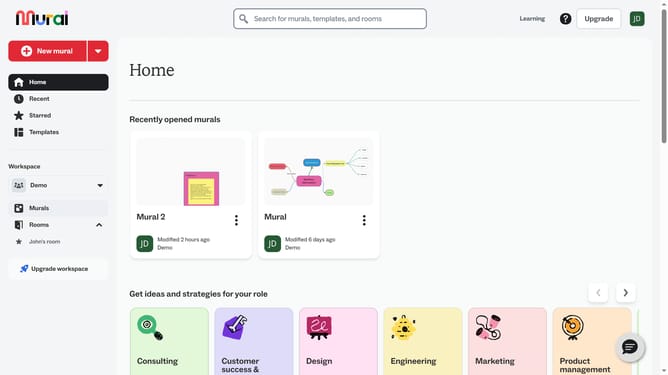
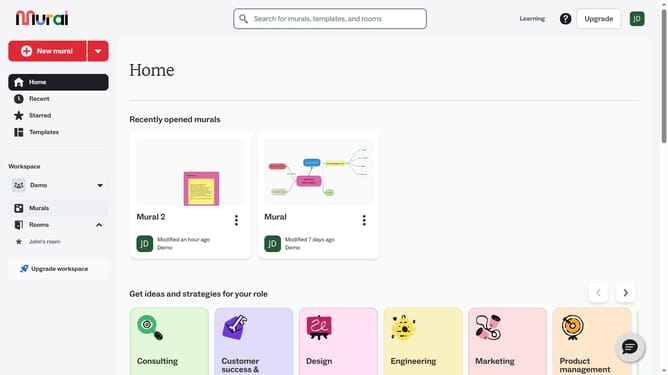
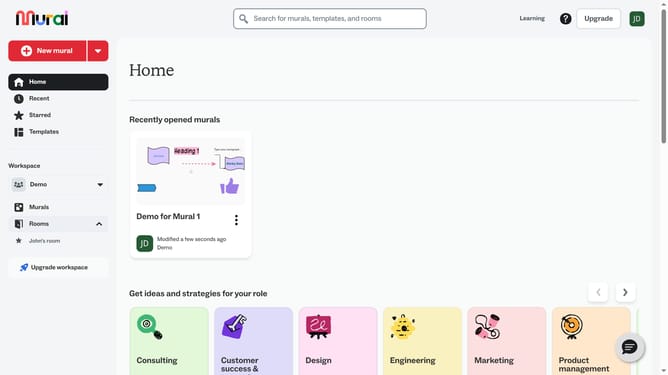
- First click on the "Murals" item in the left sidebar under the Workspace section
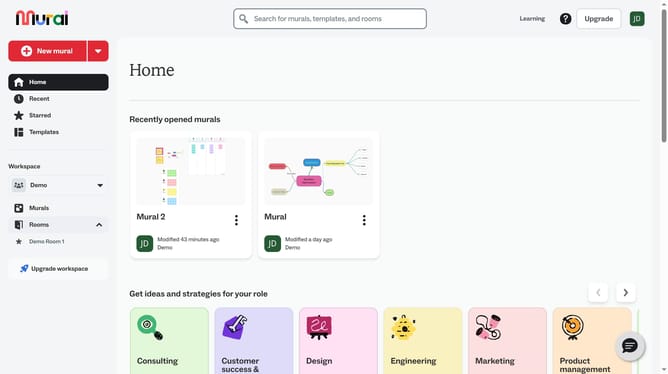
- Then click on the mural that you want to manage to open it
- Next click on the drawing element in the canvas area to select it
- Then right-click on the drawing to open the context menu
- Finally click on the "Delete" option in the context menu to remove the shape
Why should you delete a drawing in Mural
Mural is an intuitive online platform that fosters creativity and collaboration through digital whiteboards.
One standout feature is the ability to easily delete a drawing, which offers remarkable flexibility during brainstorming sessions.
Whether refining ideas or eliminating clutter, this function ensures your workspace remains organized and focused.
Offering the freedom to revise and improve without limitations, Mural empowers teams to innovate and adapt more effectively.
Last update