Mural
Mural is a visual collaboration platform for brainstorming, planning, and running remote workshops on a shared canvas.
Website
Industry
Design
Share this article:

How to enable headings and paragraphs only for voting in Mural

Here is how to enable headings and paragraphs only for voting in mural

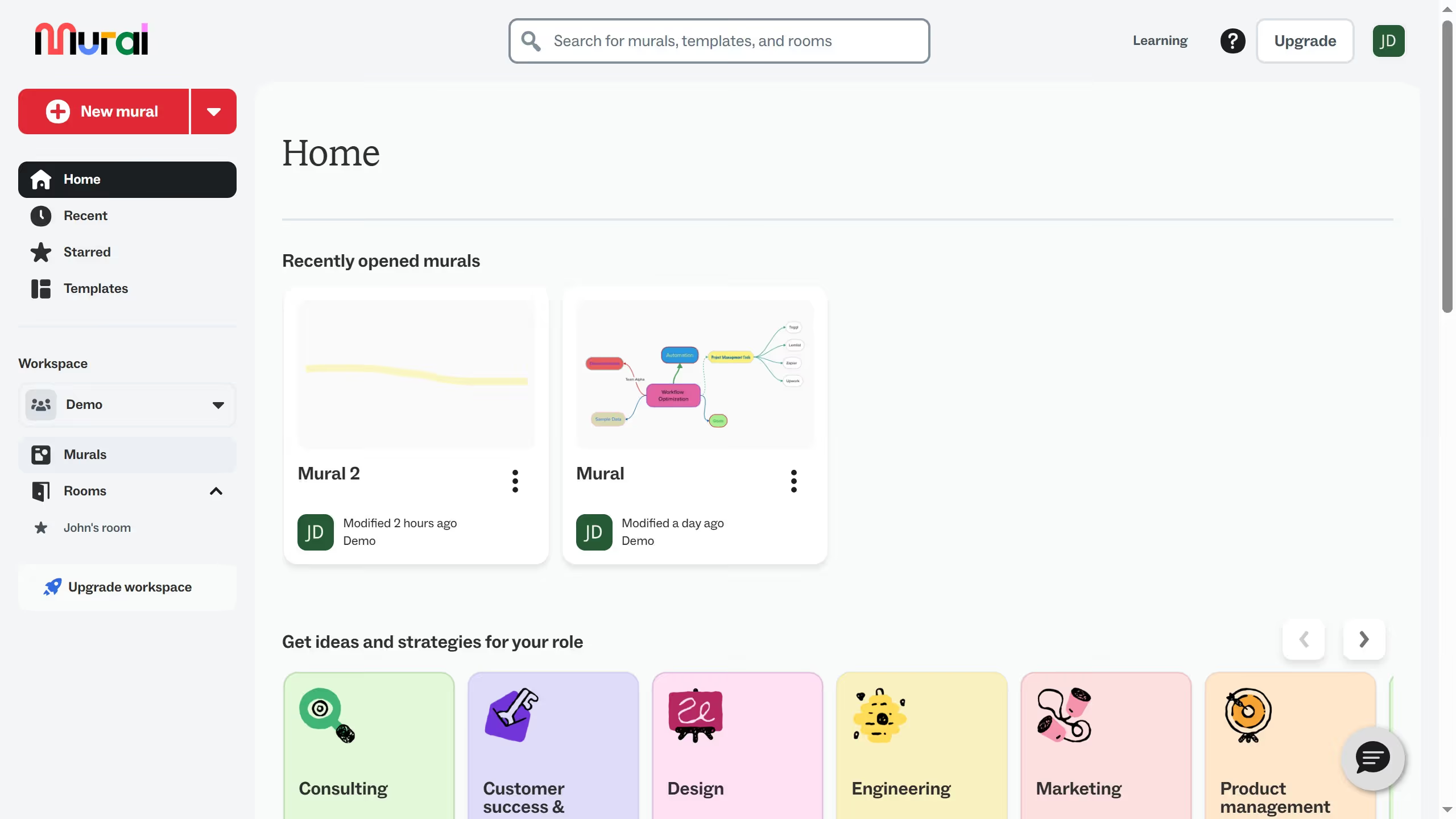
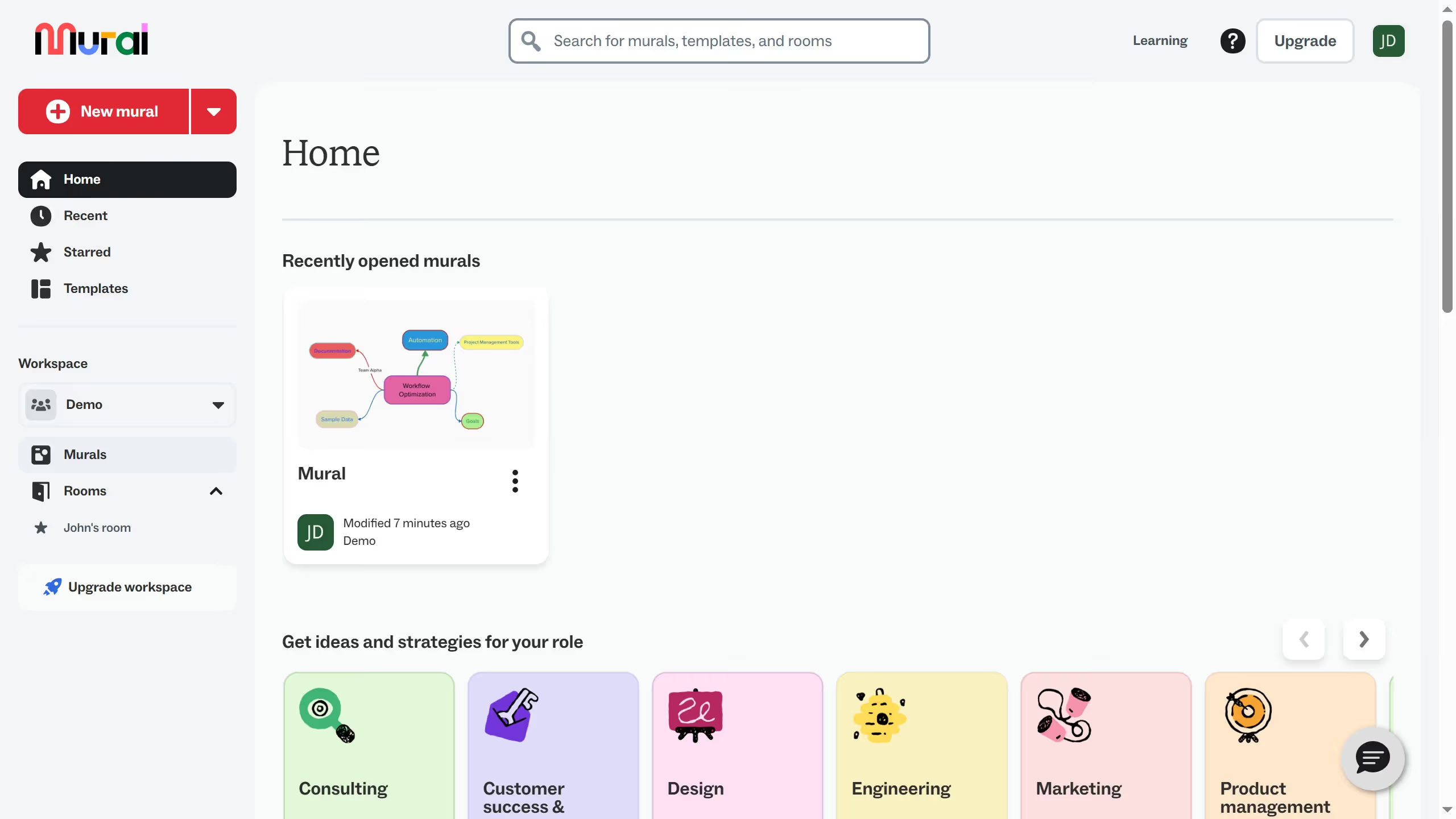
  1. First click on "Murals" in the sidebar
  2. Then click on the mural that you want to manage to open it
  3. Next click on "Facilitate" button in the top toolbar
  4. Then click on "Voting" option in the facilitation menu
  5. Next click on "Start voting session" button
  6. Then click on the session name input field and enter the voting session name
  7. Next click on "Clear selection" link to deselect all voting options
  8. Then click on "Headings and paragraphs" checkbox to select it as a voting option
  9. Next click on "Start" button to begin the voting session
  10. Finally click on "Begin voting" button in the voting session confirmation dialog

Create your own interactive guide with Guideflow

Why should you enable headings and paragraphs only for voting in Mural

Mural is an intuitive digital workspace designed to enhance collaboration and creativity for teams across the globe.

Enabling headings and paragraphs only for voting in Mural can streamline the decision-making process by ensuring focus on key ideas and topics. This feature allows participants to engage with structured content, enhancing clarity and enhancing the voting experience.

Utilizing this functionality can lead to more organized feedback sessions, helping teams prioritize effectively and stay aligned on project goals.

Last update
March 13, 2026
Cursor MariaA cursor points to a button labeled "James."

Create your first demo in less than 30 seconds.