Mural
Mural is a visual collaboration platform for brainstorming, planning, and running remote workshops on a shared canvas.
Website
Industry
Design
Share this article:

How to show content using outline in Mural

Here is how to show content using outline in mural

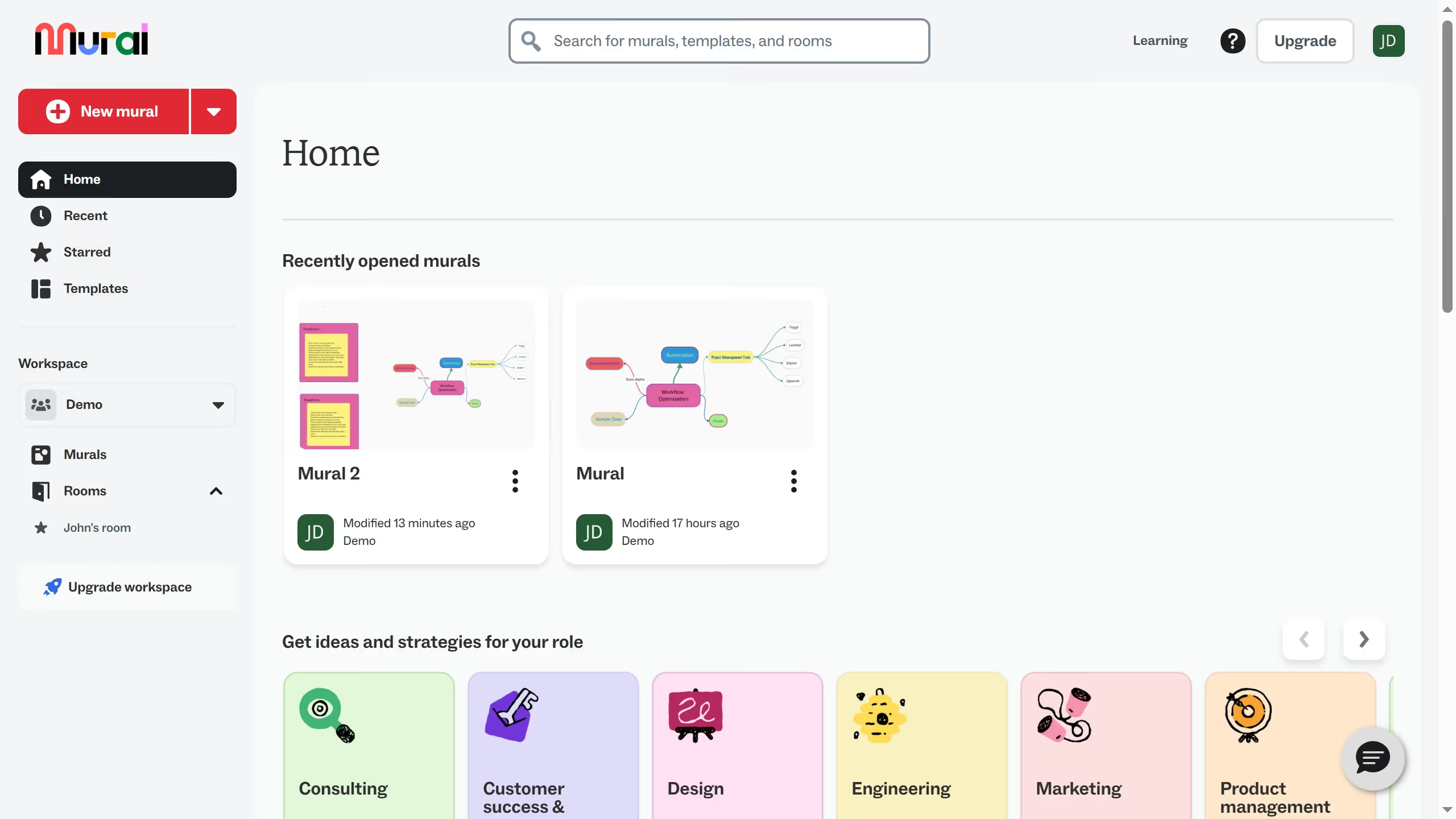
  1. First click on "Murals" in the left sidebar
  2. Then click on the mural filename that you want to manage to open it
  3. Next click on "Outline" button in the top toolbar
  4. Finally click on "Reveal this content" button in the Presentation outline panel

Create your own interactive guide with Guideflow

Why should you show content using outline in Mural

Mural is an innovative platform designed to enhance collaborative work through visual tools and structured thinking.

The "Show Content Using Outline" feature in Mural is an essential tool for organizing information clearly and effectively. This feature enables users to seamlessly display their content in a structured format, making it easier to follow and understand.

By using outlines, teams can better manage their ideas, ensuring everyone stays aligned and focused on their goals. This not only enhances productivity but also fosters a more cohesive and efficient collaborative environment.

Overall, leveraging outlines in Mural adds clarity and focus, transforming chaotic brainstorming sessions into organized and actionable plans.

Last update
March 16, 2026
Cursor MariaA cursor points to a button labeled "James."

Create your first demo in less than 30 seconds.