How to resize table in Mural
Here is how to resize table in mural
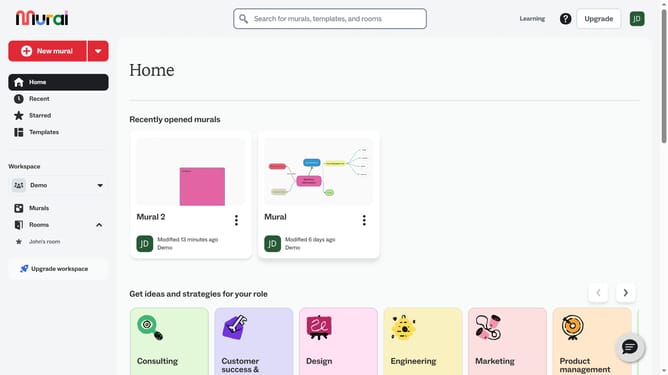
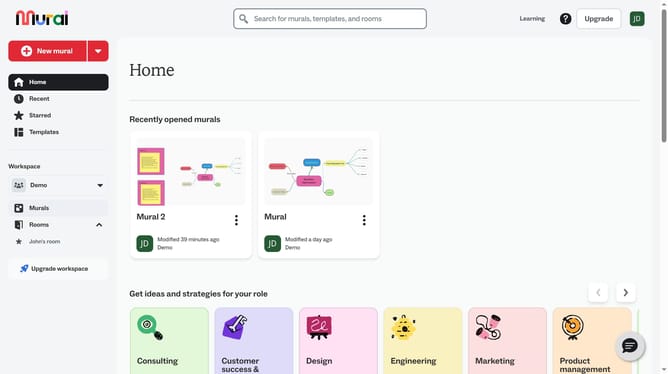
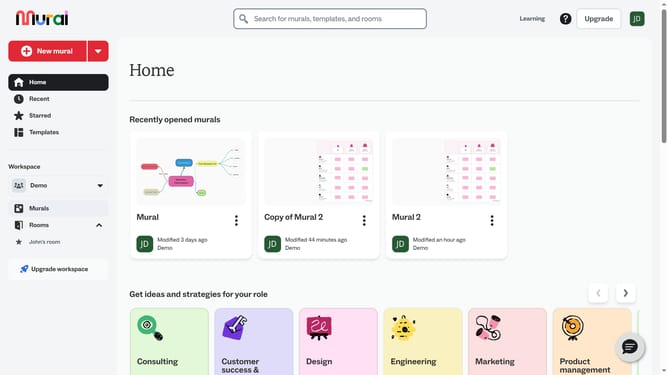
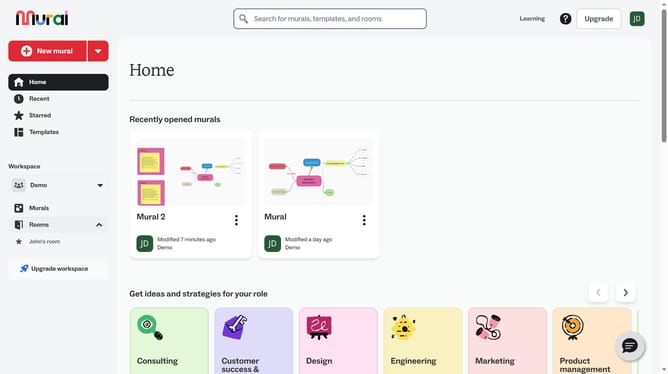
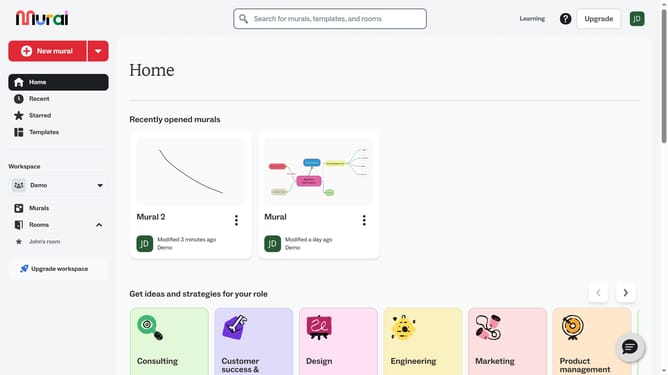
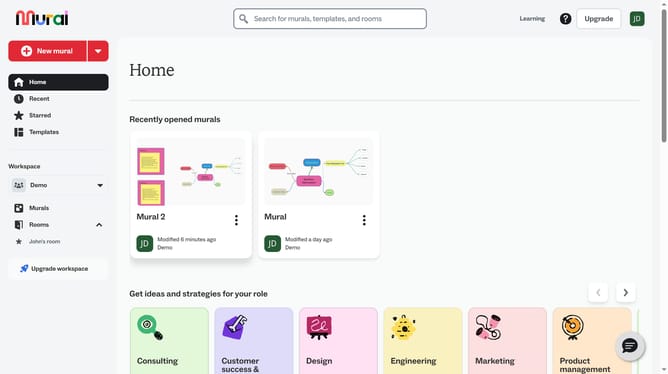
- First click on the "Mural 2" card in the Recently opened murals section to open the mural
- Click on the table on the canvas to select it
- Finally click and drag the table edges or corner handles to resize the table to your preferred dimensions and release the mouse button to apply the changes
Why should you resize table in Mural
Mural is a dynamic digital workspace designed to enhance visual collaboration and creativity.
Resizing tables in Mural is incredibly intuitive, allowing users to tailor their visual projects to perfection. This feature enables smooth adaptability, ensuring that all collaborative efforts are displayed clearly and effectively for teams of any size.
By offering flexibility in table dimensions, the platform supports enhanced visibility of critical information, simplifying workflows and driving productive discussions.
Last update