How to change connector stroke style in a mind map in Mural
Here is how to change connector stroke style in a mind map in mural
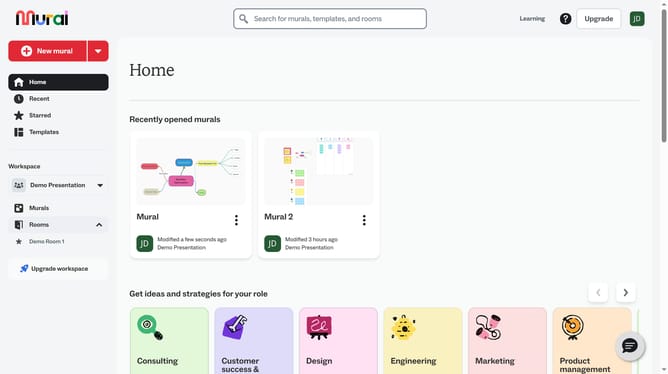
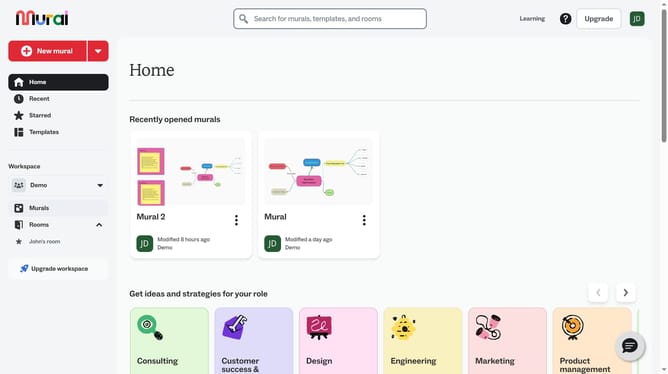
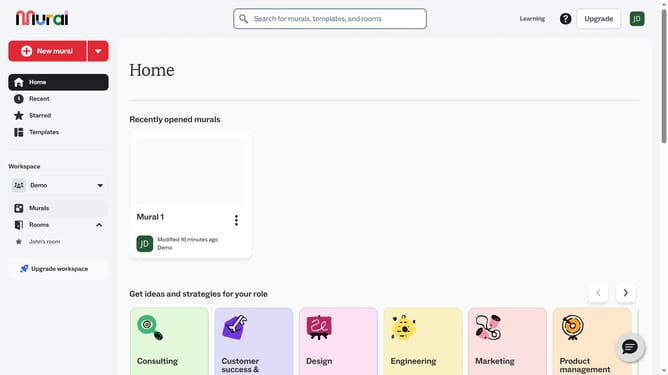
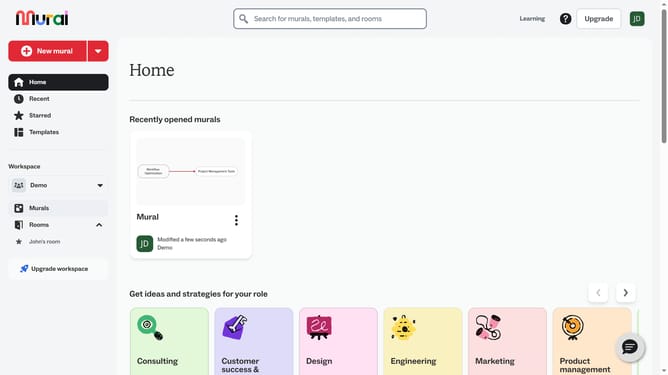
- First click on the "Murals" item in the left sidebar navigation menu
- Then click on the name of the Mural card in the murals section to open it
- Next click on the connector line between two text boxes to select it
- Then click on the "Stroke style" button in the top toolbar to open the stroke style menu
- Finally select an option from the stroke style dropdown menu
Why should you change connector stroke style in a mind map in Mural
Mural is an intuitive digital workspace designed to enhance creativity and collaboration through visual planning.
Changing the connector stroke style in a mind map within Mural is a simple yet powerful feature. It allows users to customize the connections between ideas, making complex maps clearer and more visually appealing.
By using distinct stroke styles, you can emphasize important connections, differentiate between various types of relationships, and enhance overall map readability.
This customization not only improves user experience but also enhances team communication, fostering a more effective brainstorming environment.
Last update