How to duplicate emojis in Mural
Here is how to duplicate emojis in mural
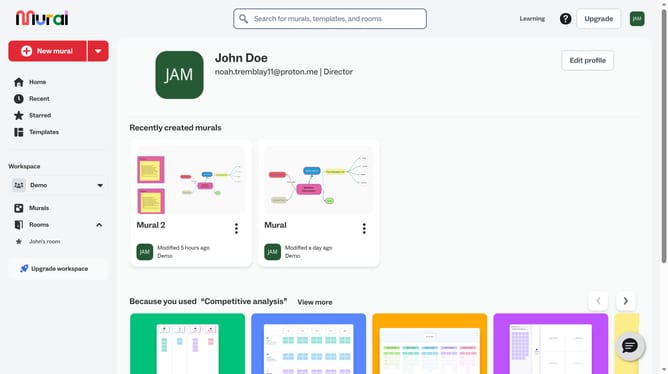
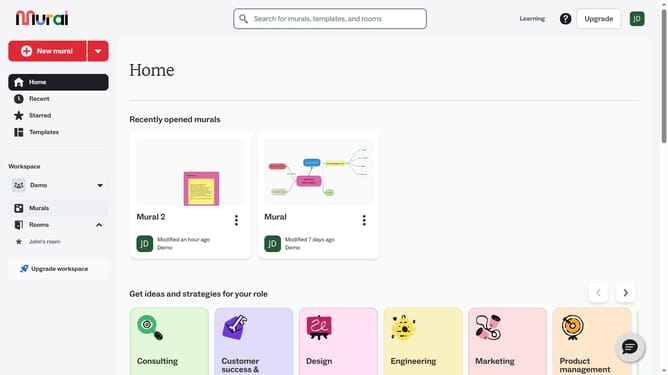
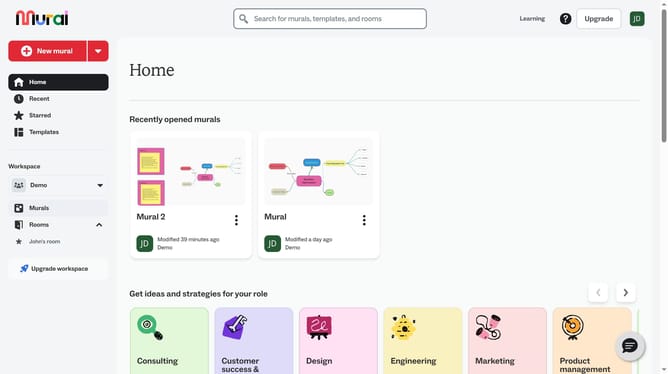
- First click on the "Murals" item in the left sidebar under the Workspace section
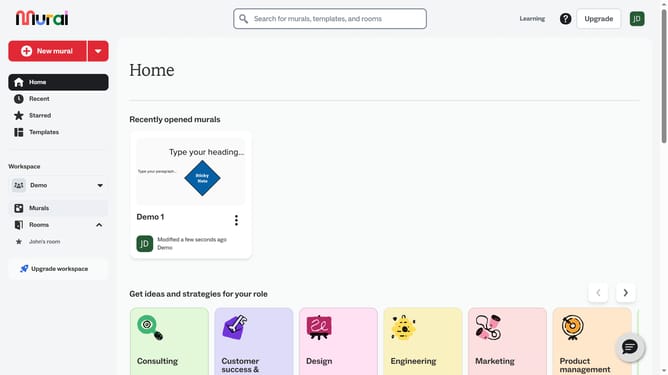
- Then click on the Mural card to open it
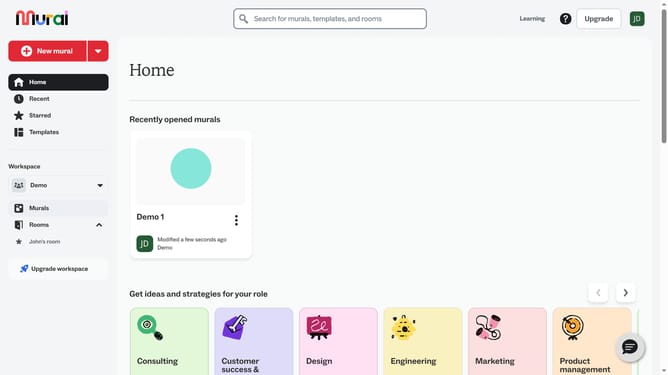
- Next click on the emoji element in the mural canvas to select it
- Then right-click on the emoji to open the context menu
- Finally click on the "Duplicate" option in the context menu to duplicate the selected object
Why should you duplicate emojis in Mural
Mural is an innovative digital workspace designed to enhance collaboration and creativity among teams.
In Mural, duplicating emojis is a simple yet powerful feature that boosts efficiency in visual communication. Emojis can express ideas quickly and add a personal touch to your collaborative space, making interactions more engaging.
By efficiently duplicating emojis, you can spot patterns, reinforce messages, and create a lively atmosphere. This fosters a more dynamic and connected team environment, ultimately leading to more effective brainstorming sessions and project developments.
Last update