Mural
Mural is a visual collaboration platform for brainstorming, planning, and running remote workshops on a shared canvas.
Website
Industry
Design
Share this article:

How to exit fullscreen while presenting in Mural

Here is how to exit fullscreen while presenting in mural

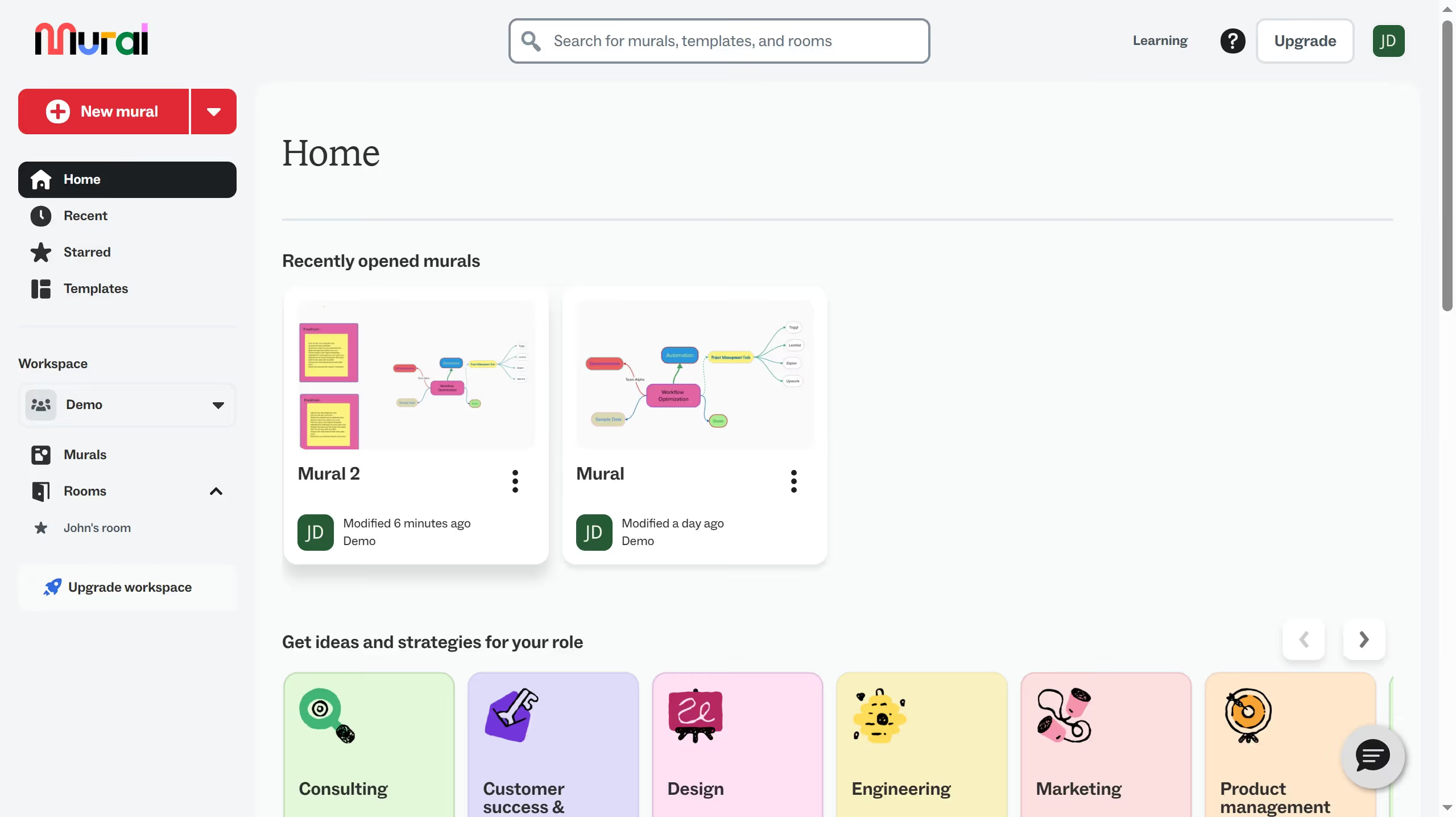
  1. First click on "Murals" in the left sidebar
  2. Then click on the mural that you want to manage to open it
  3. Next click on "Outline" button in the top toolbar
  4. Next click on "Present" button at the bottom
  5. Then click on "Fullscreen" in the presentation toolbar at the bottom
  6. Finally click on "Fullscreen" again in the presentation toolbar to exit fullscreen

Create your own interactive guide with Guideflow

Why should you exit fullscreen while presenting in Mural

Mural is an innovative collaborative platform designed to enhance visual teamwork and creativity.

Exiting fullscreen while presenting in Mural ensures a seamless transition between focused presentations and interactive elements.

This feature allows presenters to regain control of their workspace, facilitating the integration of additional resources or participation tasks mid-session.

Ultimately, it enhances flexibility and interaction, allowing users to pivot smoothly between presentation and collaboration modes.

Last update
March 13, 2026
Cursor MariaA cursor points to a button labeled "James."

Create your first demo in less than 30 seconds.