How to ungroup objects in Mural
Here is how to ungroup objects in mural
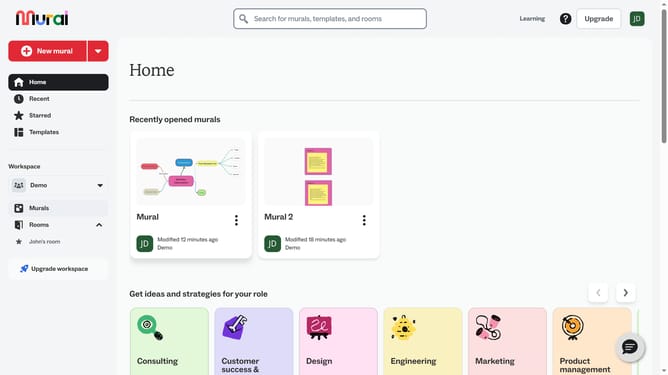
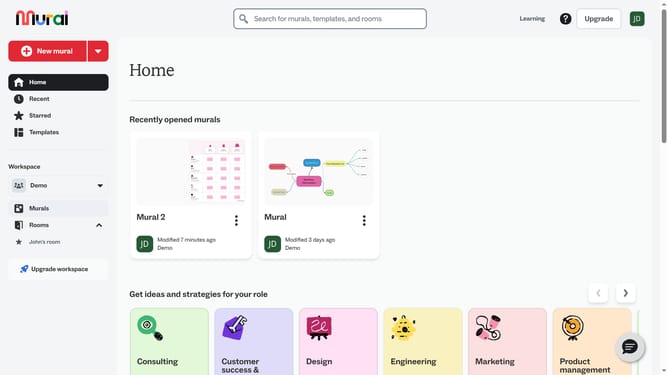
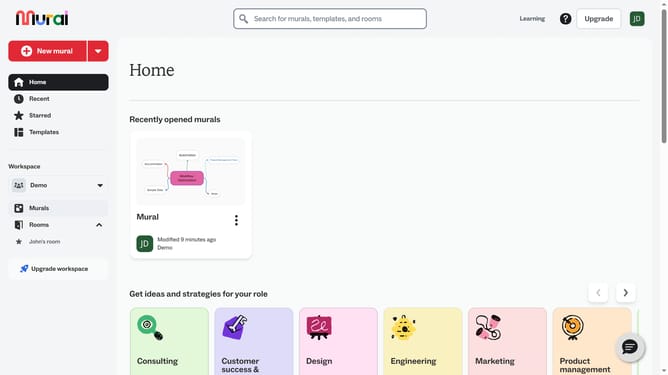
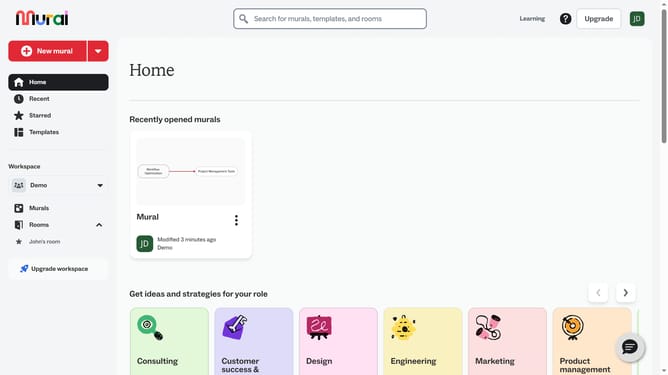
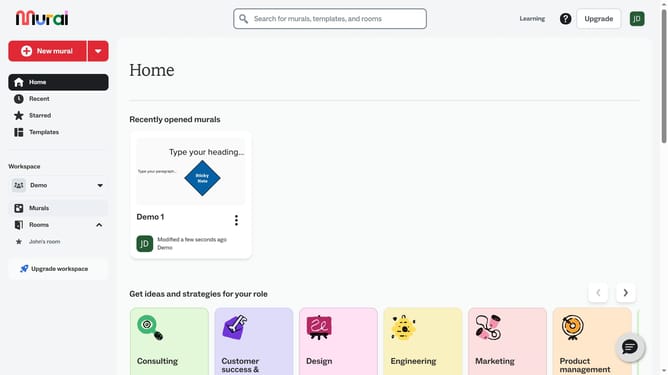
- First click on the "Murals" item in the left sidebar under the Workspace section
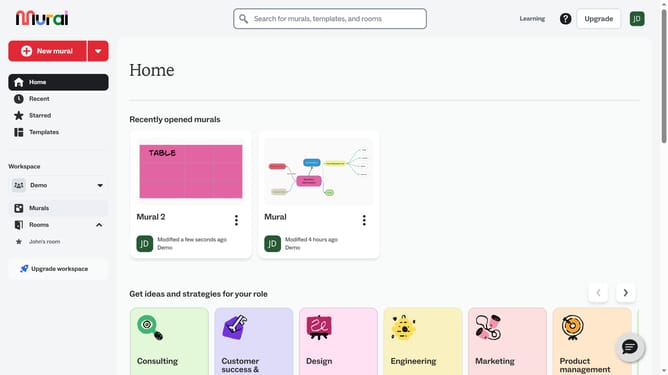
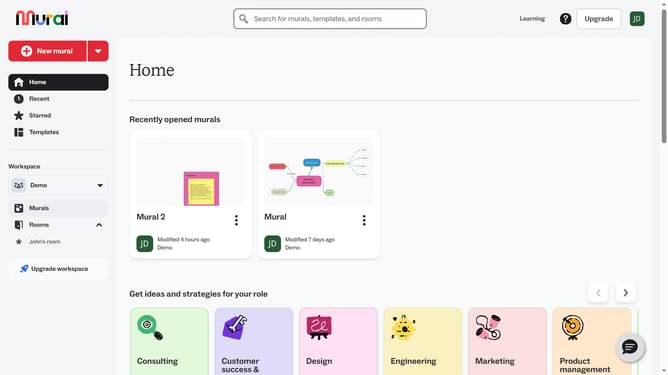
- Then click on the mural card name to open the mural
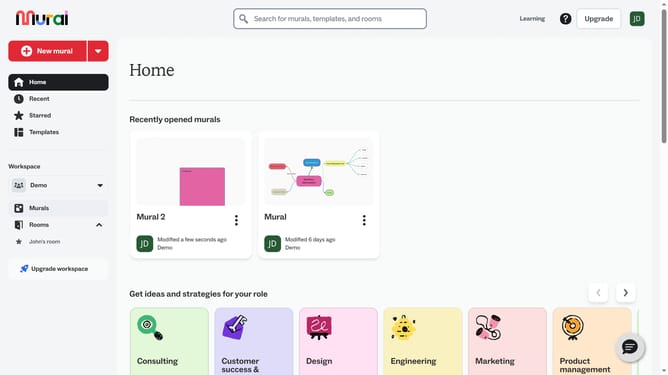
- Next click on the grouped element in the canvas area to select it
- Then right-click on the element to open the context menu
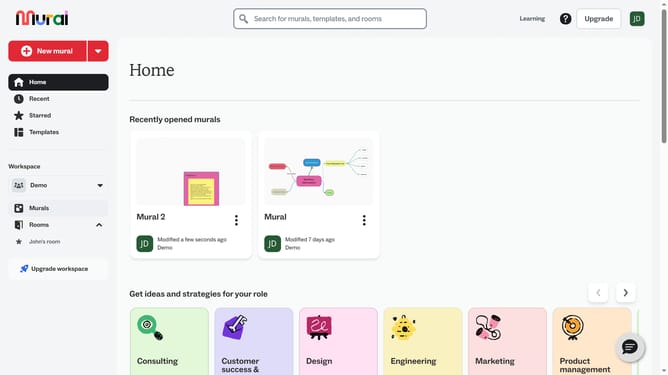
- Finally click on the "Ungroup" option in the context menu
Why should you ungroup objects in Mural
Mural is a versatile online collaboration tool designed to enhance creativity and team engagement.
Ungrouping objects in Mural empowers users to modify their ideas with ease, promoting flexibility and dynamism in visual collaborations.
By separating grouped elements, team members can focus on individual components, enabling detailed adjustments and tailored feedback.
This feature enhances the customization of your workspace, allowing for a more organized and efficient brainstorming environment.
Last update