How to change connector width in a mind map in Mural
Here is how to change connector width in a mind map in mural
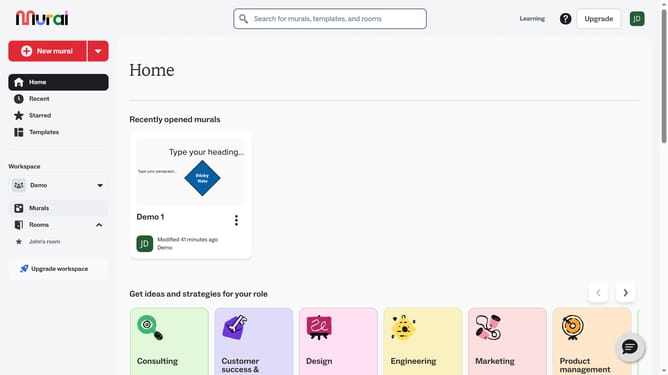
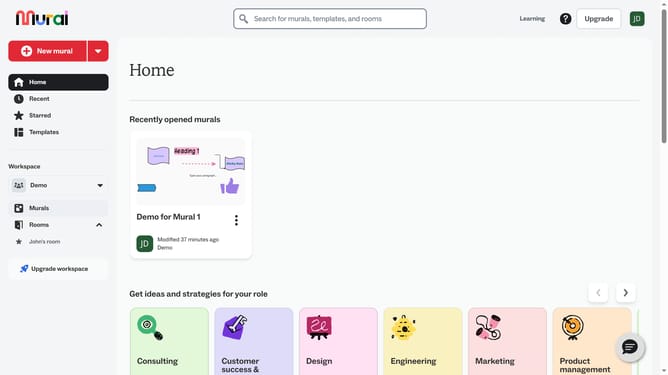
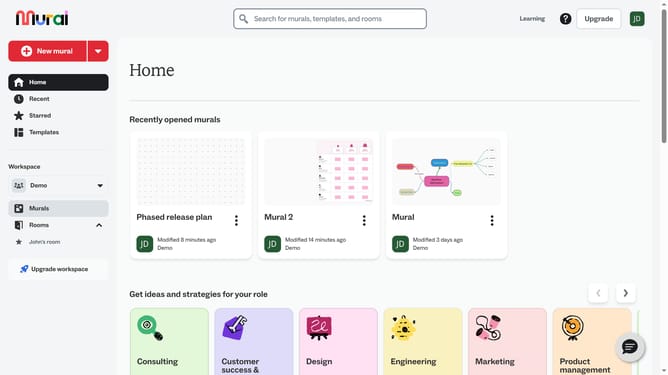
- First click on the "Murals" item in the left sidebar under the Workspace section
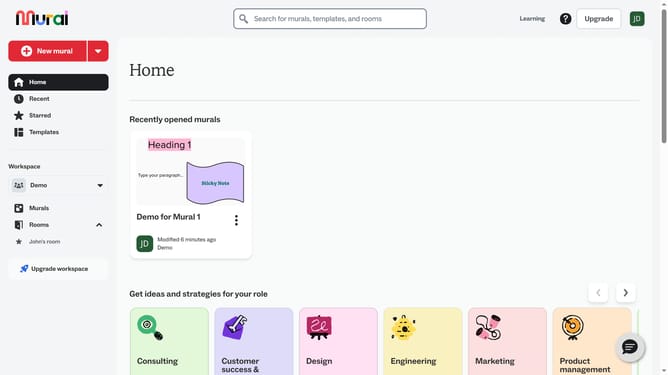
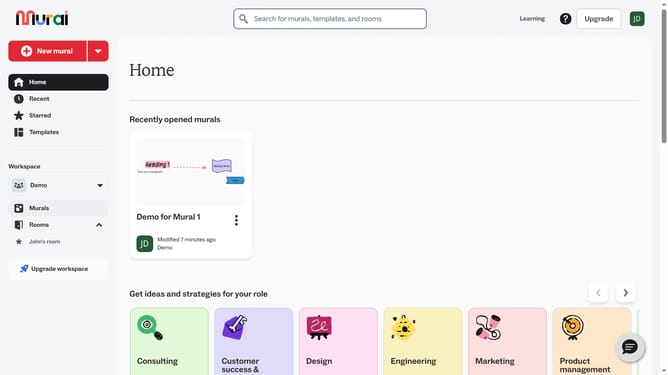
- Then click on the Mural card name in the murals section to open it
- Next click on the connector to select it
- Next click on the "Stroke width" button in the formatting toolbar that appears above the selected element
- Finally select an option from the stroke width dropdown menu
Why should you change connector width in a mind map in Mural
Mural is a dynamic digital workspace designed to enhance collaboration and ideation through visual thinking tools.
In Mural, altering the connector width in a mind map is a flexible feature that enhances visual clarity and personalizes your workflow. This capability ensures that linkages between thoughts are clear, bold, and tidy, which is crucial for effective communication of complex ideas.
By customizing connector width, users can emphasize specific paths or relationships, guiding viewers through logical sequences seamlessly. This feature not only boosts aesthetic appeal but also fortifies comprehension and engagement in collaborative settings.
Last update