Mural
Mural is a visual collaboration platform for brainstorming, planning, and running remote workshops on a shared canvas.
Website
Industry
Design
Share this article:

How to publish as template an with an infinite canvas in Mural

Here is how to publish as template an with an infinite canvas in mural

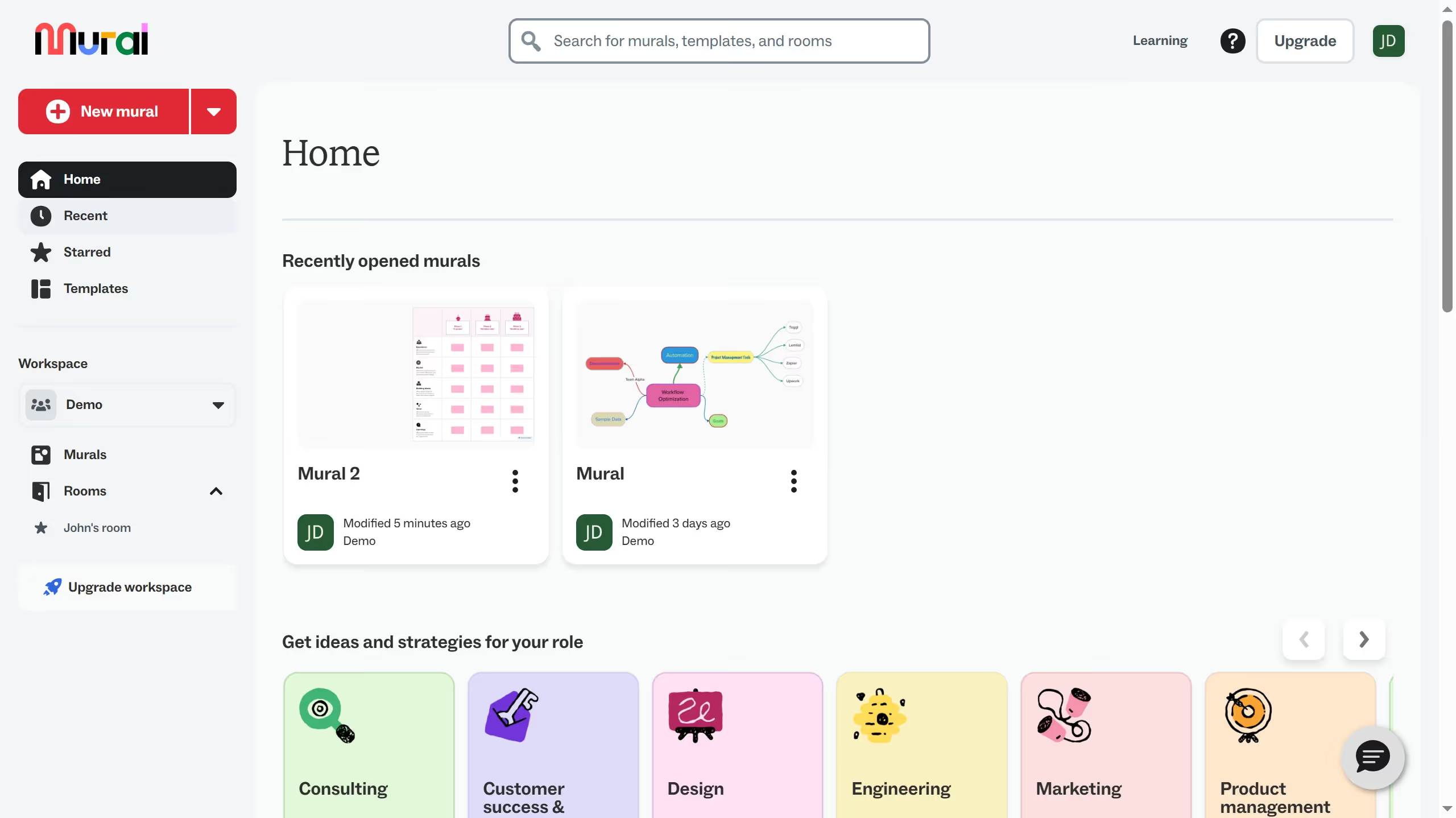
  1. First click on "Murals" item in the left sidebar
  2. Then click on the mural filename that you want to manage to open it
  3. Next click on the dropdown menu button in the top toolbar
  4. Then click on "Publish as template" option in the dropdown menu
  5. Next click in the "Title" text field and enter the template name
  6. Then click on "Publish template" button to publish the template
  7. Finally click on "Go to the template" button in the confirmation dialog

Create your own interactive guide with Guideflow

Why should you publish as template an with an infinite canvas in Mural

Mural is an innovative digital workspace designed to enhance team collaboration through an interactive online canvas.

The infinite canvas feature in Mural allows you to explore unlimited creative possibilities by providing a boundless digital space for brainstorming and visual mapping.

By publishing your infinite canvas as a template, you ensure your unique setup and insights can be reused, promoting efficiency and consistency across projects.

This feature supports effective collaboration by allowing seamless idea sharing and structured team alignment, making it indispensable for dynamic team environments.

Last update
March 13, 2026
Cursor MariaA cursor points to a button labeled "James."

Create your first demo in less than 30 seconds.