How to change start tip of connectors in Mural
Here is how to change start tip of connectors in mural
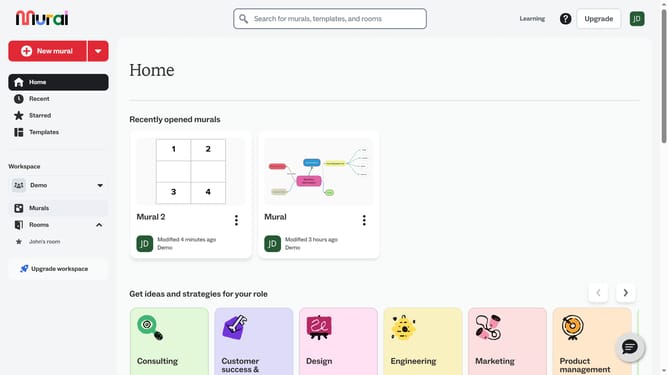
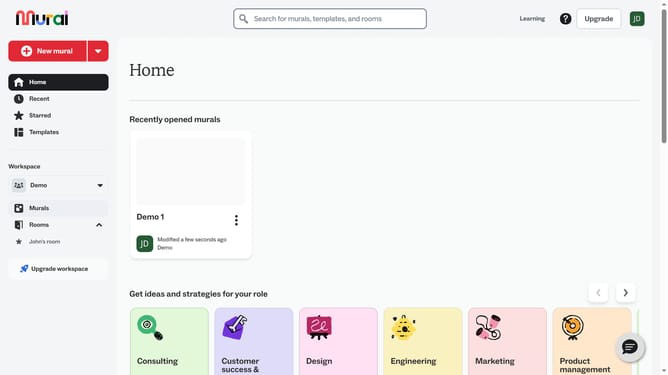
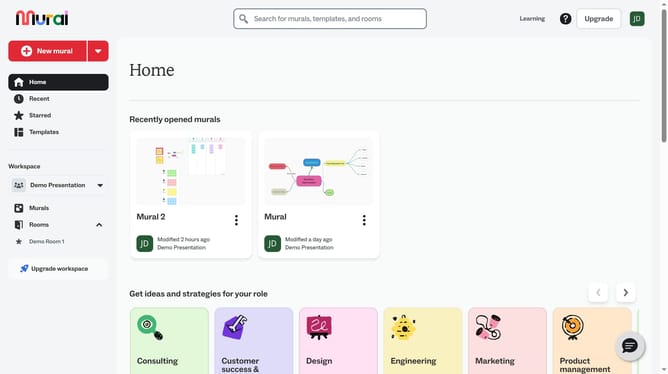
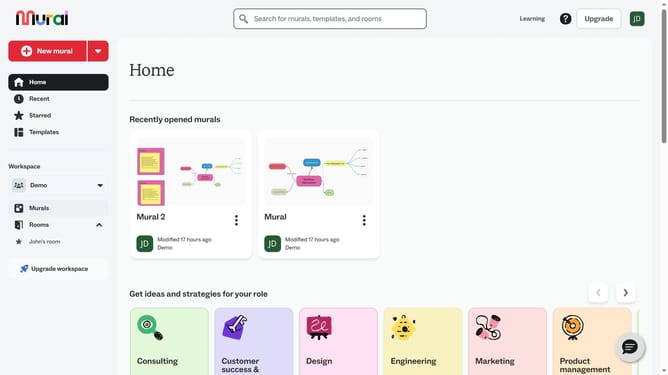
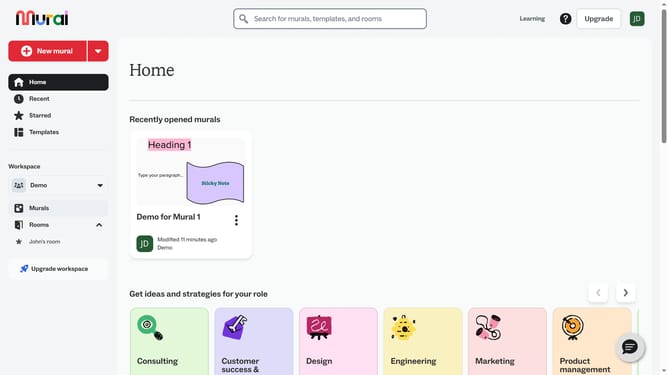
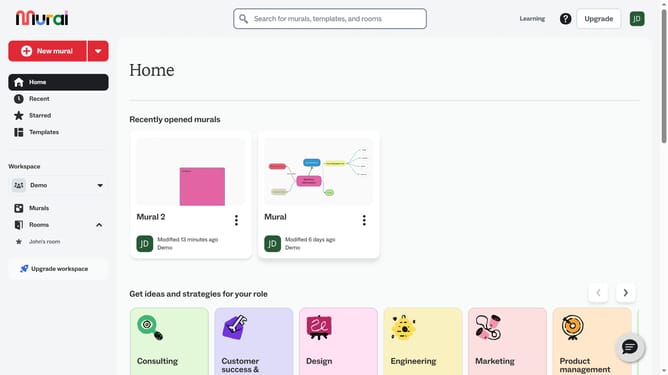
- First click on the "Murals" item in the left sidebar
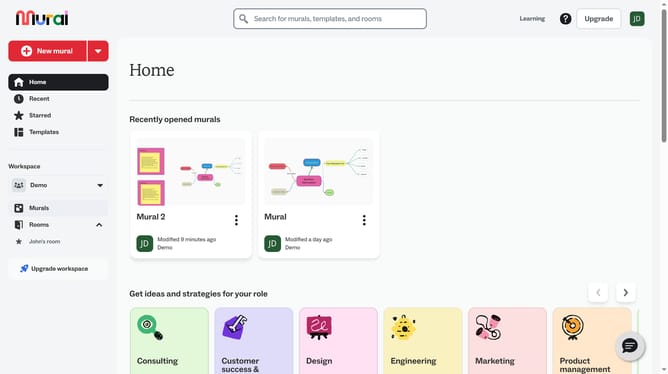
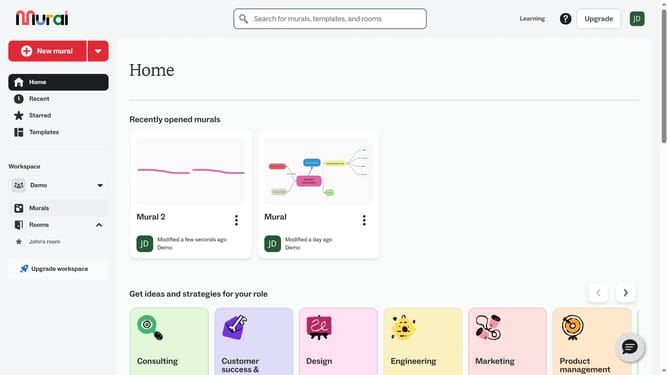
- Then click on the mural that contains the connector
- Next click on the connector line on the canvas
- Then click on the line end style button in the connector formatting toolbar
- Finally select an option from the line end style dropdown menu
Why should you change start tip of connectors in Mural
Mural is an intuitive online workspace designed to enhance team collaboration and creativity.
Changing the start tip of connectors in Mural allows users to tailor visual pathways to suit specific project needs, fostering clear communication.
This feature ensures that ideas and processes are connected logically, improving understanding amongst team members.
By customizing connector start tips, presentations gain a polished look, amplifying the impact of your visual storytelling.
Last update