How to change stroke color of connectors in Mural
Here is how to change stroke color of connectors in mural
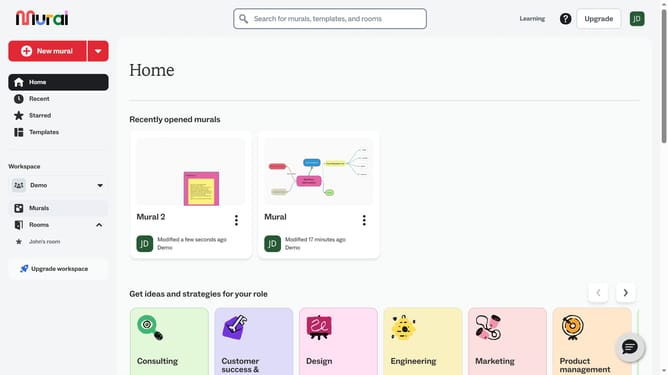
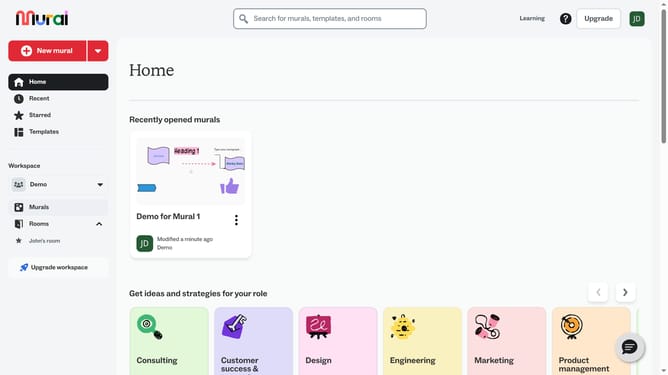
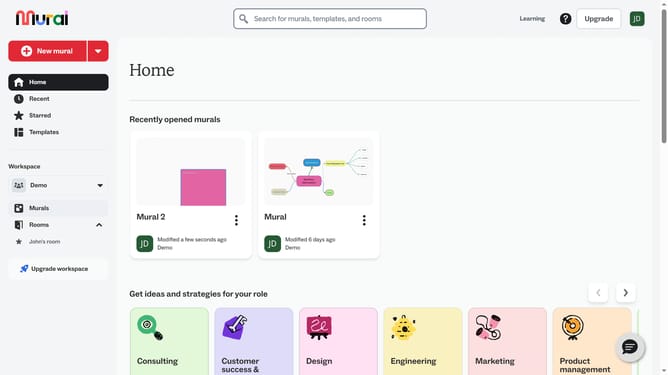
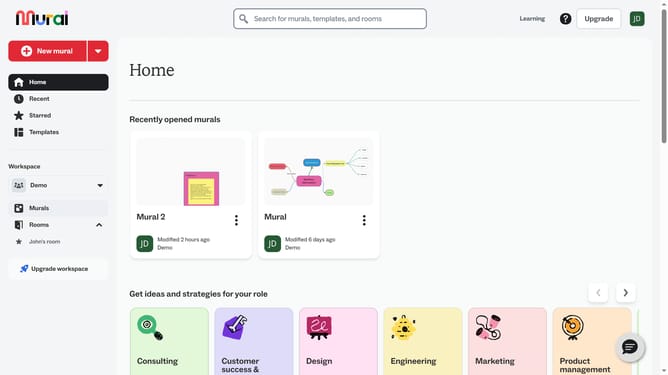
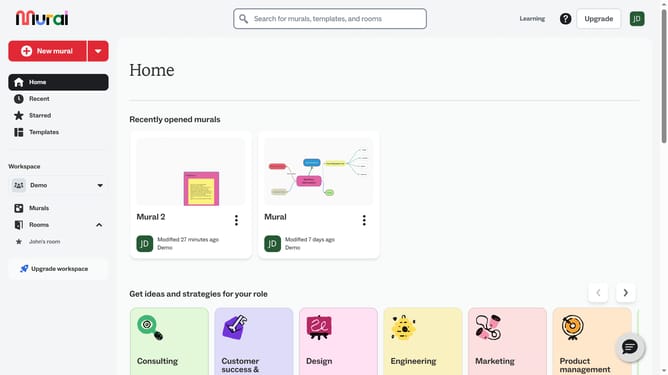
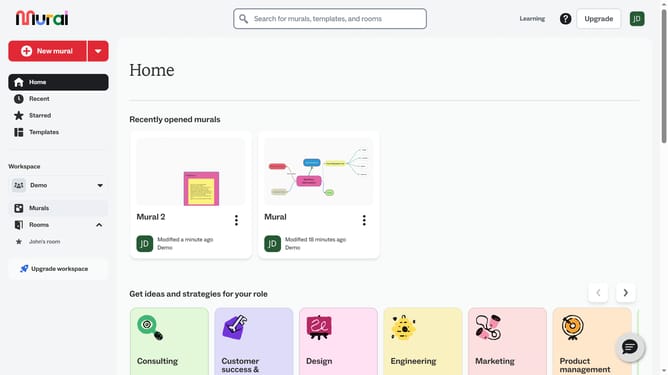
- First click on the "Murals" item in the left sidebar under the Workspace section
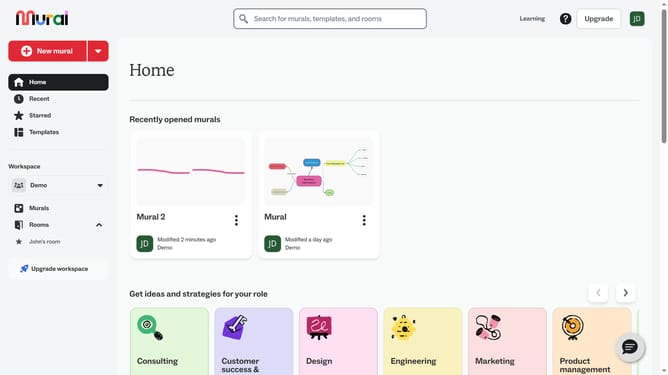
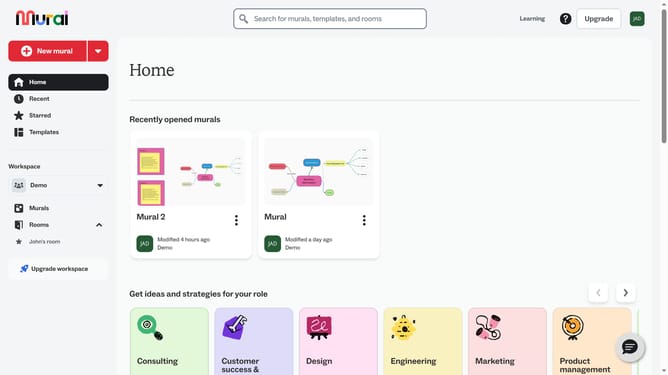
- Open the mural that contains the connector
- Next click on the connector in the canvas to select it
- Then click on the "Stroke color" button in the formatting toolbar to open the color picker
- Finally select a color from the color palette in the color picker dropdown
Why should you change stroke color of connectors in Mural
Mural is a digital workspace designed to enhance collaborative and creative work, allowing teams to brainstorm and visualize ideas seamlessly.
Changing the stroke color of connectors in Mural adds a vibrant layer of personalization and clarity to your digital canvas. This feature enables users to visually distinguish different types of connections, enhancing the overall organization of ideas and information.
Utilizing various colors for connectors aids in categorizing thoughts, promotes visual hierarchy, and ensures that critical pathways and connections stand out effectively during presentations or discussions.
This customization contributes to a more engaging and informative visual experience, ultimately leading to enhanced team collaboration and communication.