How to turn on erase by stroke in drawings in Mural
Here is how to turn on erase by stroke in drawings in mural
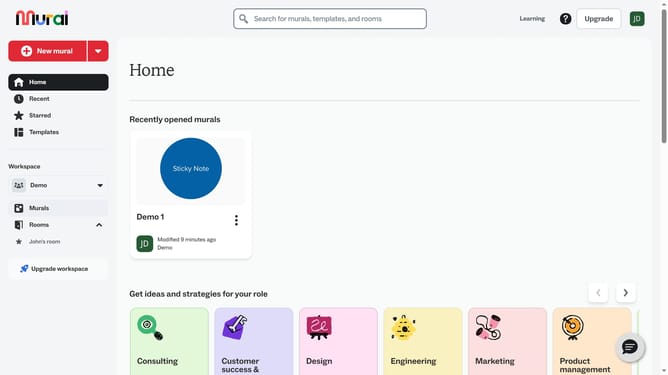
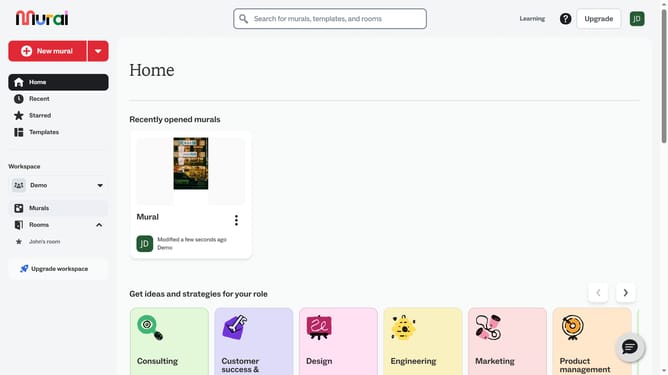
- First click on the "Murals" item in the left sidebar
- Then click on the mural that you want to manage to open it
- Next click on the "Draw" tool button in the left toolbar
- Then click on the settings icon in the drawing toolbar
- Next click on the "Erase by stroke" toggle button to enable it
- Finally click on the canvas to complete the changes
Why should you turn on erase by stroke in drawings in Mural
Mural is an innovative collaborative platform designed to enhance creativity and facilitate teamwork.
The "Erase by Stroke" feature in Mural's drawing tool allows users to streamline their creative process by removing specific strokes effortlessly. This element enhances precision without disturbing the entire drawing, ensuring smoother iterations and adjustments.
Using this feature promotes efficiency by quickly eliminating mistakes or unwanted elements, allowing teams to focus on brainstorming and strategizing effectively.
Last update