How to move a table on the canvas in Mural
Here is how to move a table on the canvas in mural
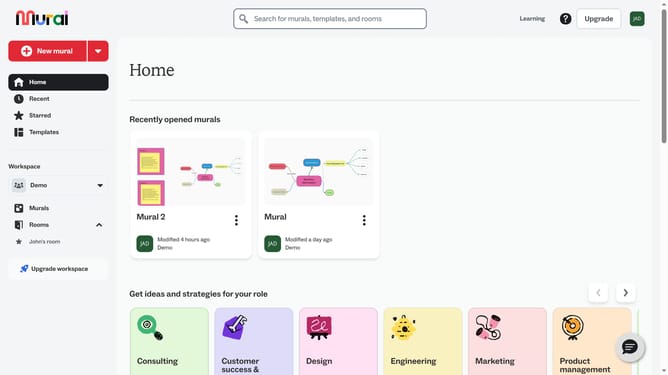
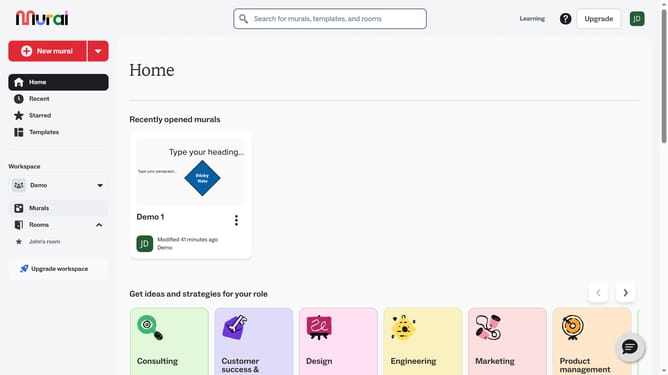
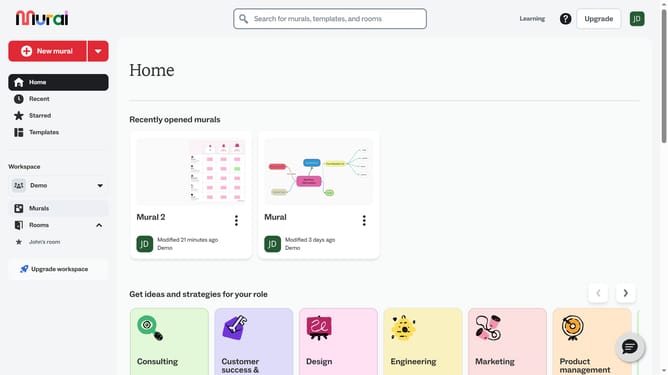
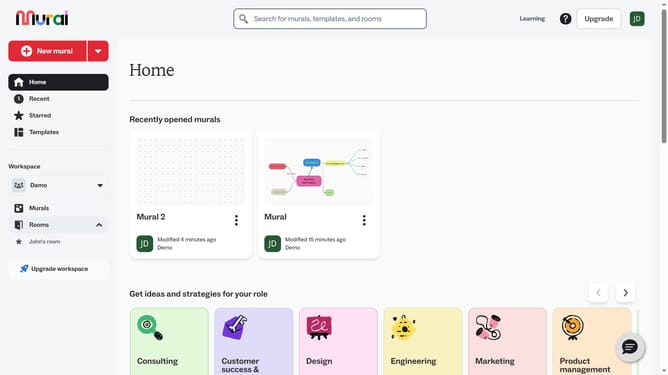
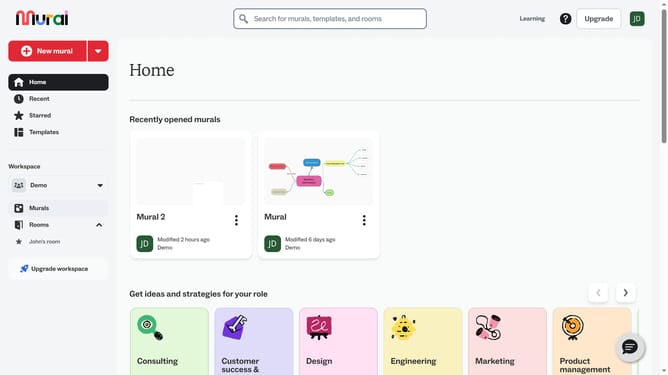
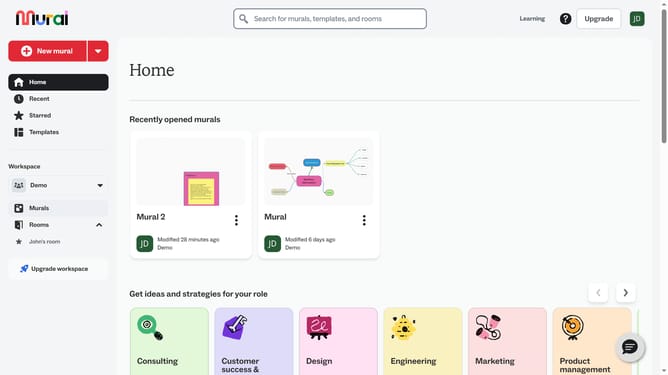
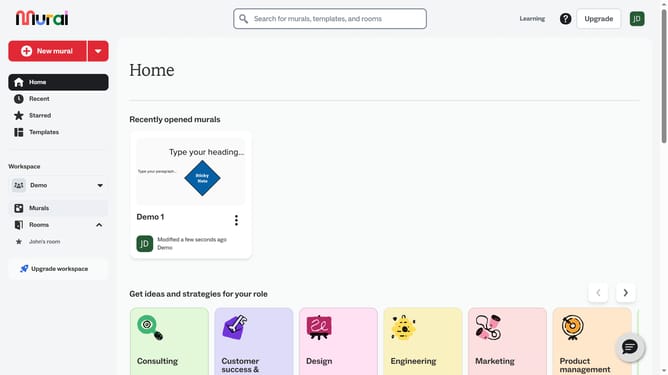
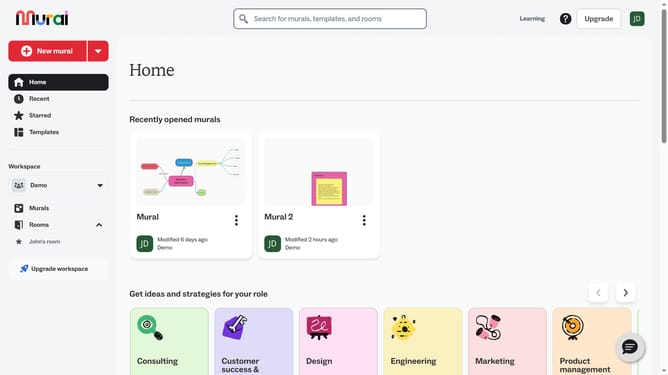
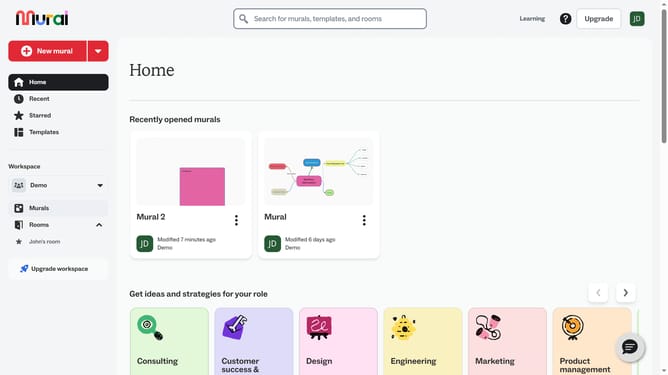
- First click on the "Murals" item in the left sidebar under the Workspace section
- Then click on the mural that you want to manage to open it
- Next click on a table cell to highlight the whole table
- Then click on the "Move" button in the floating toolbar that appears below the selected table
- Finally drag the table to your preferred area in the canvas
Why should you move a table on the canvas in Mural
Mural is an innovative digital workspace designed to enhance collaboration through visual thinking.
Moving a table on the canvas in Mural is an intuitive feature that empowers users to organize content dynamically.
This flexibility allows teams to adjust and rearrange their layouts effortlessly, fostering a more fluid brainstorming session.
By making content easily movable, Mural enhances creativity and productivity, ensuring your workspace adapts to your evolving ideas.
Last update