Mural
Mural is a visual collaboration platform for brainstorming, planning, and running remote workshops on a shared canvas.
Website
Industry
Design
Share this article:

How to see voting results page in Mural

Here is how to see voting results page in mural

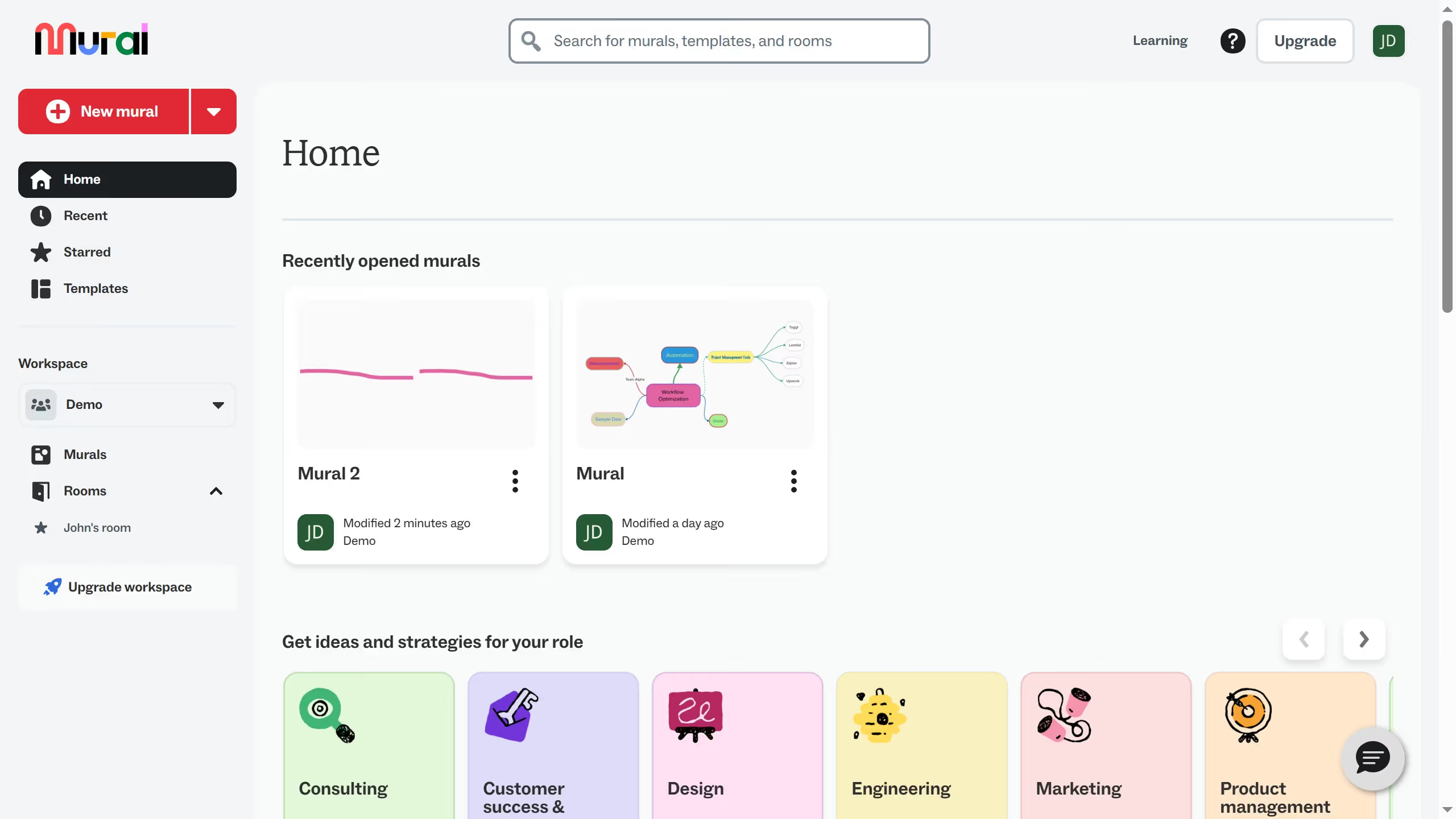
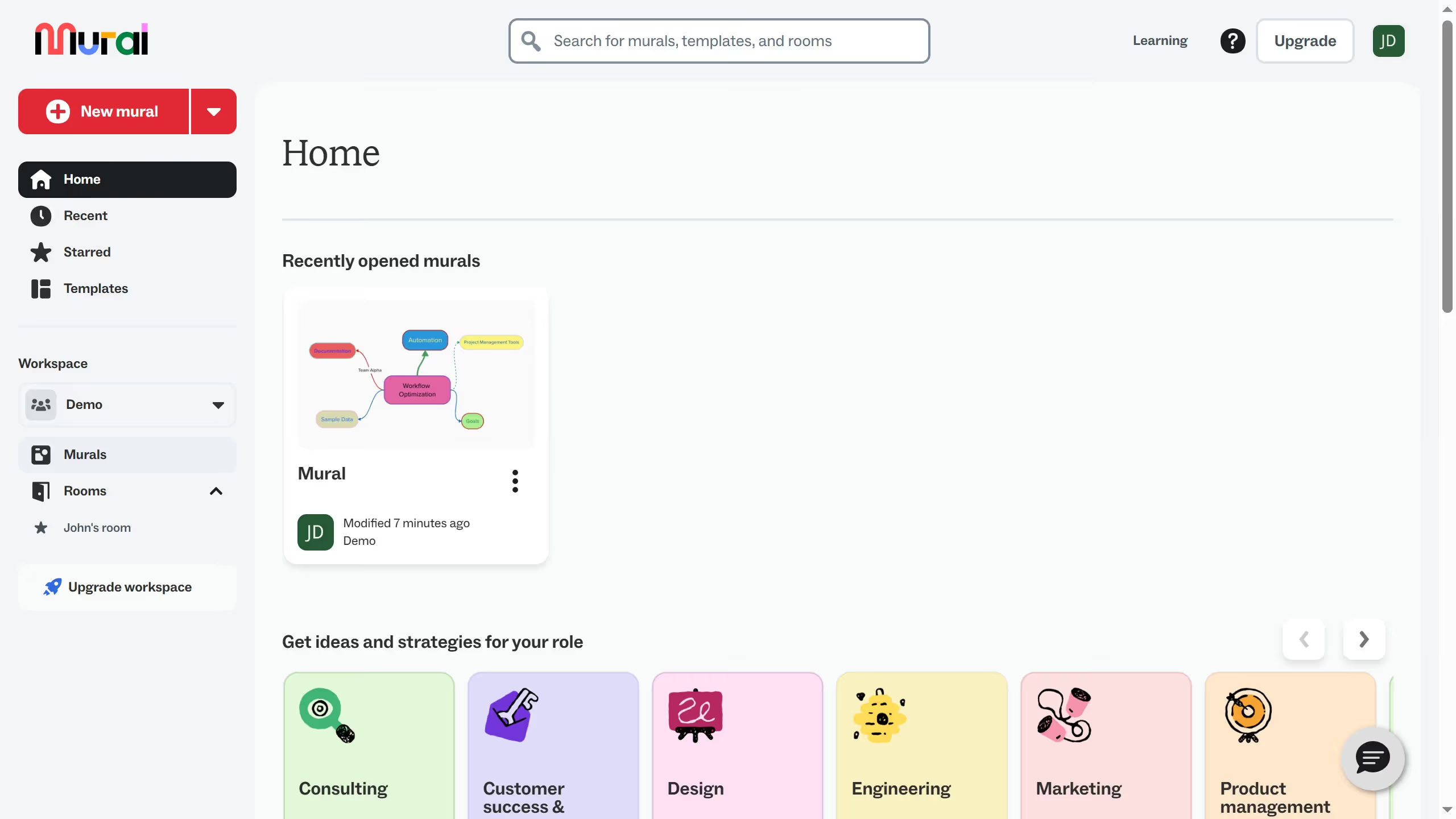
  1. First click on "Murals" in the sidebar to view all murals in the workspace
  2. Then click on the mural that you want to manage to open it
  3. Next click on "Facilitate" button in the top toolbar
  4. Then click on "Voting" option in the facilitate menu
  5. Next click on "Show results page" button in the voting options menu
  6. Then click on the voting results panel to view the detailed results
  7. Finally click on the close button to exit the voting results view

Create your own interactive guide with Guideflow

Why should you see voting results page in Mural

Mural is an intuitive digital workspace where creativity and collaboration flourish.

Viewing the voting results page in Mural is a game-changer for teams looking to streamline decision-making. This feature empowers participants to clearly visualize the group consensus on ideas, enhancing transparency and facilitating productive discussions.

Using this feature ensures that all voices are heard, leading to more inclusive and balanced outcomes. Appreciating collective input has never been easier, fostering a culture of shared success and innovative thinking.

Last update
March 13, 2026
Cursor MariaA cursor points to a button labeled "James."

Create your first demo in less than 30 seconds.