Mural
Mural is a visual collaboration platform for brainstorming, planning, and running remote workshops on a shared canvas.
Website
Industry
Design
Share this article:

How to fit content to screen in Mural

Here is how to fit content to screen in mural

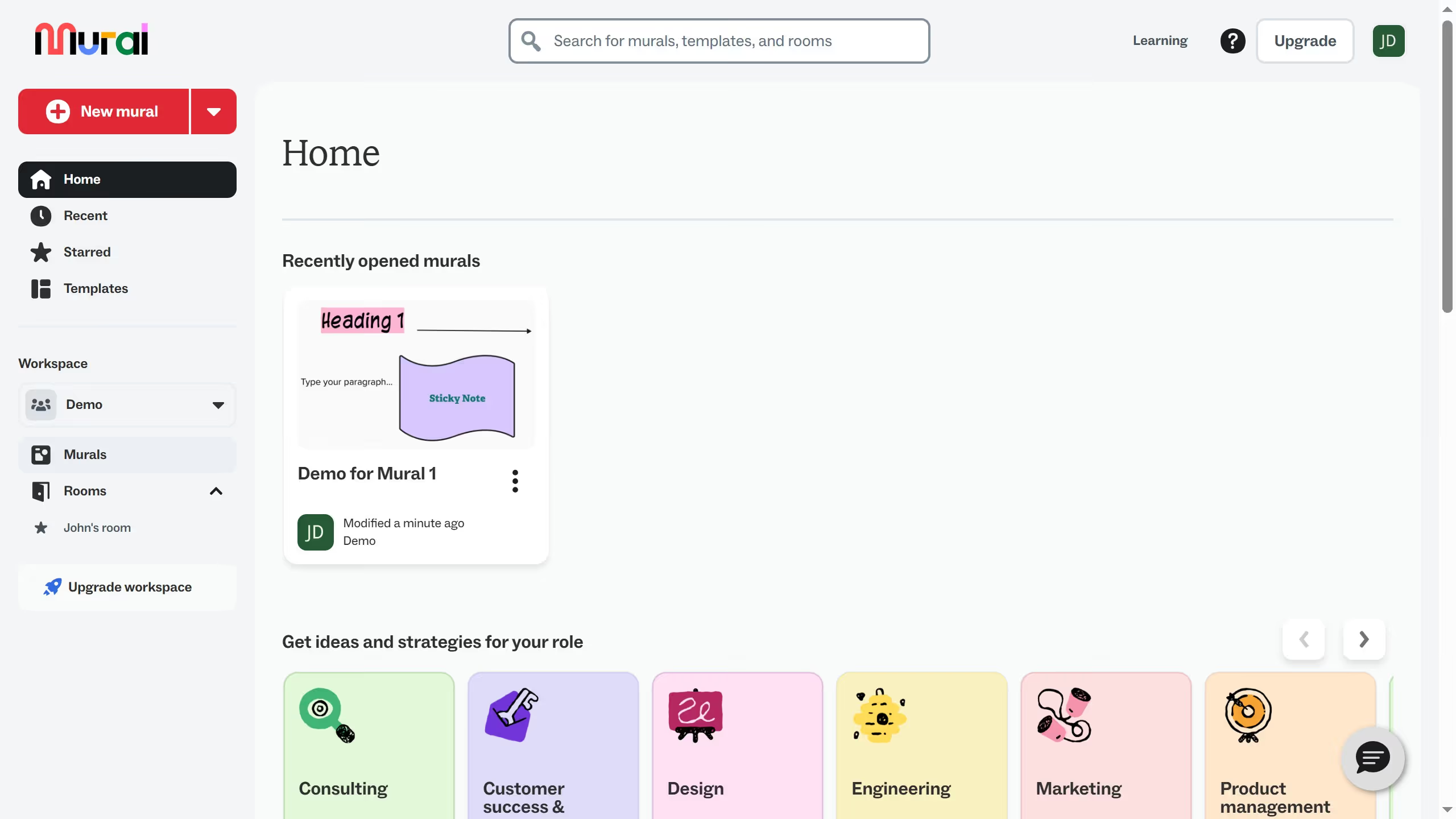
  1. First click on "Murals" in the sidebar to navigate to the murals section
  2. Then click on the mural that you want to manage to open it
  3. Finally click on "Zoom to fit" button in the bottom right corner of the canvas

Create your own interactive guide with Guideflow

Why should you fit content to screen in Mural

Mural is an innovative digital workspace designed to empower creativity and collaboration.

The "fit content to screen" feature in Mural ensures that users can view their entire workspace without the hassle of constant scrolling or zooming. This enhances not only the visual clarity but also improves the overall user experience.

By utilizing this feature, teams can maintain a streamlined workflow, ensuring everyone is literally on the same page during collaborative sessions. It's a simple yet powerful way to maximize productivity and keep the focus on generating ideas and solutions.

Last update
March 13, 2026
Cursor MariaA cursor points to a button labeled "James."

Create your first demo in less than 30 seconds.