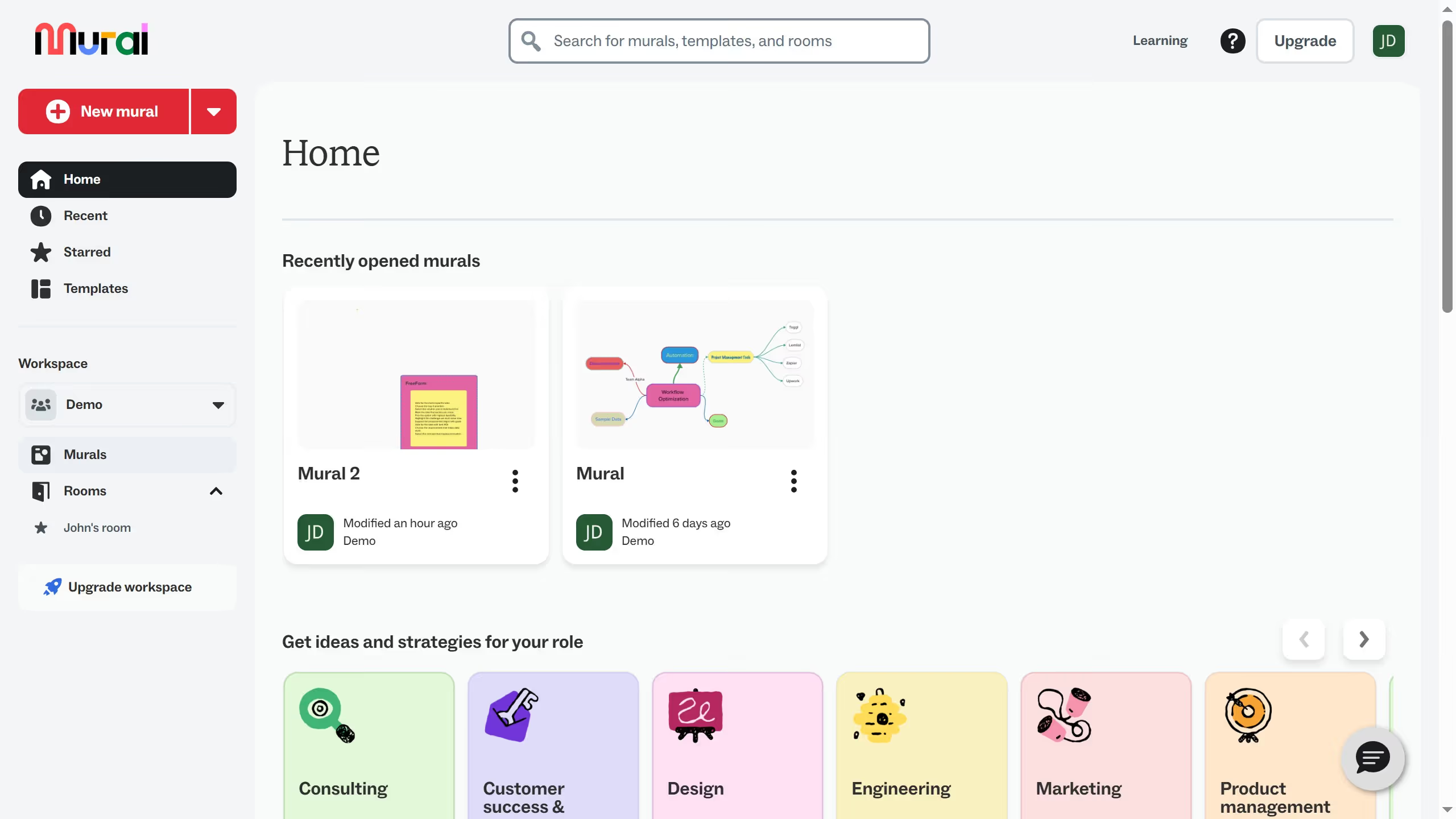
Here is how to resize a template in mural
- First click on "Murals" in the sidebar
- Then click on the mural that you want to manage to open it
- Next click on the main canvas area to begin editing
- Then click on another cell in the lower right section of the table
- Finally release the mouse button to apply the changes