How to center the canvas in Mural
Here is how to center the canvas in mural
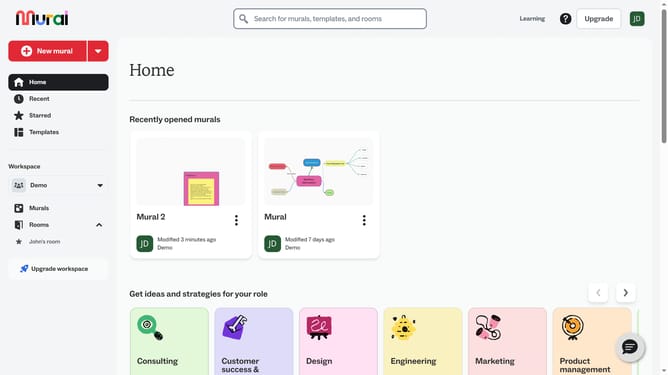
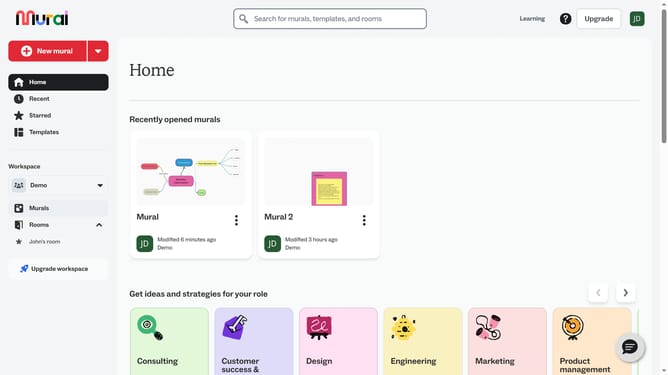
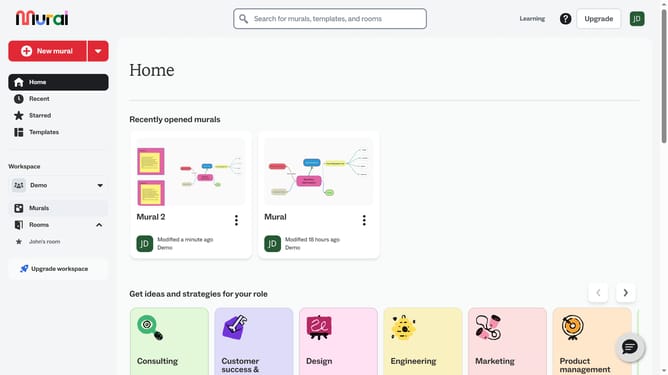
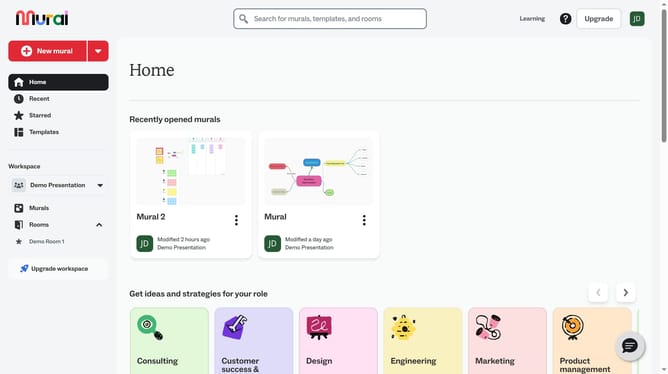
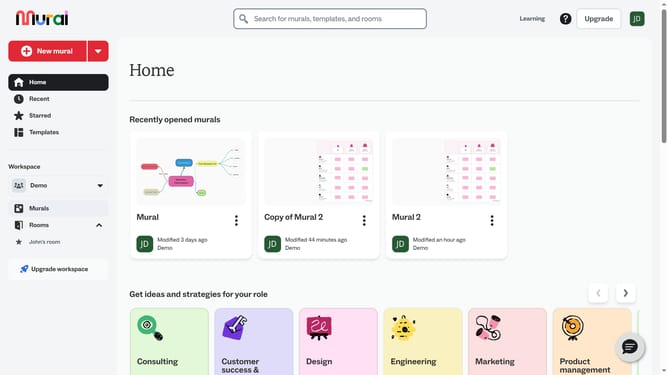
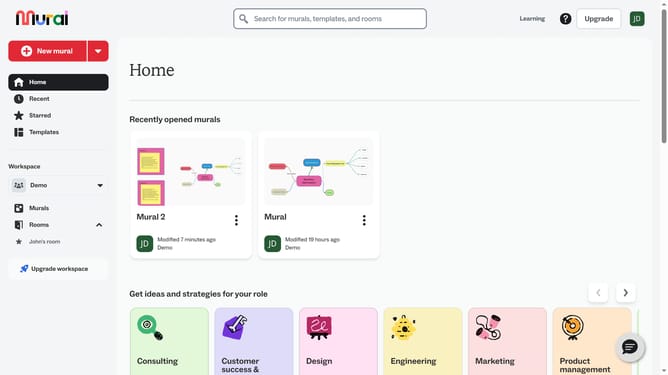
- First click on the "Murals" item in the left sidebar under the Workspace section
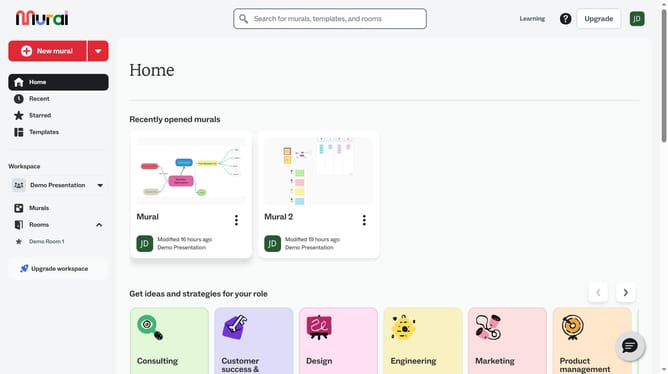
- Then click on the mural you want to center
- Next click on the zoom percentage button in the bottom right corner of the canvas
- Finally click on the "Zoom to fit" option in the zoom menu dropdown
Why should you center the canvas in Mural
Mural is a dynamic digital workspace designed to transform collaborative brainstorming and planning processes.
The feature of centering the canvas in Mural is essential for improving focus and accessibility in your workflow.
By centering the canvas, you effortlessly reorient your workspace, ensuring that key ideas and visuals are prominently displayed.
This feature enhances teamwork by keeping everybody literally on the same page, fostering a more organized and efficient environment for creativity and decision-making.
Last update