Mural
Mural is a visual collaboration platform for brainstorming, planning, and running remote workshops on a shared canvas.
Website
Industry
Design
Share this article:

How to use reactions in an infinite canvas in Mural

Here is how to use reactions in an infinite canvas in mural

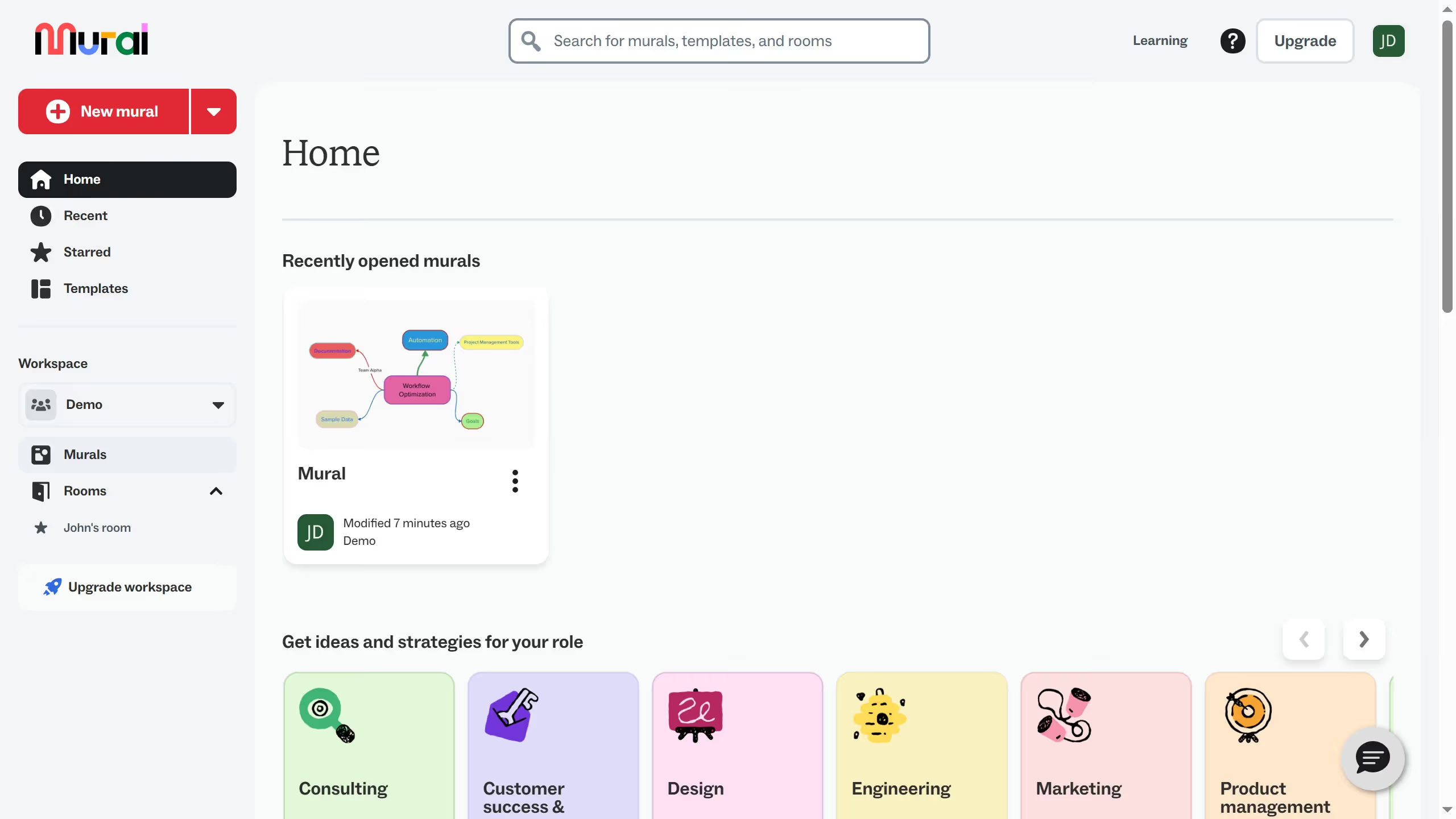
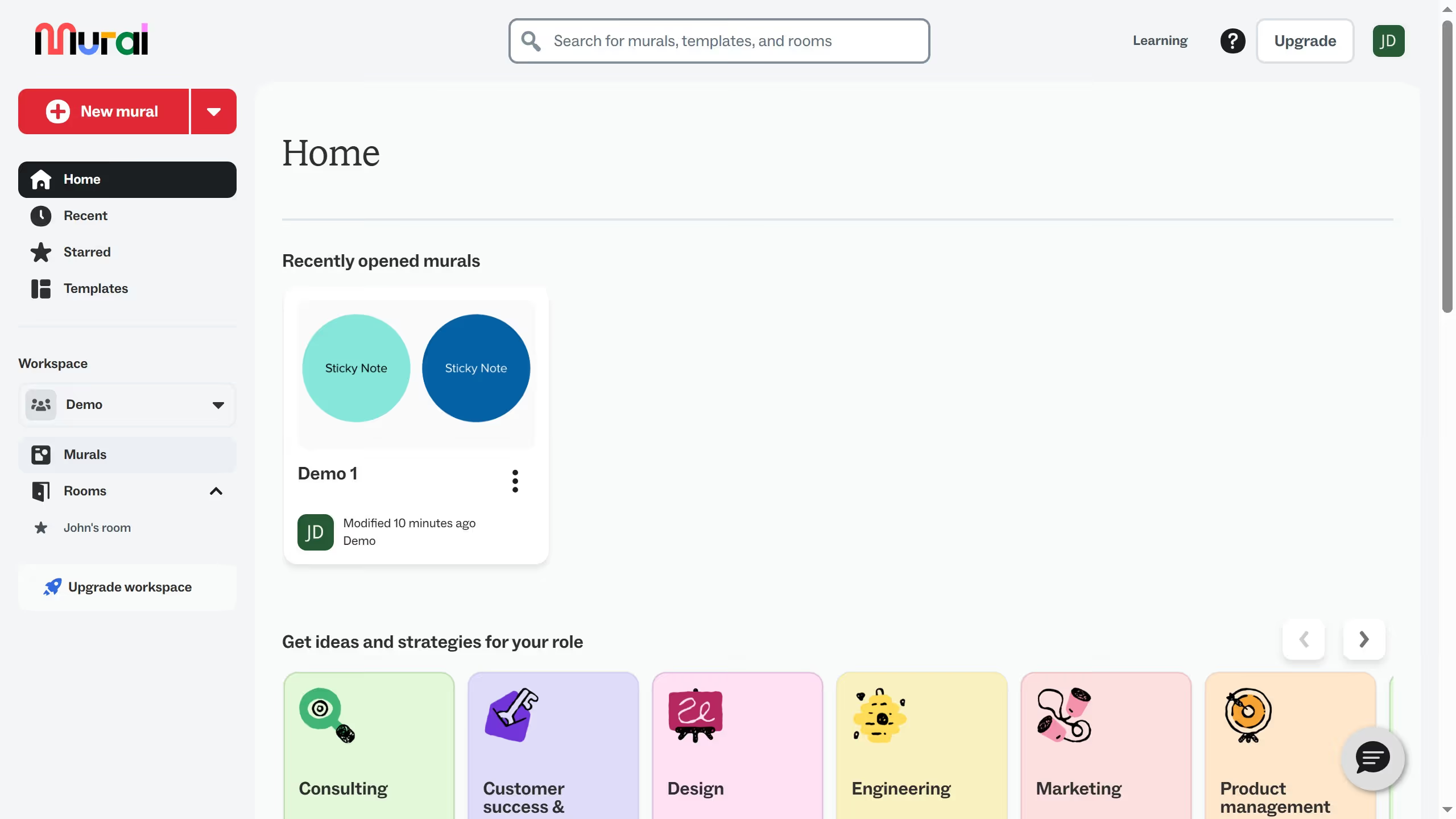
  1. First click on "Murals" in the left sidebar to navigate to the murals section
  2. Then click on the mural filename that you want to manage to open it
  3. Next click on the "Reactions" button in the bottom toolbar to view reaction options
  4. Finally select an emoji reaction from the reactions menu

Create your own interactive guide with Guideflow

Why should you use reactions in an infinite canvas in Mural

Mural transforms collaboration by providing a digital workspace that enables visual teamwork without boundaries.

Using reactions on Mural's infinite canvas allows participants to quickly express feedback, enhancing interaction and engagement. This feature adds a layer of communication that complements the visual elements, making real-time collaboration more dynamic and responsive.

By enabling instant reactions, teams can gather input efficiently, identify trends, and make decisions more effectively. This fosters a more inclusive and participative environment, ultimately driving creativity and innovation.

Last update
March 13, 2026
Cursor MariaA cursor points to a button labeled "James."

Create your first demo in less than 30 seconds.