How to duplicate GIFs in Mural
Here is how to duplicate gifs in mural
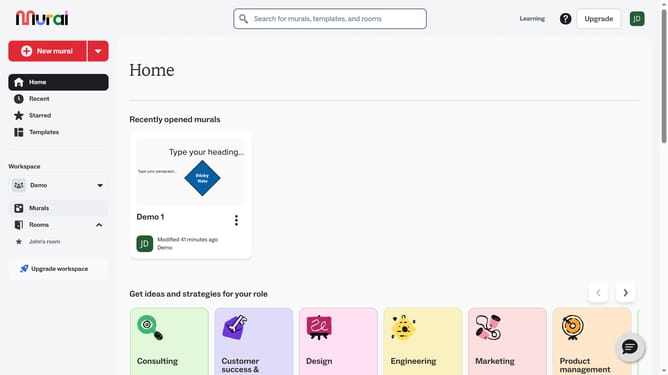
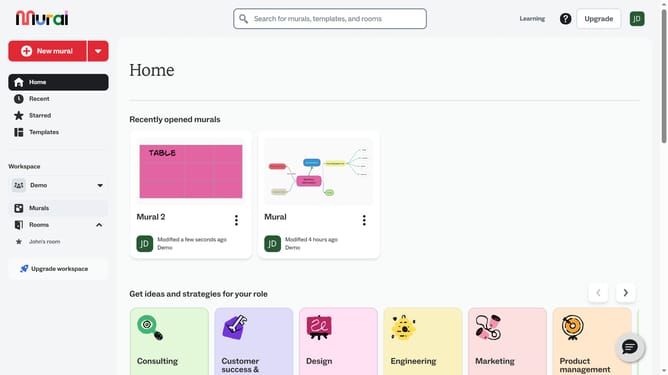
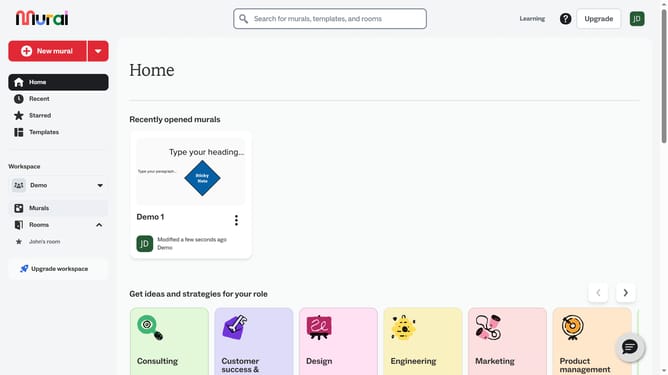
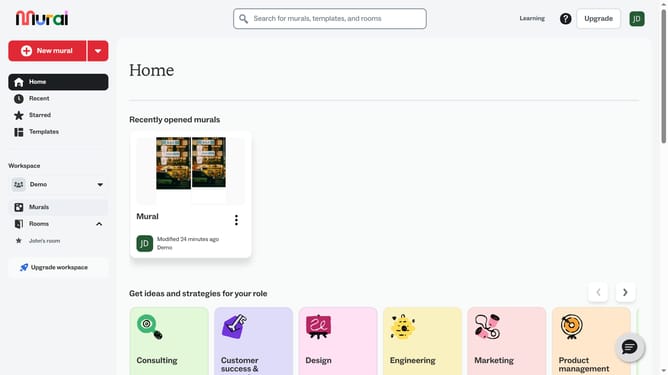
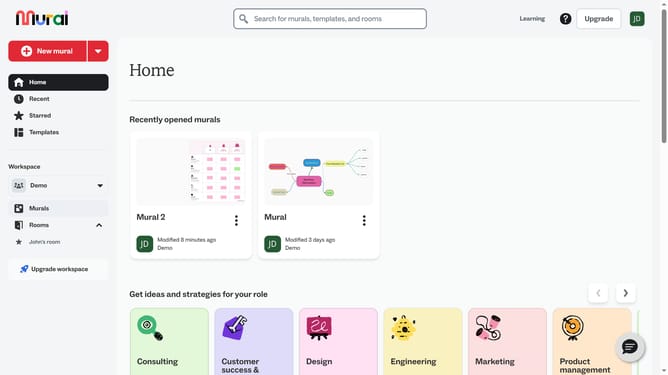
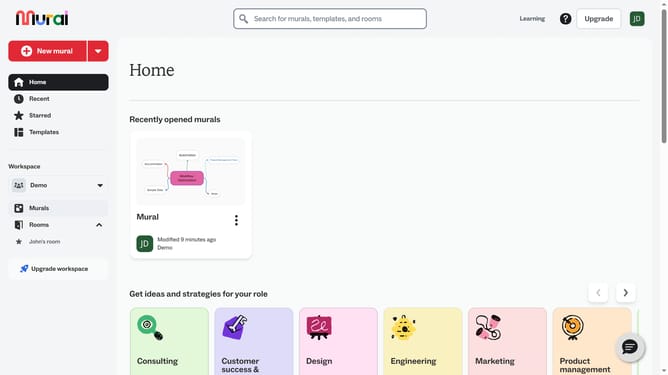
- First click on the "Murals" item in the left sidebar under the Workspace section
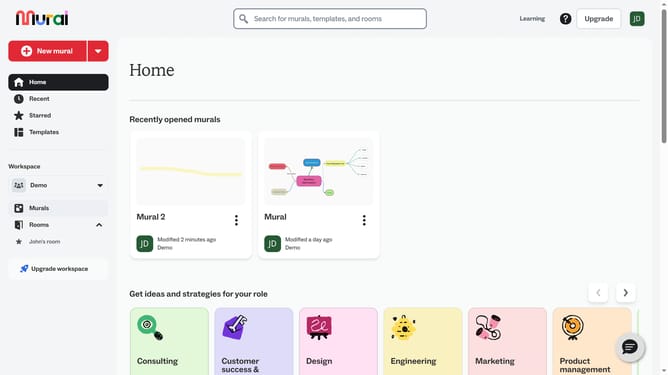
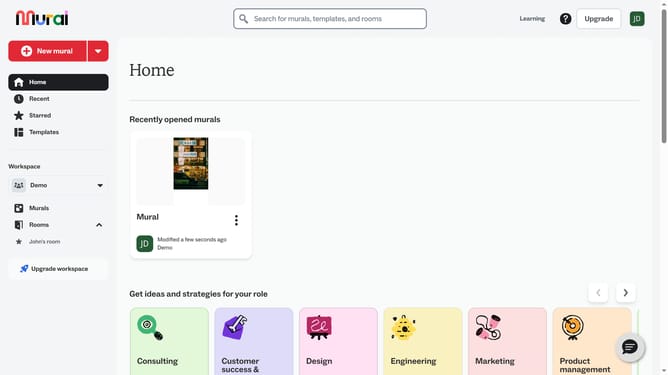
- Then click on the mural name from the murals section to open it
- Then click on the penguin image in the center of the canvas to select it
- Then right-click on the selected image to open the context menu
- Finally click on the "Duplicate" option in the context menu
Why should you duplicate GIFs in Mural
Mural is an innovative digital workspace designed to foster collaboration and creativity through visual collaboration tools.
Duplicating GIFs in Mural is a fantastic feature that simplifies the process of enhancing presentations and collaborative boards with dynamic content. In just a few clicks, you can bring energy and communication into your projects without starting from scratch.
This capability allows teams to maintain consistency across various boards and presentations while enriching their collaborative experience. It also saves time and boosts productivity, ensuring every interaction is engaging and visually appealing.
Last update