How to duplicate a drawing in Mural
Here is how to duplicate a drawing in mural
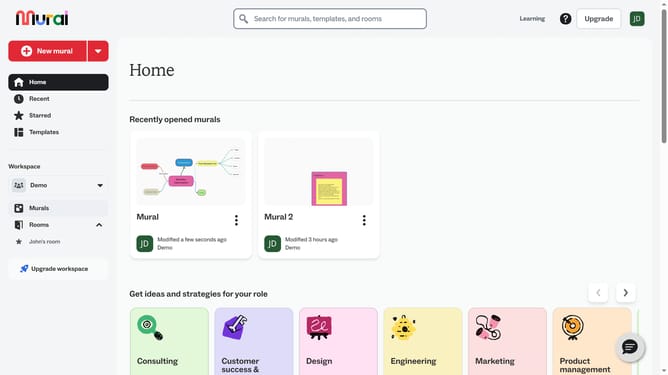
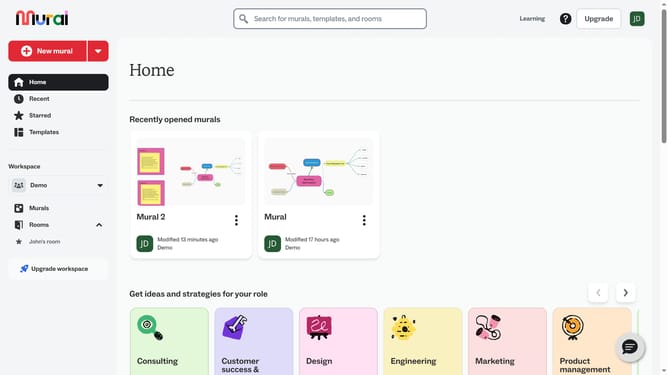
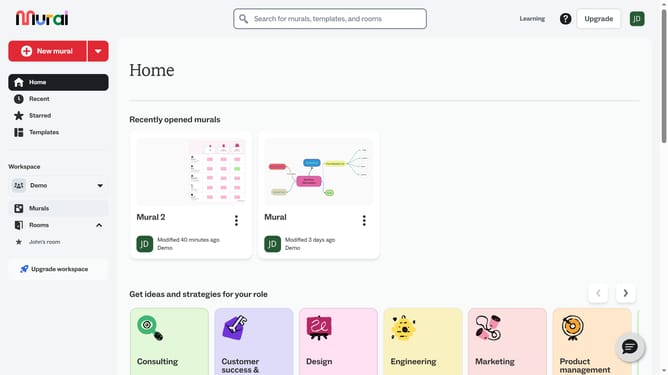
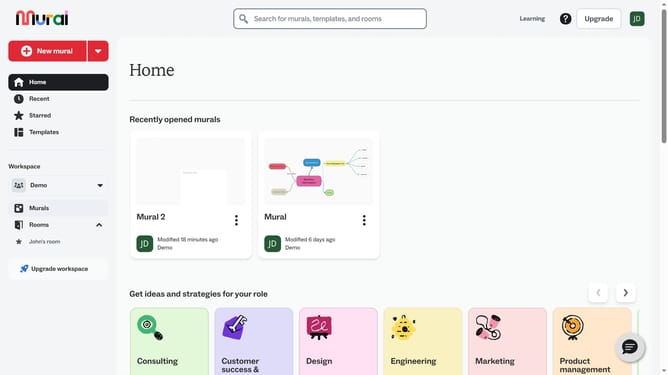
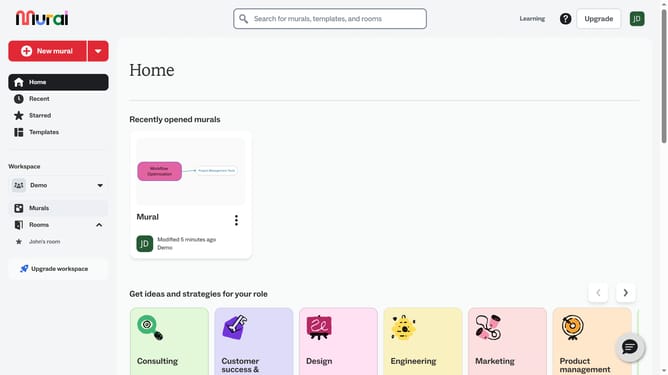
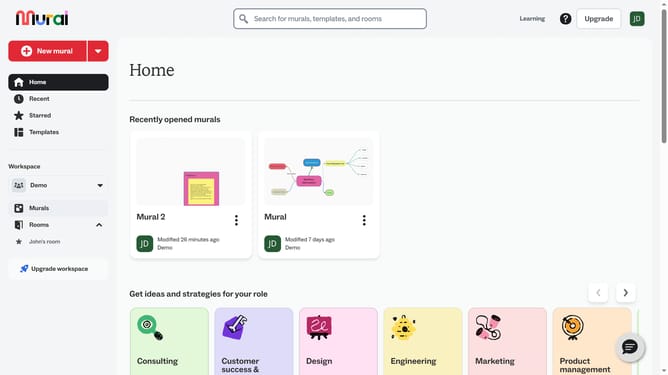
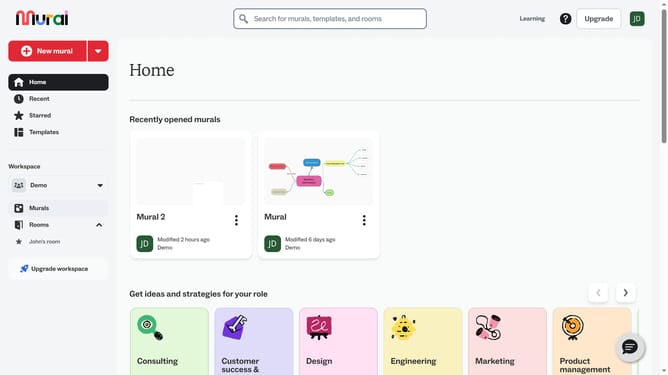
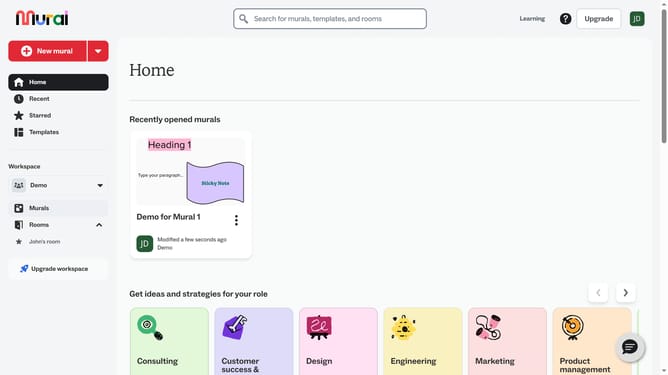
- First click on the "Murals" item in the left sidebar navigation menu
- Then click on the card that you want to manage from the murals section to open it
- Next click on the drawing element in the canvas to select it
- Then right-click on the selected drawing to open the context menu
- Finally click on the "Duplicate" option in the context menu
Why should you duplicate a drawing in Mural
Mural is a dynamic online platform designed to boost collaboration through visual thinking and teamwork.
Duplicating a drawing in Mural is a seamless feature that enhances workflow efficiency. It allows users to effortlessly replicate an existing drawing within their workspace.
This feature is invaluable for teams aiming to maintain consistency across multiple projects or scenarios, saving both time and effort.
By enabling quick duplication, it supports creativity and ensures that ideas can be scaled up or adapted without starting from scratch.
Last update