How to hide caption on images in Mural
Here is how to hide caption on images in mural
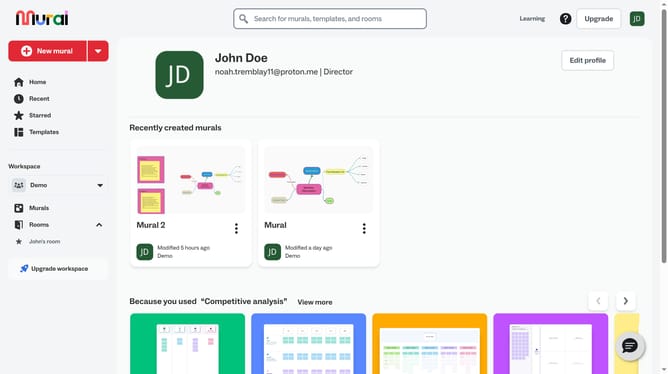
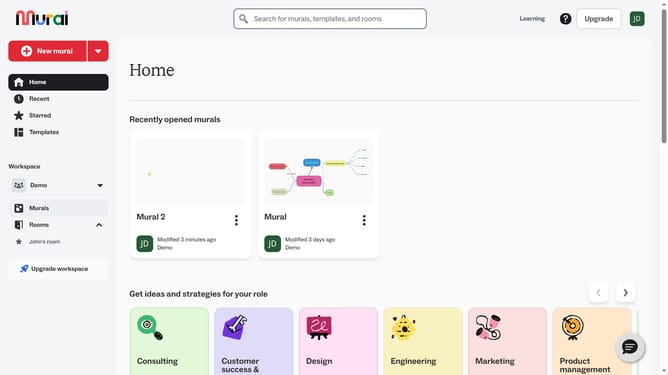
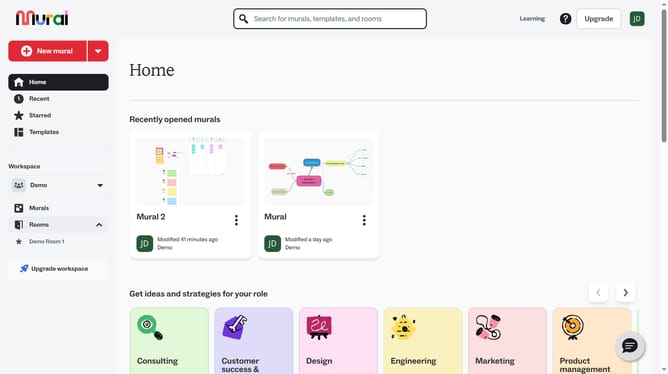
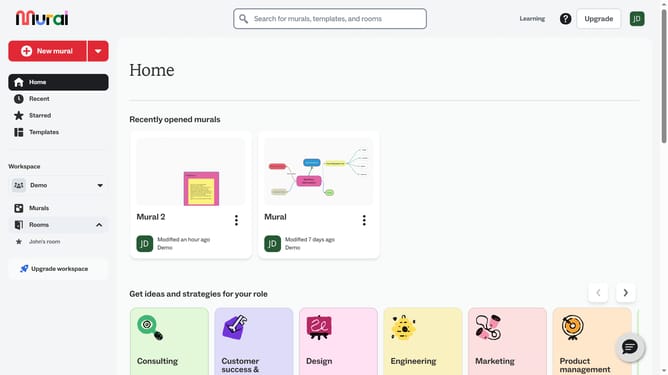
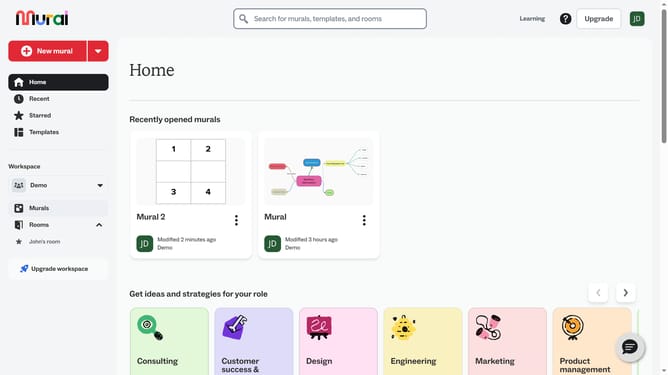
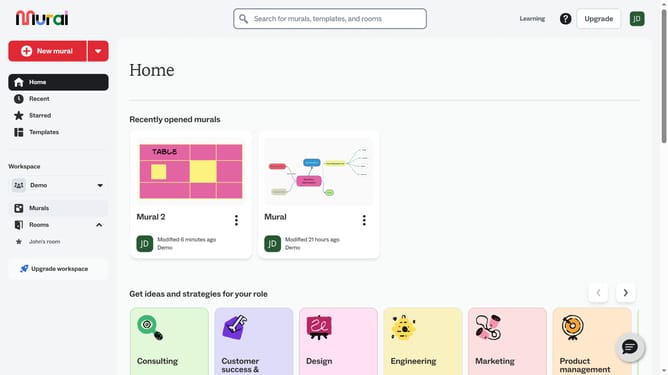
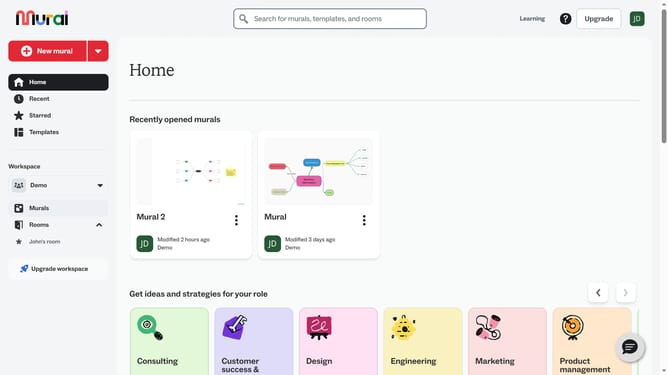
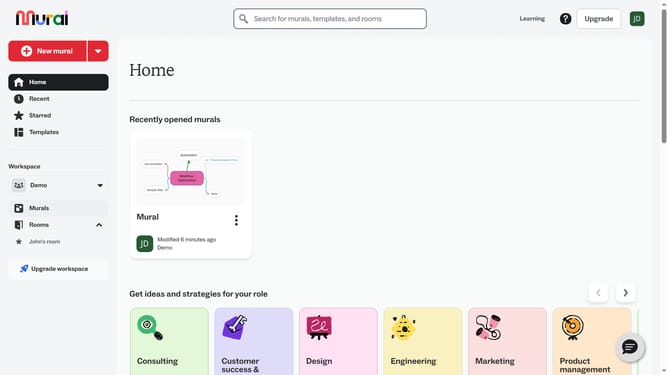
- First click on the "Murals" item in the left sidebar under the Workspace section
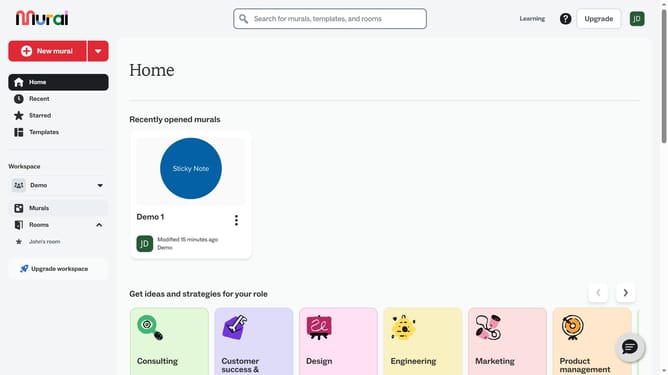
- Then click on the Mural card in the murals section to open it
- Next click on the image element in the canvas
- Finally click on the "Hide caption" button in the top toolbar
Why should you hide caption on images in Mural
Mural is a digital workspace designed to inspire creativity and enhance collaboration among teams.
One of Mural's flexible features is the ability to manage captions on images. Wondering how to hide captions while ensuring your visuals remain focused and uncluttered? It's simple and effective.
By hiding captions, you maintain a clean design flow, allowing team members to engage more seamlessly with the visual content. This enhances focus on the core ideas and encourages clearer communication, ultimately fostering a more productive brainstorming environment.
Last update