How to unmerge table cells in Mural
Here is how to unmerge table cells in mural
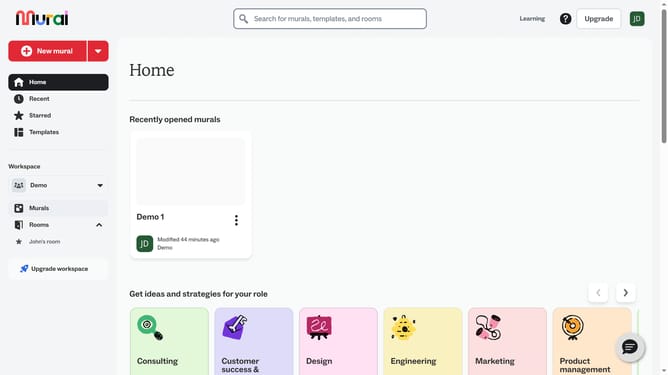
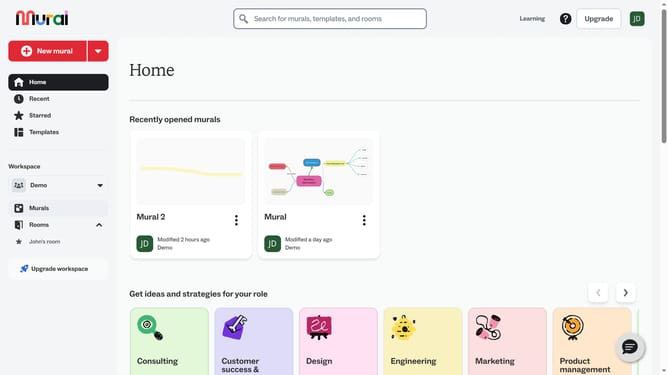
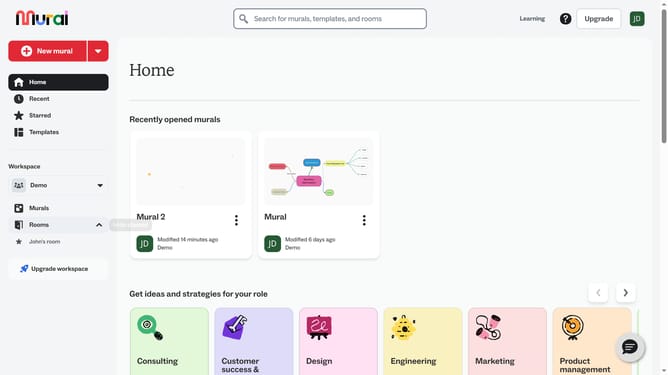
- First click on the "Murals" item in the left sidebar navigation menu
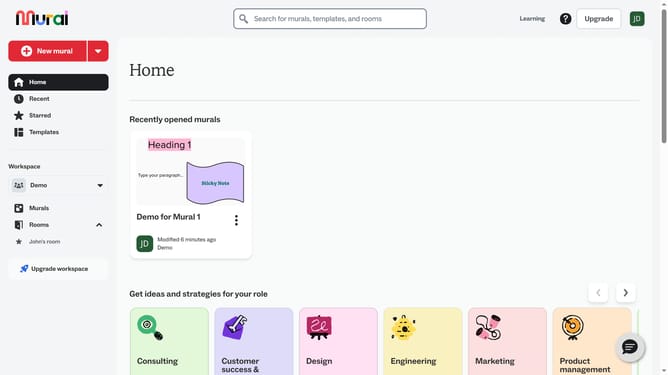
- Then click on the mural that you want to manage to open it
- Next click on the table element in the canvas to select it
- Then click on a table cell that you want to unmerge
- Finally click on the formatting toolbar that appears at the top of the screen and click unmerge cells option
Why should you unmerge table cells in Mural
Mural is a dynamic digital workspace designed to enhance collaboration through visually engaging methods.
Unmerging table cells in Mural is a simple yet effective feature that empowers users to refine their projects quickly. By separating previously merged cells, you gain more flexibility in organizing and restructuring information.
This feature is particularly beneficial when you need to present data with more granularity, allowing for clearer insights and improved decision-making. It enhances the adaptability of your workspace, encouraging creativity and precision.
Last update