Mural
Mural is a visual collaboration platform for brainstorming, planning, and running remote workshops on a shared canvas.
Website
Industry
Design
Share this article:

How to add a comment in an infinite canvas in Mural

Here is how to add a comment in an infinite canvas in mural

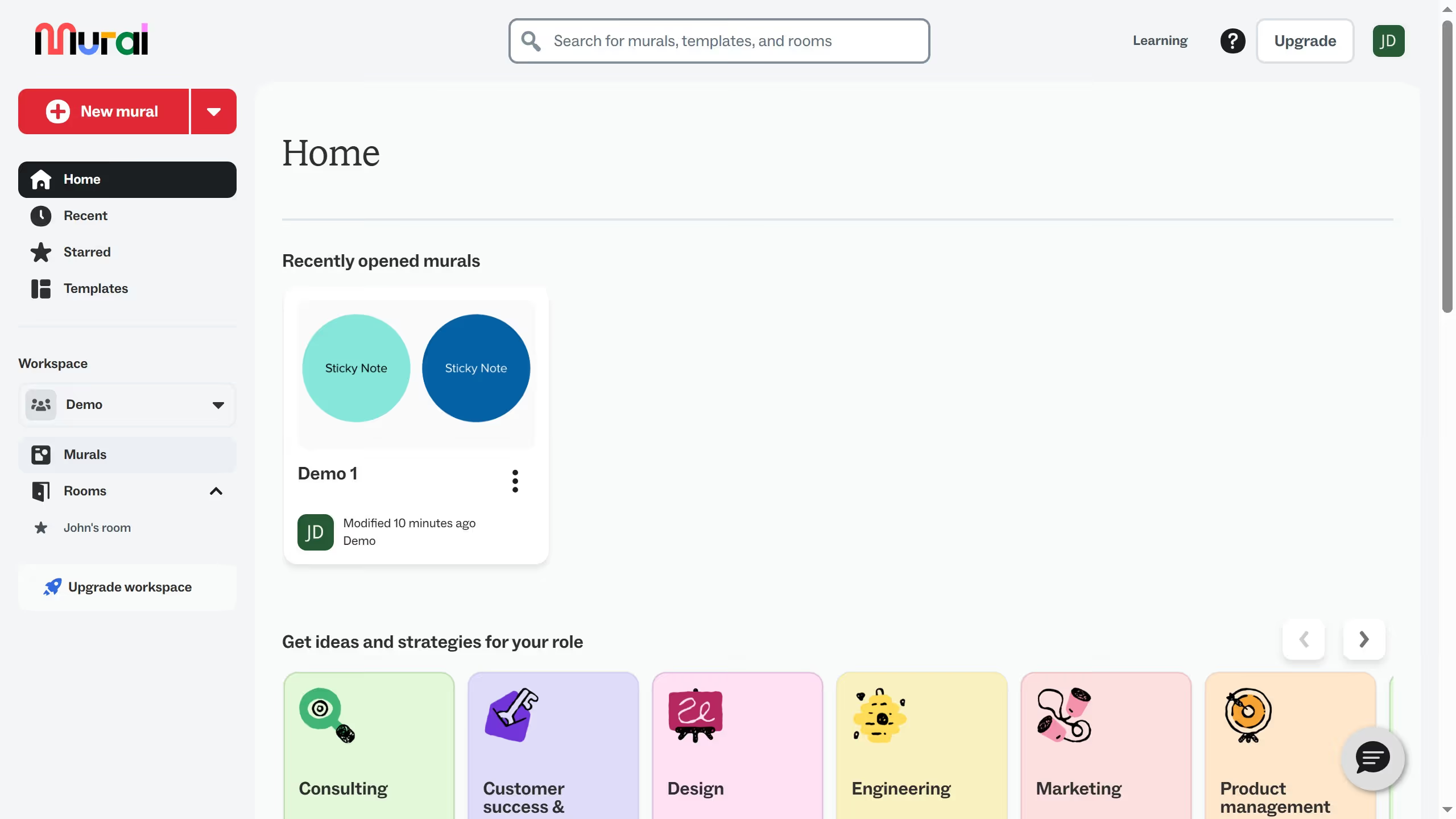
  1. First click on the "Murals" section in the left sidebar
  2. Then click on the mural filename that you want to manage to open it
  3. Next click on an element in the canvas to select it
  4. Then right-click on the element to open the context menu
  5. Next hover your mouse to the "Add content" option and click on "Comment"
  6. Then click in the comment text field in the right panel
  7. Next type "@" in the comment field to mention someone and enter your comment
  8. Finally click on the "Send" button to submit the comment

Create your own interactive guide with Guideflow

Why should you add a comment in an infinite canvas in Mural

Mural is a dynamic, visual collaboration platform, designed to bring your creative ideas to life through an infinite canvas.

Adding a comment in Mural's infinite canvas is an intuitive feature that fosters collaboration and real-time feedback.

By using comments, team members can share insights, ask questions, and address concerns directly within the visual map, enhancing communication and reducing confusion.

This functionality ensures that everyone stays on the same page, boosting productivity and streamlining the workflow with a blend of creativity and clarity.

Last update
March 16, 2026
Cursor MariaA cursor points to a button labeled "James."

Create your first demo in less than 30 seconds.