How to add border to GIFs in Mural
Here is how to add border to gifs in mural
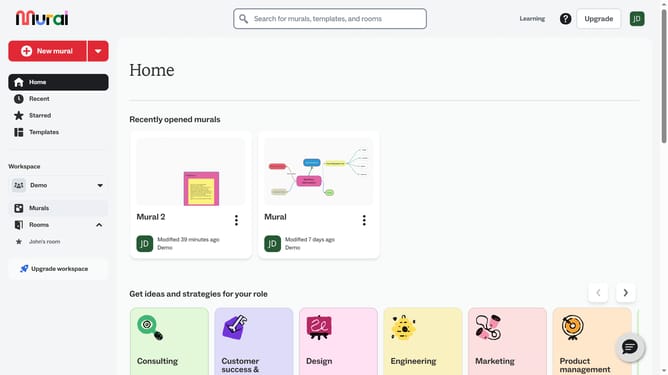
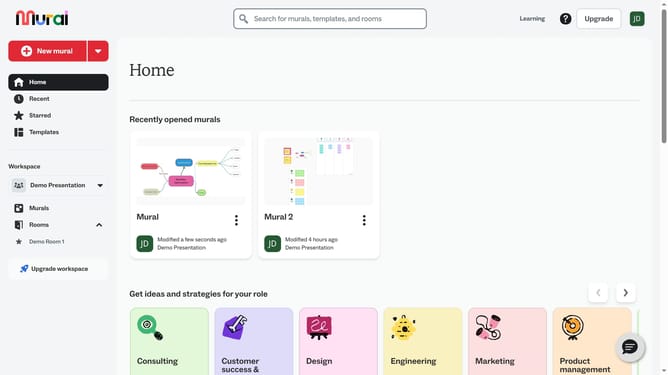
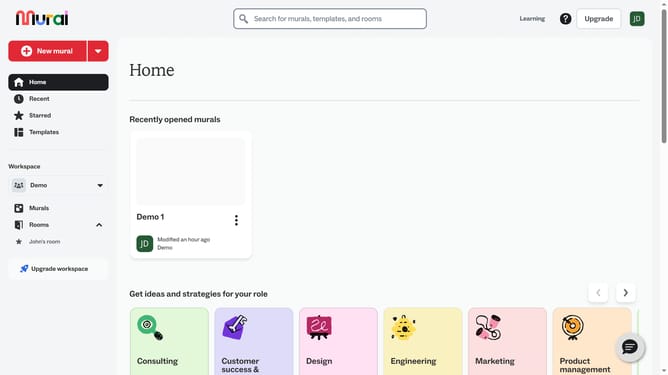
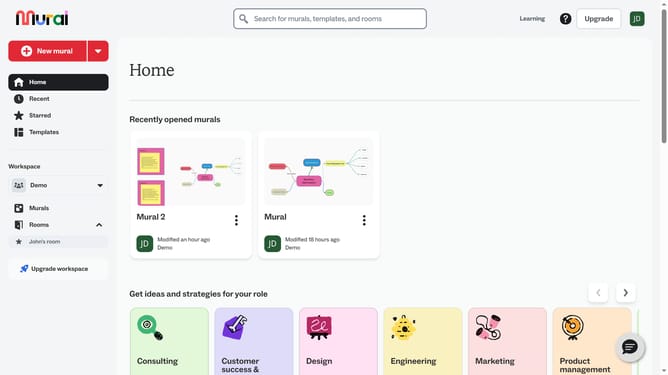
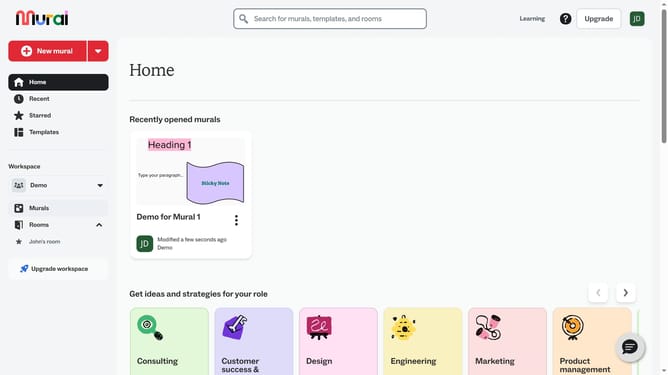
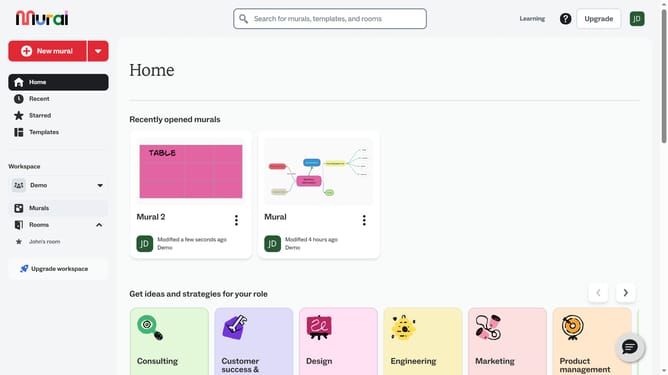
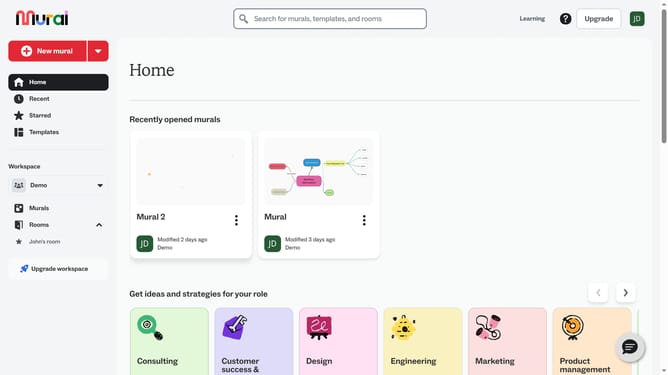
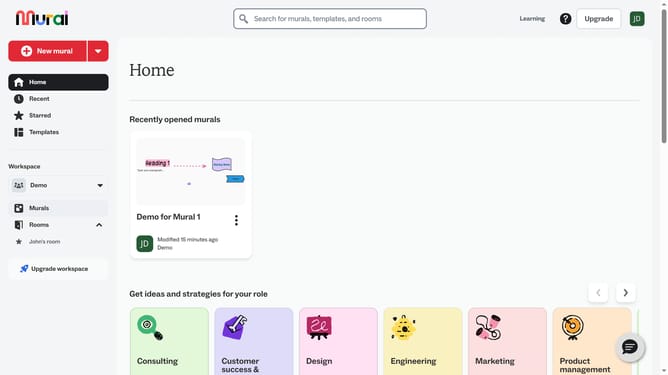
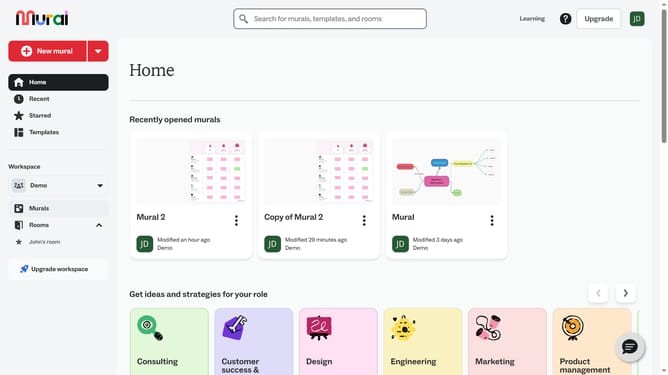
- First click on the "Murals" item in the left sidebar under the Workspace section
- Then click on the mural title to open it
- Next click on the GIF element in the mural to select it
- Finally click on the "Border" button in the formatting toolbar that appears above the selected element
Why should you add border to GIFs in Mural
Mural is a dynamic collaboration platform designed to enhance team creativity and productivity.
Adding borders to GIFs in Mural is a feature that allows users to emphasize and stylize content effortlessly.
This tool is particularly useful for drawing attention to specific elements within your presentation or collaborative project.
By framing GIFs, the overall aesthetic of your mural is elevated, creating a more polished and coherent visual narrative that captures the audience's interest.
Last update