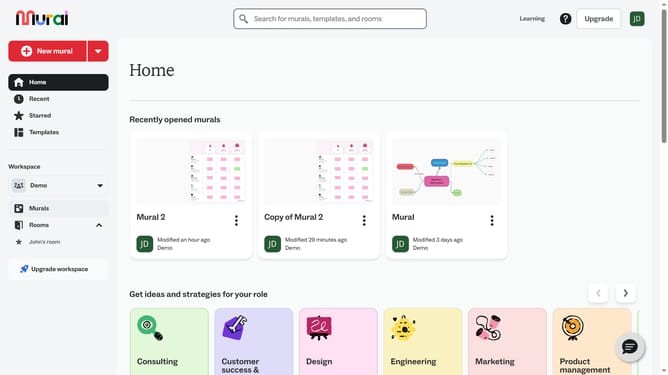
How to add templates in Mural
Here is how to add templates in mural
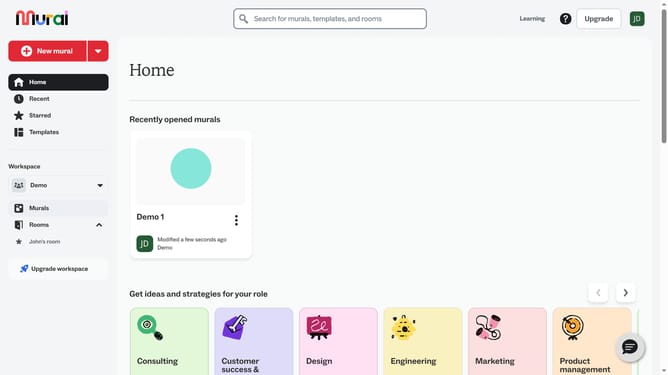
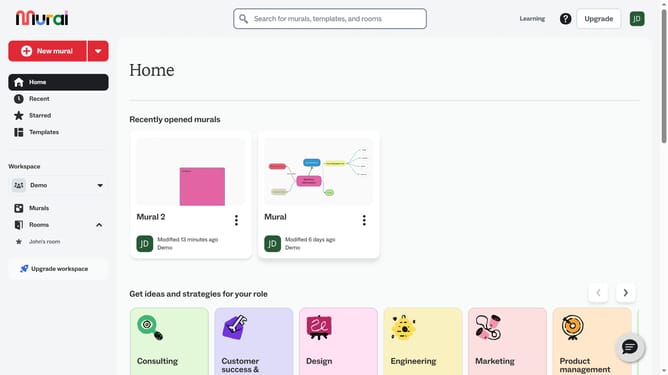
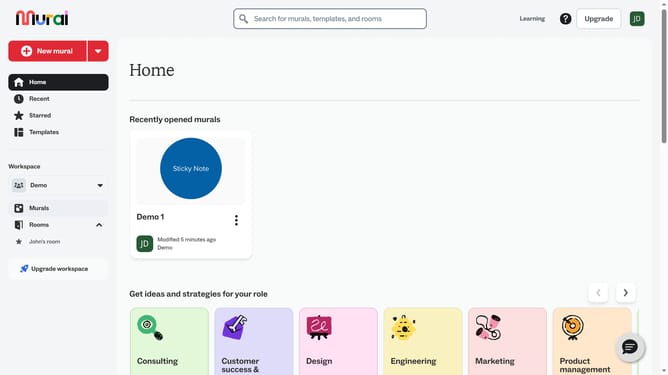
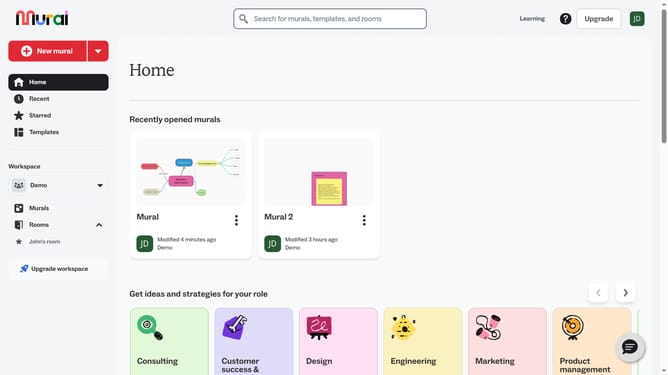
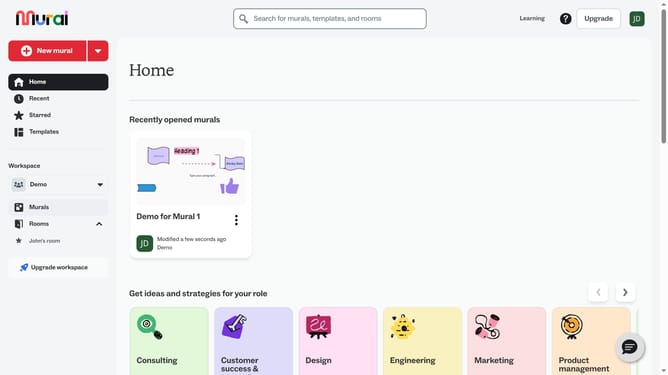
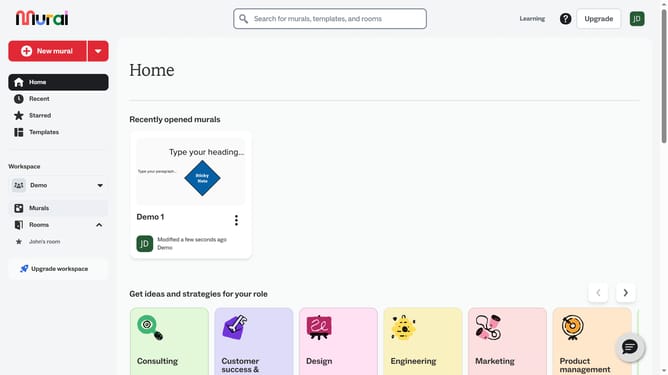
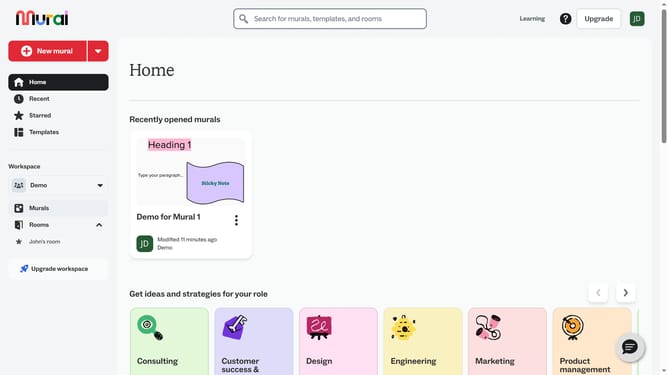
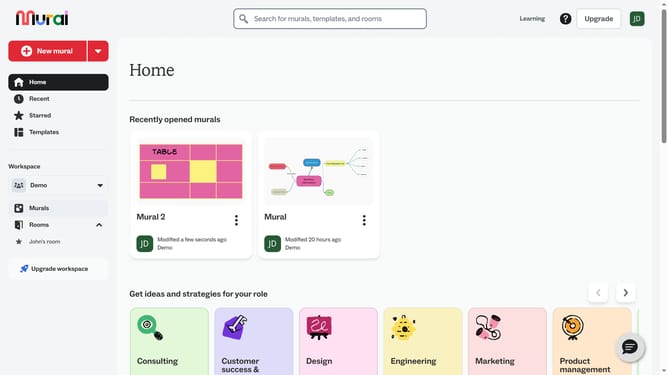
- First click on the mural that you want to manage to open it
- Then click the “Templates” option from the left toolbar to browse or search for a template
- Finally, click the "Add" option on the template to add it to the canvas
Why should you add templates in Mural
Mural is an intuitive digital workspace designed for visual collaboration.
With its robust template feature, Mural allows users to streamline the brainstorming process efficiently and creatively.
Add templates to simplify complex projects, saving time and ensuring consistency throughout your team’s workflow. By offering a variety of pre-designed layouts, these templates serve as a launching pad for inspiration and innovation.
Embrace Mural's convenience to enhance collaboration, turning scattered ideas into organized plans effortlessly.
Last update